Haikyuu!! Wallpapers New Tab
Haikyuu Wallpaper New Tab - Install and get a better looking chrome with Haikyuu!! theme extension
ما هو Haikyuu!! Wallpapers New Tab؟
Haikyuu!! Wallpapers New Tab هو إضافة Chrome تم تطويرها بواسطة https://gameograf.com، والميزة الرئيسية لها هي " Haikyuu Wallpaper New Tab - Install and get a better looking chrome with Haikyuu!! theme extension".
لقطات شاشة التمديد
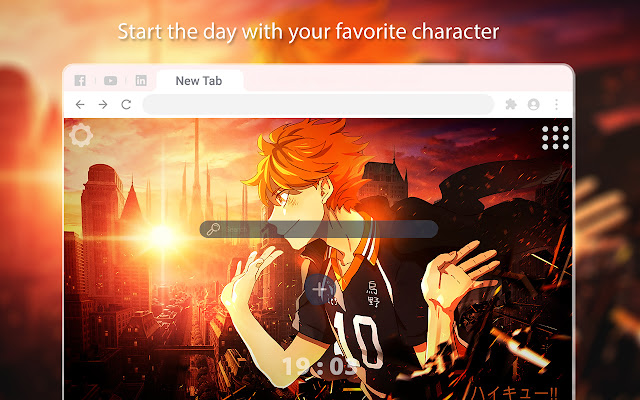
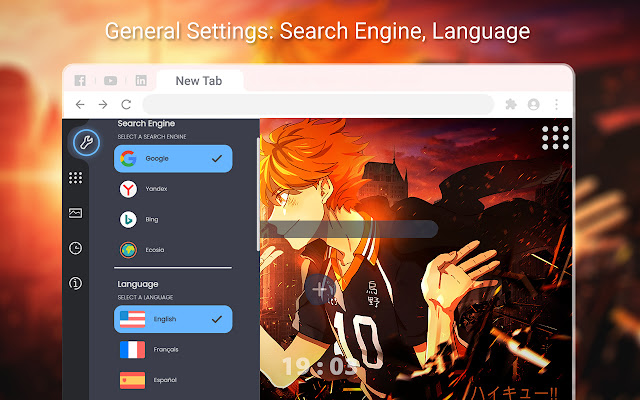
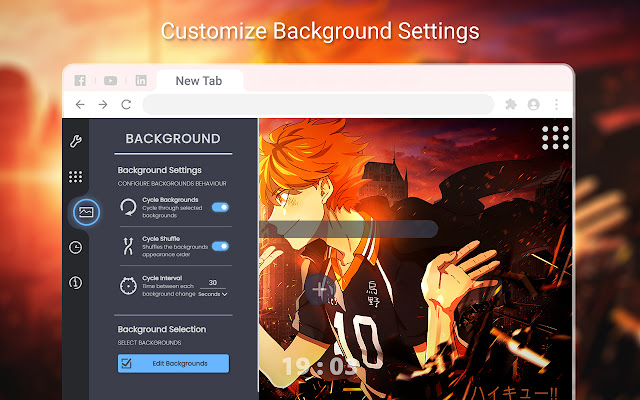
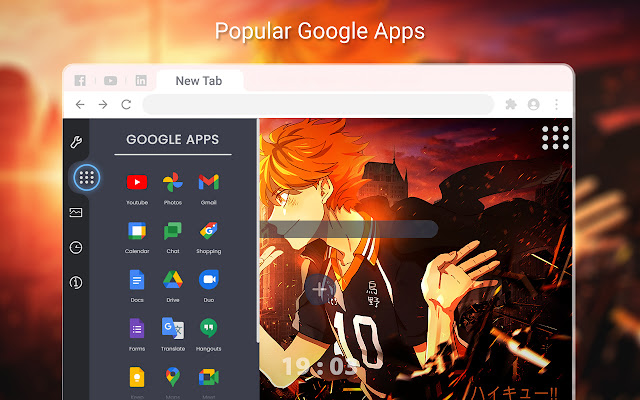
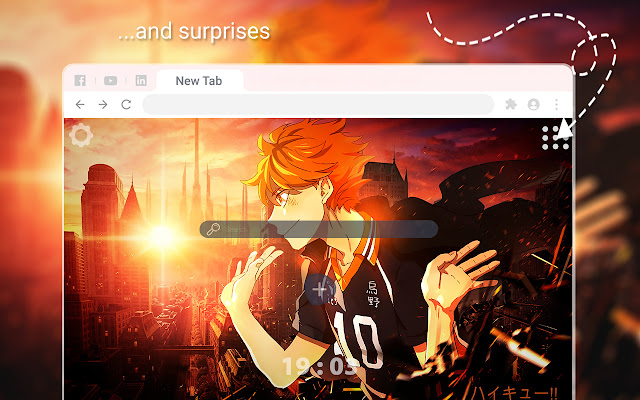
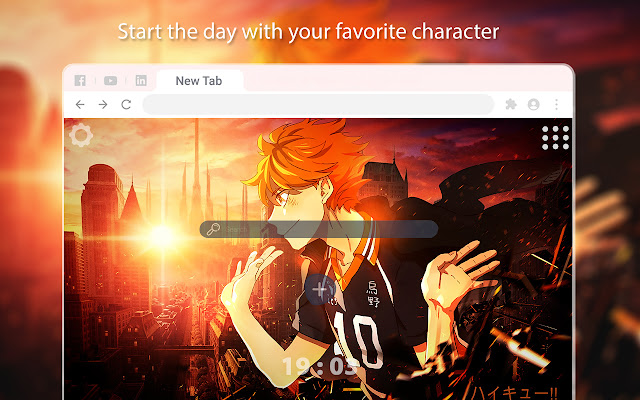

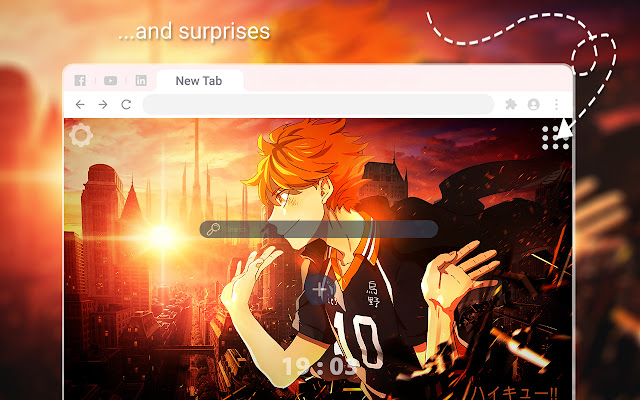
تحميل ملف CRX للإضافة Haikyuu!! Wallpapers New Tab
قم بتنزيل ملفات الامتداد Haikyuu!! Wallpapers New Tab بتنسيق crx ، وقم بتثبيت الامتدادات يدويًا في متصفح Chrome ، أو شارك ملفات crx مع الأصدقاء لتثبيت الامتدادات بسهولة.
تعليمات استخدام التمديد
                        Install the Chrome extension specially designed for Haikyuu fans. Greet you with a new Haikyuu wallpaper every time you open a new tab. If you wish, you can fix the wallpaper you like. Enjoy Haikyuu New Tab for Google Chrome. After installing the Haikyuu Chrome extension, you will now have a special design

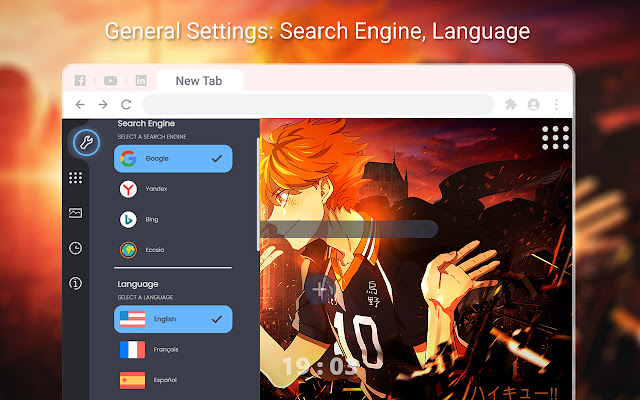
*General Settings
*Search Engine
*Languages
*Customize Background Settings
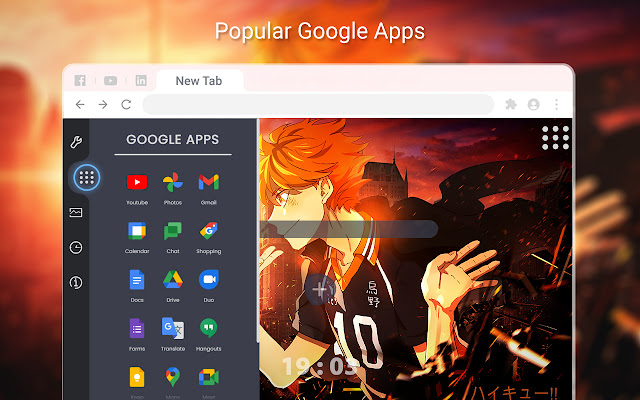
*Popular Google Apps
*Clock
*Countdown
*Popular Games
معلومات أساسية عن التمديد
| الاسم |  Haikyuu!! Wallpapers New Tab Haikyuu!! Wallpapers New Tab |
| ID | laphgknfngdmhmofpepikkdplogblbio |
| عنوان URL الرسمي | https://chrome.google.com/webstore/detail/haikyuu-wallpapers-new-ta/laphgknfngdmhmofpepikkdplogblbio |
| الوصف | Haikyuu Wallpaper New Tab - Install and get a better looking chrome with Haikyuu!! theme extension |
| حجم الملف | 12.97 MB |
| عدد التثبيتات | 112 |
| النسخة الحالية | 1.0 |
| آخر تحديث | 2023-02-21 |
| تاريخ النشر | 2023-02-21 |
| المطور | https://gameograf.com |
| البريد الإلكتروني | [email protected] |
| نوع الدفع | free |
| عنوان صفحة سياسة الخصوصية | https://gameograf.com/privacy-policy |
| اللغات المدعومة | en |
| manifest.json | |
{
    "update_url": "https:\/\/clients2.google.com\/service\/update2\/crx",
    "manifest_version": 3,
    "version": "1.0",
    "name": "__MSG_appName__",
    "default_locale": "en",
    "description": "__MSG_appDesc__",
    "action": {
        "default_icon": "icon.png"
    },
    "offline_enabled": true,
    "background": {
        "service_worker": "js\/service-worker.js"
    },
    "chrome_url_overrides": {
        "newtab": "index.html"
    },
    "permissions": [],
    "icons": {
        "128": "icon.png"
    },
    "author": "Editor"
} | |