New Tab Chrome Experiments
A new Chrome Experiment each time you open a new tab
ما هو New Tab Chrome Experiments؟
New Tab Chrome Experiments هو إضافة Chrome تم تطويرها بواسطة http://mikecann.co.uk، والميزة الرئيسية لها هي "A new Chrome Experiment each time you open a new tab".
لقطات شاشة التمديد
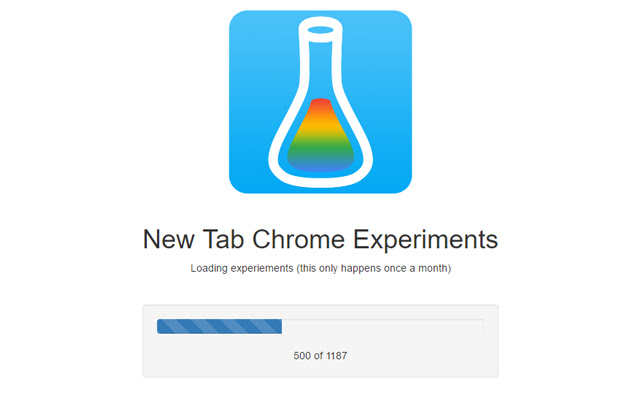
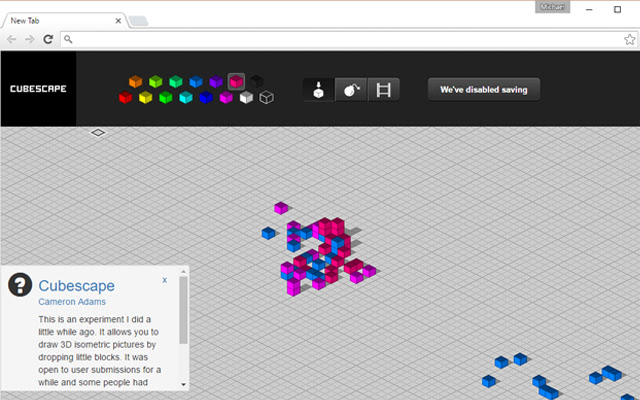

تحميل ملف CRX للإضافة New Tab Chrome Experiments
قم بتنزيل ملفات الامتداد New Tab Chrome Experiments بتنسيق crx ، وقم بتثبيت الامتدادات يدويًا في متصفح Chrome ، أو شارك ملفات crx مع الأصدقاء لتثبيت الامتدادات بسهولة.
تعليمات استخدام التمديد
                        New Tab Chrome Experiments
--------------------------

ChromeExperiments.com has so many cool experiments, using this extension you get to see a new one each time you open a new tab!

If you like this extension then tell others and leave a nice review!

This extension is free and open-source: https://github.com/mikecann/new-tab-chrome-experiments

Release History
---------------

v1.2
- Removed unnecessary permission

v1.1
- Changed shortname

v1.0
- Initial Release!
معلومات أساسية عن التمديد
| الاسم |  New Tab Chrome Experiments New Tab Chrome Experiments |
| ID | ooopblodejpcihjoaepffbkkhfeeofhp |
| عنوان URL الرسمي | https://chrome.google.com/webstore/detail/new-tab-chrome-experiment/ooopblodejpcihjoaepffbkkhfeeofhp |
| الوصف | A new Chrome Experiment each time you open a new tab |
| حجم الملف | 709 KB |
| عدد التثبيتات | 74 |
| النسخة الحالية | 1.2 |
| آخر تحديث | 2016-06-27 |
| تاريخ النشر | 2016-06-27 |
| تقييم | 1.00/5 مجموع تقييمات 1 |
| المطور | http://mikecann.co.uk |
| البريد الإلكتروني | [email protected] |
| نوع الدفع | free |
| موقع الإضافة | http://mikecann.co.uk |
| اللغات المدعومة | en-GB |
| manifest.json | |
{
    "update_url": "https:\/\/clients2.google.com\/service\/update2\/crx",
    "name": "New Tab Chrome Experiments",
    "short_name": "NTCE",
    "manifest_version": 2,
    "description": "A new Chrome Experiment each time you open a new tab",
    "version": "1.2",
    "permissions": [
        "storage",
        "unlimitedStorage"
    ],
    "background": {
        "page": "background.html"
    },
    "options_ui": {
        "page": "options.html",
        "chrome_style": true
    },
    "minimum_chrome_version": "29",
    "icons": {
        "16": "images\/icon16.png",
        "32": "images\/icon32.png",
        "48": "images\/icon48.png",
        "128": "images\/icon128.png"
    },
    "chrome_url_overrides": {
        "newtab": "newtab.html"
    },
    "web_accessible_resources": [
        "images\/*",
        "*.html"
    ]
} | |