Bing Search Automator
Performs 60 bing searches including an affiliate link
Co je Bing Search Automator?
Bing Search Automator je rozšíření Chrome vyvinuté bingautomaticsearch, a jeho hlavní funkcí je „Performs 60 bing searches including an affiliate link“.
Snímky obrazovky rozšíření
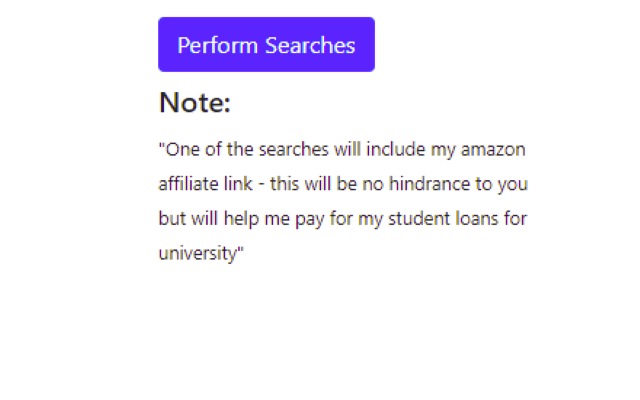
Stáhnout soubor CRX rozšíření Bing Search Automator
Stáhněte si soubory rozšíření Bing Search Automator ve formátu crx, ručně nainstalujte rozšíření Chrome do prohlížeče nebo sdílejte soubory crx s přáteli, abyste jednoduše nainstalovali rozšíření Chrome.
Pokyny pro Použití Rozšíření
                        Features:
•	Simple Design
•	Automates Bing Searches
•	Can Schedule the Bing Searches
More Features Coming Soon!

IMPORTANT: For this extension to work you need to right click on extension and scroll down to Manage Extensions and enable this Extension


This Chrome Extension works fantastically and has phenomenal reviews .Not intended to be used for Microsoft Rewards
Základní Informace o Rozšíření
| Název |  Bing Search Automator Bing Search Automator |
| ID | afjiofbcdmakgaeokjaenffpjjaolnno |
| Oficiální URL | https://chrome.google.com/webstore/detail/bing-search-automator/afjiofbcdmakgaeokjaenffpjjaolnno |
| Popis | Performs 60 bing searches including an affiliate link |
| Velikost souboru | 20.29 KB |
| Počet instalací | 4,256 |
| Aktuální Verze | 1.9 |
| Poslední Aktualizace | 2022-12-26 |
| Datum Vydání | 2021-03-16 |
| Hodnocení | 4.61/5 Celkem 28 Hodnocení |
| Vývojář | bingautomaticsearch |
| [email protected] | |
| Typ Platby | free |
| Podporované Jazyky | en-GB |
| manifest.json | |
{
"update_url": "https:\/\/clients2.google.com\/service\/update2\/crx",
"manifest_version": 2,
"name": "Bing Search Automator",
"version": "1.9",
"options_page": "options.html",
"description": "Performs 60 bing searches including an affiliate link",
"background": {
"scripts": [
"back.js"
],
"persistent": true
},
"content_scripts": [
{
"all_frames": true,
"js": [
"options.js"
],
"matches": [
" | |