Sporran
Sporran. The wallet for your KILTs and credentials.
Co je Sporran?
Sporran je rozšíření Chrome vyvinuté B.T.E. BOTLabs Trusted Entity GmbH, a jeho hlavní funkcí je „Sporran. The wallet for your KILTs and credentials.“.
Snímky obrazovky rozšíření


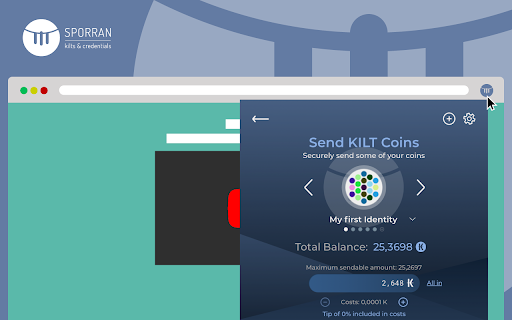
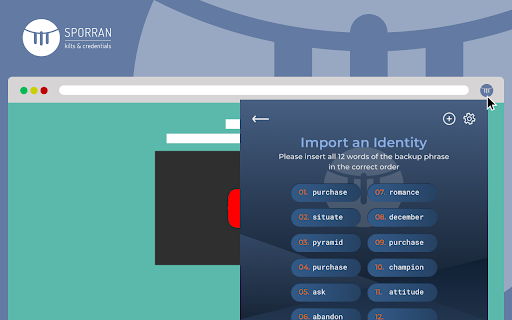
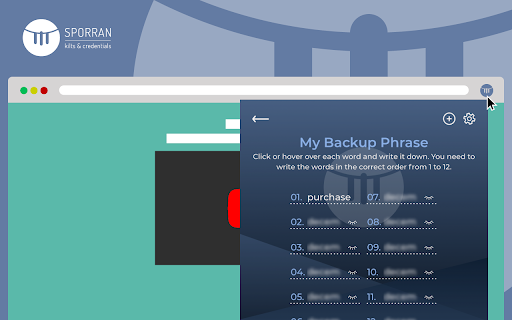
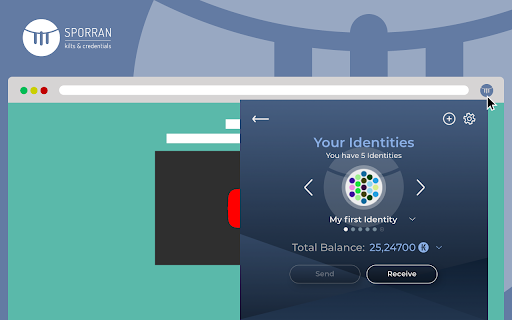
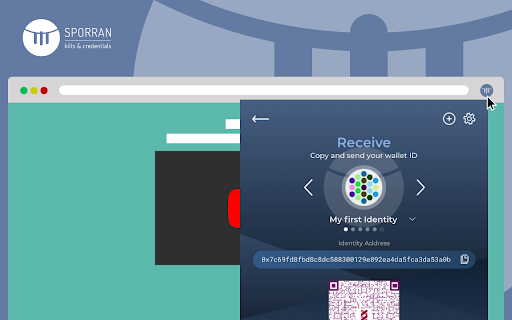
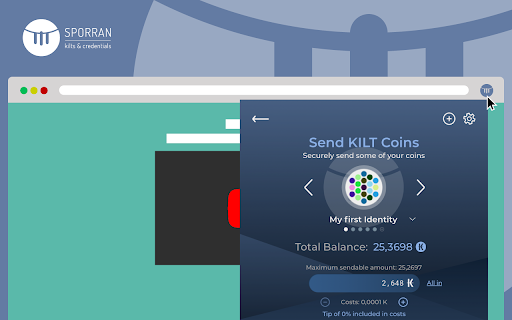
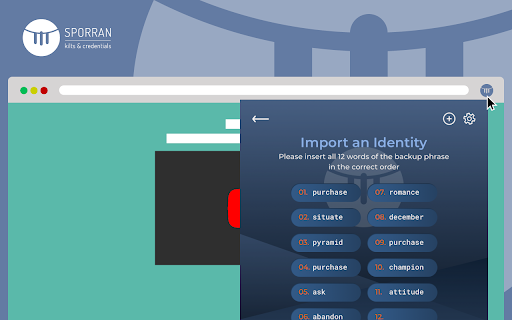

Stáhnout soubor CRX rozšíření Sporran
Stáhněte si soubory rozšíření Sporran ve formátu crx, ručně nainstalujte rozšíření Chrome do prohlížeče nebo sdílejte soubory crx s přáteli, abyste jednoduše nainstalovali rozšíření Chrome.
Pokyny pro Použití Rozšíření
                        The Sporran wallet is a browser extension to read and display KILT Coin balances from the KILT blockchain identity protocol or from third-party applications. Sporran also allows users to sign and send transactions on the KILT blockchain.

Users can also create digital identities using KILT blockchain mechanisms. Sporran acts like a physical wallet that stores personal digital credentials, providing users with anonymity and control over their data when they present their information to online services. In particular, Sporran stores Verifiable Credentials and allows the user to sign them digitally and manage these credentials in their wallet.

For download and usage of the Sporran wallet the Terms and Conditions as outlined under https://www.sporran.org/terms.html are applicable.
Základní Informace o Rozšíření
| Název |  Sporran Sporran |
| ID | djdnajgjcbjhhbdblkegbcgodlkkfhcl |
| Oficiální URL | https://chromewebstore.google.com/detail/sporran/djdnajgjcbjhhbdblkegbcgodlkkfhcl |
| Popis | Sporran. The wallet for your KILTs and credentials. |
| Velikost souboru | 1.67 MB |
| Počet instalací | 7,032 |
| Aktuální Verze | 2024.2.19 |
| Poslední Aktualizace | 2024-02-22 |
| Datum Vydání | 2021-09-03 |
| Hodnocení | 5.00/5 Celkem 8 Hodnocení |
| Vývojář | B.T.E. BOTLabs Trusted Entity GmbH |
| [email protected] | |
| Typ Platby | free |
| Webové stránky Rozšíření | https://sporran.org |
| Podporované Jazyky | en |
| manifest.json | |
{
    "update_url": "https:\/\/clients2.google.com\/service\/update2\/crx",
    "manifest_version": 2,
    "name": "__MSG_manifest_name__",
    "short_name": "__MSG_manifest_short_name__",
    "description": "__MSG_manifest_description__",
    "version": "2024.2.19",
    "default_locale": "en",
    "browser_action": {
        "default_icon": {
            "16": "icon\/light\/16.png",
            "32": "icon\/light\/32.png",
            "48": "icon\/light\/48.png",
            "128": "icon\/light\/128.png"
        },
        "default_popup": "popup.html"
    },
    "background": {
        "scripts": [
            "js\/backgroundScript.js"
        ],
        "persistent": true
    },
    "content_scripts": [
        {
            "matches": [
                "*:\/\/*\/*"
            ],
            "js": [
                "js\/contentScript.js"
            ]
        }
    ],
    "icons": {
        "16": "icon\/light\/16.png",
        "32": "icon\/light\/32.png",
        "48": "icon\/light\/48.png",
        "128": "icon\/light\/128.png"
    },
    "permissions": [
        "clipboardRead",
        "clipboardWrite",
        "storage"
    ],
    "content_security_policy": "script-src 'self' 'wasm-eval'; object-src 'self';",
    "web_accessible_resources": [
        "js\/injectedScript.js"
    ]
} | |