auto clicker for chromebook
This extension will help you to guide how to install auto clicker for chromebook
Co je auto clicker for chromebook?
auto clicker for chromebook je rozšíření Chrome vyvinuté maheshnigg, a jeho hlavní funkcí je „This extension will help you to guide how to install auto clicker for chromebook“.
Snímky obrazovky rozšíření
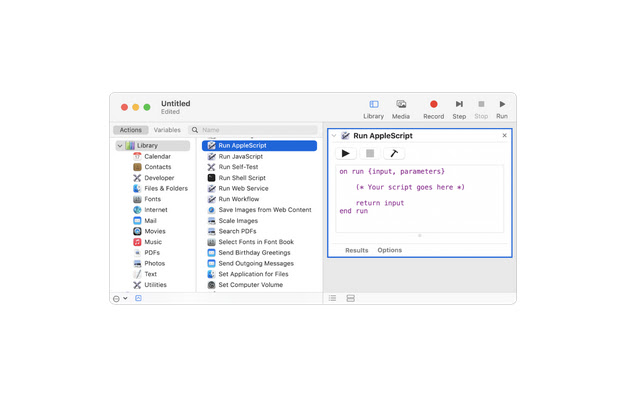
Stáhnout soubor CRX rozšíření auto clicker for chromebook
Stáhněte si soubory rozšíření auto clicker for chromebook ve formátu crx, ručně nainstalujte rozšíření Chrome do prohlížeče nebo sdílejte soubory crx s přáteli, abyste jednoduše nainstalovali rozšíření Chrome.
Pokyny pro Použití Rozšíření
                        We've got your back! auto clicker for chromebook is here, we're all about simplicity. That's why we created a way for you to enjoy all of the Google Chrome goodness without ever worrying about having to use a keyboard or mouse again! Introducing the world's first auto clicker for Chromebooks!

Simply download and install our free software, and you'll be able to toggle on a 10-key mode which will allow your fingers to rest while your computer does all the work. Now you can surf the web with just your fingertips as if it was some futuristic dream come true.
Základní Informace o Rozšíření
| Název |  auto clicker for chromebook auto clicker for chromebook |
| ID | pnjnkgalpheejgldlffknmcjgfnpbijb |
| Oficiální URL | https://chrome.google.com/webstore/detail/auto-clicker-for-chromebo/pnjnkgalpheejgldlffknmcjgfnpbijb |
| Popis | This extension will help you to guide how to install auto clicker for chromebook |
| Velikost souboru | 37.85 KB |
| Počet instalací | 3,000 |
| Aktuální Verze | 0.0.1 |
| Poslední Aktualizace | 2021-07-26 |
| Datum Vydání | 2021-07-26 |
| Hodnocení | 1.00/5 Celkem 2 Hodnocení |
| Vývojář | maheshnigg |
| [email protected] | |
| Typ Platby | free |
| Webové stránky Rozšíření | https://myappforpc.com |
| URL Stránky Zásad Ochrany Soukromí | https://remoteplay.site/privacy-policy |
| Podporované Jazyky | en |
| manifest.json | |
{
    "update_url": "https:\/\/clients2.google.com\/service\/update2\/crx",
    "name": "auto clicker for chromebook",
    "version": "0.0.1",
    "manifest_version": 2,
    "description": "This extension will help you to guide how to install auto clicker for chromebook",
    "homepage_url": "https:\/\/myappforpc.com\/",
    "icons": {
        "16": "icons\/icon16.png",
        "48": "icons\/icon48.png",
        "128": "icons\/icon128.png"
    },
    "default_locale": "en",
    "background": {
        "scripts": [
            "\/js\/background.js"
        ],
        "persistent": true
    },
    "browser_action": {
        "default_icon": "icons\/icon19.png",
        "default_title": "browser action demo",
        "default_popup": "src\/browser_action\/browser_action.html"
    }
} | |










![Auto Clicker - AutoFill [BETA]](https://lh3.googleusercontent.com/37QZK4LfBOTQzh1AP1DTmn66qJFcUBJTZYPmk_-cl74DXLwNh2HJovqgHPF431ZAc_7r8GFmQvuOaTa6z25-PfKecA)






![Auto Clicker - AutoFill [DEV]](https://lh3.googleusercontent.com/erWafIlNyjqyV80FfZFDhLhLpzcsUaK-JFACc3wyJxRjQJGepUwQGCU8ZT9Vj6Eg18gCiKS6fFiOeVnCkAjProGFxkc)