Quick ChatGPT
Using ChatGPT in browser popup directly without tab switching.
Was ist Quick ChatGPT?
Quick ChatGPT ist eine Chrome-Erweiterung, die von Extify entwickelt wurde, und ihr Hauptmerkmal ist "Using ChatGPT in browser popup directly without tab switching.".
Erweiterungsscreenshots
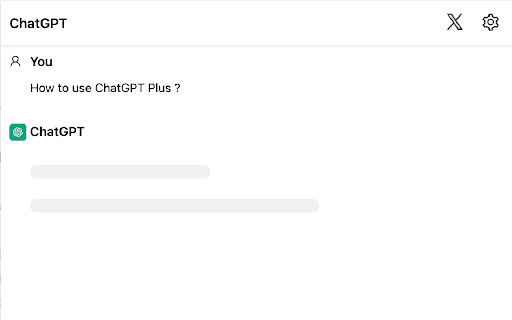
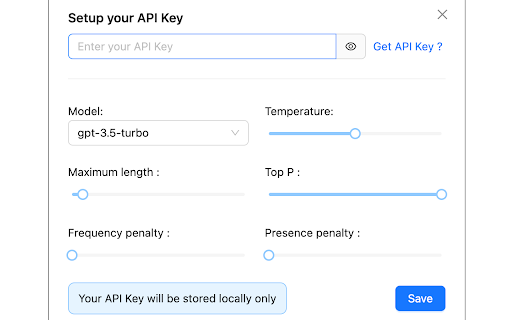
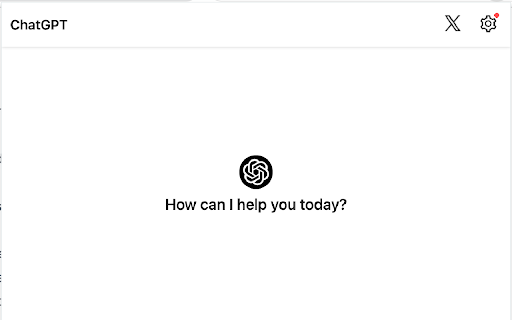
Quick ChatGPT-Erweiterungs-CRX-Datei herunterladen
Laden Sie Quick ChatGPT-Erweiterungsdateien im crx-Format herunter, installieren Sie Chrome-Erweiterungen manuell im Browser oder teilen Sie die crx-Dateien mit Freunden, um Chrome-Erweiterungen einfach zu installieren.
Anleitung zur Verwendung der Erweiterung
                        Save time and chat effortlessly with Quick ChatGPT directly in your browser!

This lightning-fast extension streamlines your conversations, putting the power of ChatGPT at your fingertips for instant, hassle-free interactions. Say goodbye to extra steps and enhance your online experience with seamless, time-saving conversations
Grundlegende Informationen zur Erweiterung
| Name |  Quick ChatGPT Quick ChatGPT |
| ID | kkchdjfkhmniamlkomjfeeiojacbcfoe |
| Offizielle URL | https://chromewebstore.google.com/detail/quick-chatgpt/kkchdjfkhmniamlkomjfeeiojacbcfoe |
| Beschreibung | Using ChatGPT in browser popup directly without tab switching. |
| Dateigröße | 340 KB |
| Installationsanzahl | 63 |
| Aktuelle Version | 1.1 |
| Letztes Update | 2024-01-22 |
| Veröffentlichungsdatum | 2024-01-22 |
| Entwickler | Extify |
| [email protected] | |
| Zahlungsart | free |
| Erweiterungswebsite | https://twitter.com/quangpl99 |
| Hilfeseite URL | https://twitter.com/quangpl99 |
| URL der Datenschutzrichtlinien-Seite | https://quick-chatgpt.vercel.app |
| Unterstützte Sprachen | en-US |
| manifest.json | |
{
"update_url": "https:\/\/clients2.google.com\/service\/update2\/crx",
"manifest_version": 3,
"name": "Quick ChatGPT",
"description": "Using ChatGPT in browser popup directly without tab switching.",
"version": "1.1",
"options_ui": {
"page": "options.html"
},
"icons": {
"16": "icon16.png",
"32": "icon32.png",
"48": "icon48.png",
"128": "icon128.png"
},
"action": {
"default_icon": "icon16.png",
"default_popup": "popup.html"
},
"content_scripts": [
{
"matches": [
" | |