IMTLazarusv9
IMTLazarus's remote filtering agent.
¿Qué es IMTLazarusv9?
IMTLazarusv9 es una extensión de Chrome desarrollada por IMTCloud, y su función principal es "IMTLazarus's remote filtering agent.".
Capturas de Pantalla de la Extensión

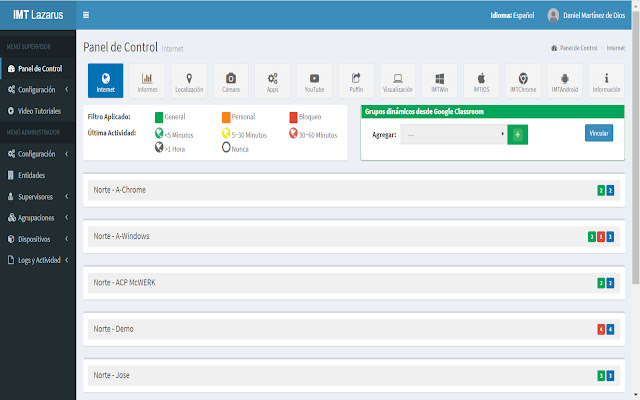
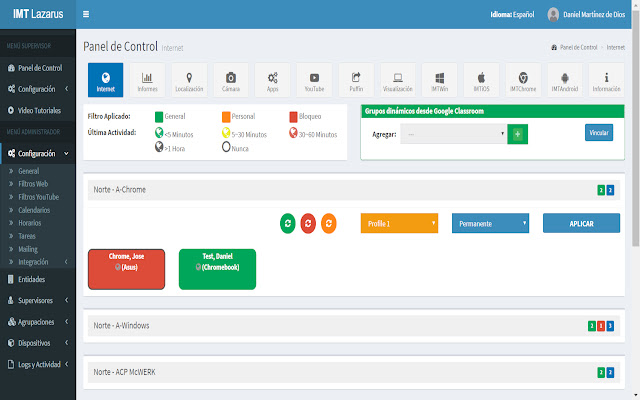
Descargar Archivo CRX de la Extensión IMTLazarusv9
Descarga archivos de extensión IMTLazarusv9 en formato crx, instala manualmente las extensiones de Chrome en el navegador o comparte los archivos crx con amigos para instalar fácilmente las extensiones de Chrome.
Instrucciones de Uso de la Extensión
                        Extension for parental management through the IMTLazarus platform (designed for schools, peace of mind for families).
Parental Control, Web Filter & Youtube Filtering extension for Chrome & Chromebooks.
Offered by IMTCloud  - www.imtlazarus.com

Main features of the extension are:

- Web filtering across categories including pornography, adult, security and malware.
- Youtube filtering.
- Content filtering.
- Black/White List.
- Camera hidden (Google Meet).
- Notification on Chromebook.
- Screen Lock.
- Protects in blinklearning the non-introduction of html code in the exercise boxes, preventing students from bypassing security, accessing online games (not allowed at school or by families).

Download it and internet filtering on any chrome based browser or any chromebook.

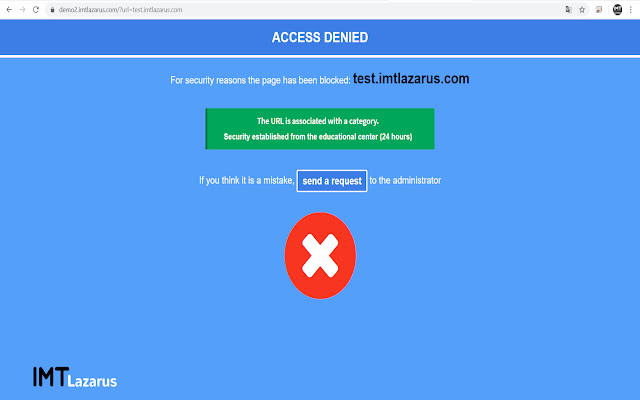
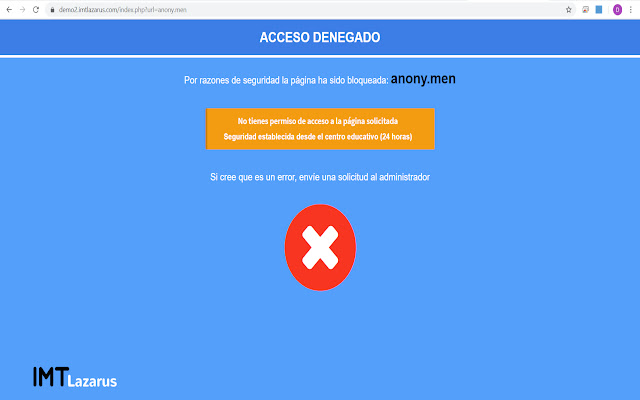
The extension will show a blocking panel if the web pages are not valid in the school or even establish a total blocking when required.
Información Básica de la Extensión
| Nombre |  IMTLazarusv9 IMTLazarusv9 |
| ID | gdieoelmccpnnibeajgcchmhlnjgjhef |
| URL Oficial | https://chrome.google.com/webstore/detail/imtlazarusv9/gdieoelmccpnnibeajgcchmhlnjgjhef |
| Descripción | IMTLazarus's remote filtering agent. |
| Tamaño del Archivo | 467 KB |
| Cantidad de Instalaciones | 3,297 |
| Versión Actual | 20.0 |
| Última Actualización | 2022-01-14 |
| Fecha de Publicación | 2020-08-27 |
| Calificación | 1.10/5 Total de 50 Calificaciones |
| Desarrollador | IMTCloud |
| Correo electrónico | [email protected] |
| Tipo de Pago | free |
| URL de la Página de Política de Privacidad | https://www.imtlazarus.com/es/politica-de-privacidad |
| Idiomas Soportados | es |
| manifest.json | |
{
"manifest_version": 2,
"name": "IMTLazarusv9",
"version": "20.0",
"short_name": "IMTLazarusv9",
"author": "IMTCloud",
"description": "IMTLazarus's remote filtering agent.",
"background": {
"page": "background.html"
},
"icons": {
"16": "icon16.png",
"48": "icon48.png",
"128": "icon128.png"
},
"content_scripts": [
{
"all_frames": true,
"css": [
"css\/youtube.css"
],
"js": [
"js\/jq360min.js",
"js\/content.js"
],
"matches": [
"http:\/\/*.youtube.com\/*",
"https:\/\/*.youtube.com\/*"
]
},
{
"all_frames": true,
"css": [
"css\/google_meet.css"
],
"js": [
"js\/jq360min.js",
"js\/content_meet.js"
],
"matches": [
"https:\/\/meet.google.com\/*"
]
},
{
"all_frames": true,
"js": [
"js\/jq360min.js",
"js\/content_do.js"
],
"matches": [
"http:\/\/*\/*",
"https:\/\/*\/*"
]
},
{
"all_frames": true,
"js": [
"js\/content_bl.js"
],
"matches": [
"https:\/\/www.blinklearning.com\/*"
]
}
],
"permissions": [
" | |