ZD Portal Revamp
Change look and feel of the Zendesk agent interface
¿Qué es ZD Portal Revamp?
ZD Portal Revamp es una extensión de Chrome desarrollada por B, y su función principal es "Change look and feel of the Zendesk agent interface".
Capturas de Pantalla de la Extensión

Descargar Archivo CRX de la Extensión ZD Portal Revamp
Descarga archivos de extensión ZD Portal Revamp en formato crx, instala manualmente las extensiones de Chrome en el navegador o comparte los archivos crx con amigos para instalar fácilmente las extensiones de Chrome.
Instrucciones de Uso de la Extensión
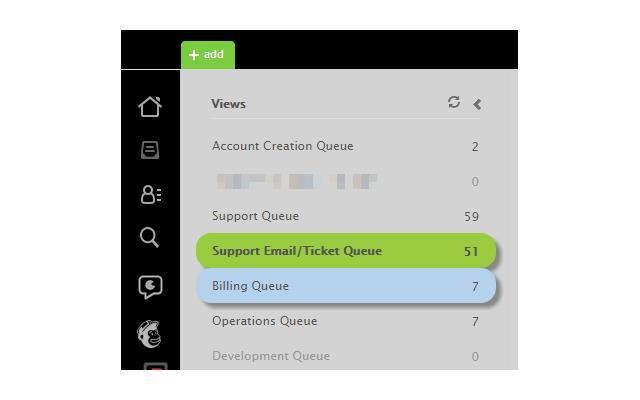
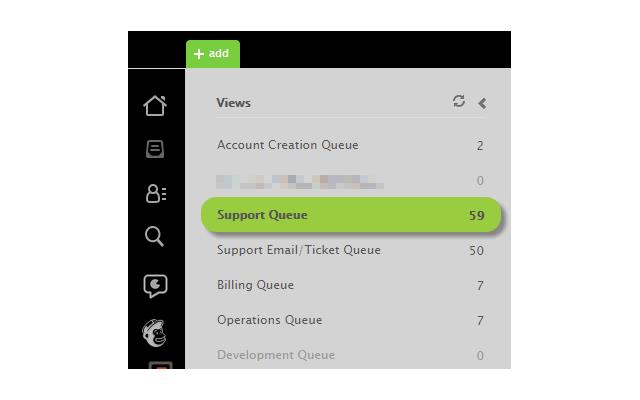
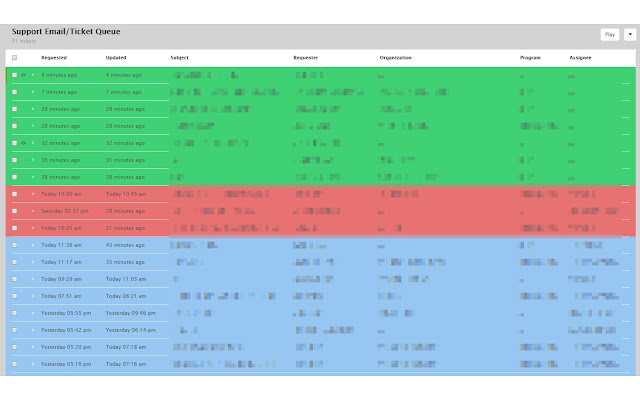
                        Restyle your ZD agent interface.

*2.9 Bug Fixes with ability to set custom popups.

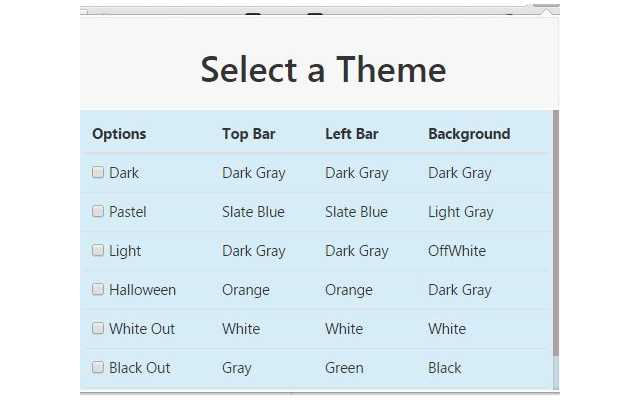
*2.8 Theme Selector introduced with various themes available.

****Custom Popups****
To create custom popups enter the ZD Tag 'specialcustomer' on a User or Organization. Place the text of the popup that you want to show to the agent in the ZD Notes field of the corresponding User or Organization. Now when an agent lands on the User or Organization screen they will be prompted with an informative popup regarding that User or Organization. This is useful if you have users or customers that need to be handled with special care.
Información Básica de la Extensión
| Nombre |  ZD Portal Revamp ZD Portal Revamp |
| ID | oojdlficiabgldhblgimdpnpgiehbdjn |
| URL Oficial | https://chrome.google.com/webstore/detail/zd-portal-revamp/oojdlficiabgldhblgimdpnpgiehbdjn |
| Descripción | Change look and feel of the Zendesk agent interface |
| Tamaño del Archivo | 251 KB |
| Cantidad de Instalaciones | 20 |
| Versión Actual | 2.9 |
| Última Actualización | 2015-04-08 |
| Fecha de Publicación | 2015-04-08 |
| Calificación | 5.00/5 Total de 1 Calificaciones |
| Desarrollador | B |
| Tipo de Pago | free |
| Idiomas Soportados | en |
| manifest.json | |
{
    "update_url": "https:\/\/clients2.google.com\/service\/update2\/crx",
    "manifest_version": 2,
    "name": "ZD Portal Revamp",
    "description": "Change look and feel of the Zendesk agent interface",
    "version": "2.9",
    "permissions": [
        "storage",
        "tabs",
        "http:\/\/*.zendesk.com\/*",
        "https:\/\/*.zendesk.com\/*"
    ],
    "icons": {
        "16": "img\/icon16.png",
        "48": "img\/icon48.png",
        "128": "img\/icon128.png"
    },
    "browser_action": {
        "name": "Manipulate DOM",
        "default_title": "Set this page's color.",
        "default_icon": {
            "19": "img\/icon.png",
            "38": "img\/icon.png"
        },
        "default_popup": "popup.html"
    },
    "content_scripts": [
        {
            "js": [
                "js\/options.js",
                "js\/myscript.js",
                "js\/jquery.min.js",
                "js\/background.js",
                "js\/jquery.jgrowl.js"
            ],
            "css": [
                "default.css",
                "css\/jquery.jgrowl.css"
            ],
            "matches": [
                "http:\/\/*.zendesk.com\/*",
                "https:\/\/*.zendesk.com\/*"
            ]
        }
    ],
    "content_security_policy": "script-src 'self' https:\/\/ssl.google-analytics.com; object-src 'self'",
    "web_accessible_resources": [
        "img\/icon128.png",
        "default.css"
    ]
} | |