Youtube Summary Database
See an AI generated short summary of a youtube video before you click on it
What is Youtube Summary Database?
Youtube Summary Database is a Chrome extension developed by http://summarydatabase.xyz, and its main feature is "See an AI generated short summary of a youtube video before you click on it".
Extension Screenshots

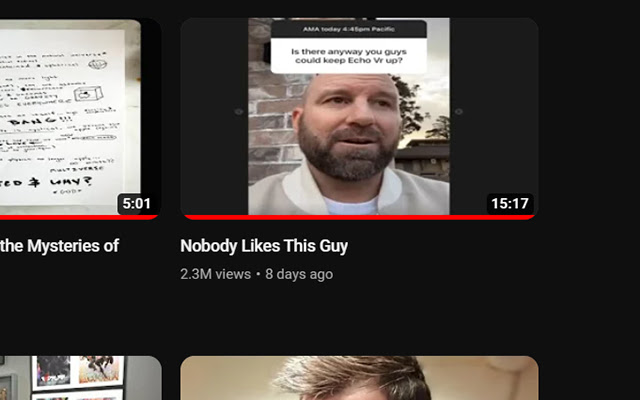
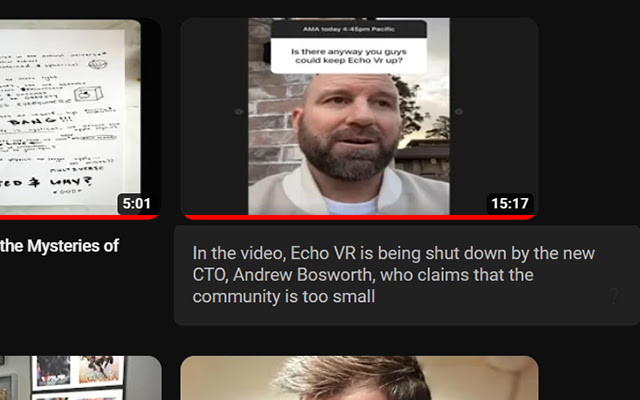
Download Youtube Summary Database Extension CRX File
Download Youtube Summary Database extension files in crx format, manually install Chrome extensions in the browser, or share the crx files with friends to easily install Chrome extensions.
Extension Usage Instructions
                        Hate clickbait? Install the extension and hover your mouse cursor on a video. You'll be able to see a brief summary generated using GPT-3. This feature makes it easy to decide whether a video is worth watching before clicking on it.

You don't need to login nor have an API key and this extension does not use your ChatGPT quota, our server is slowly summarizing the most popular youtube videos all the time. If you don't see many summaries at first, they will slowly start appearing over time
Extension Basic Information
| Name |  Youtube Summary Database Youtube Summary Database |
| ID | fkebhjgklndigljoigpnleapbknjhpld |
| Official URL | https://chrome.google.com/webstore/detail/youtube-summary-database/fkebhjgklndigljoigpnleapbknjhpld |
| Description | See an AI generated short summary of a youtube video before you click on it |
| File Size | 61.76 KB |
| Installation Count | 332 |
| Current Version | 1.1 |
| Last Updated | 2023-03-03 |
| Publish Date | 2023-02-19 |
| Rating | 4.80/5 Total 5 Ratings |
| Developer | http://summarydatabase.xyz |
| [email protected] | |
| Payment Type | free |
| Supported Languages | en |
| manifest.json | |
{
    "update_url": "https:\/\/clients2.google.com\/service\/update2\/crx",
    "manifest_version": 3,
    "name": "Youtube Summary Database",
    "version": "1.1",
    "description": "See an AI generated short summary of a youtube video before you click on it",
    "icons": {
        "16": "icon16.png",
        "32": "icon32.png",
        "48": "icon48.png",
        "128": "icon128.png"
    },
    "action": {
        "default_icon": "icon128.png",
        "default_title": "Youtube Summary Database",
        "default_popup": "about.html"
    },
    "content_scripts": [
        {
            "matches": [
                "https:\/\/www.youtube.com\/*"
            ],
            "js": [
                "content.js"
            ],
            "run_at": "document_idle"
        }
    ]
} | |