Fairy Tail HD Wallpapers Anime Popular Themes
Every time you open a new tab, you will get a different HD wallpaper with a fairy tail. This new theme includes clock and more.
What is Fairy Tail HD Wallpapers Anime Popular Themes?
Fairy Tail HD Wallpapers Anime Popular Themes is a Chrome extension developed by persistent HD, and its main feature is "Every time you open a new tab, you will get a different HD wallpaper with a fairy tail. This new theme includes clock and more.".
Extension Screenshots
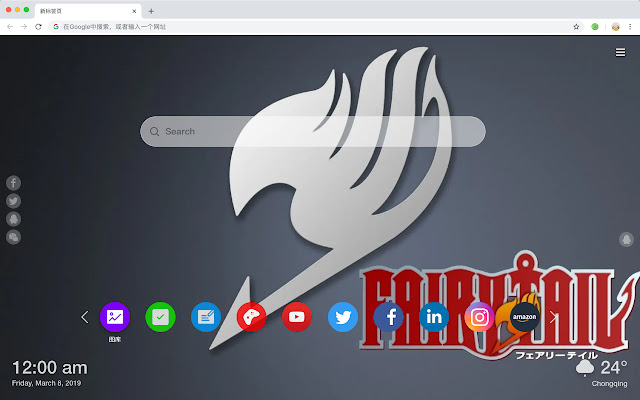

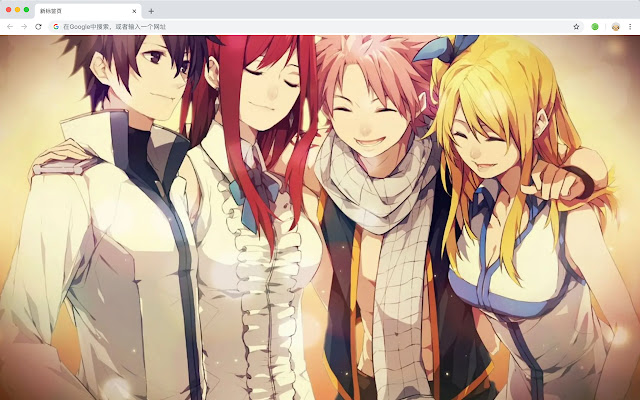
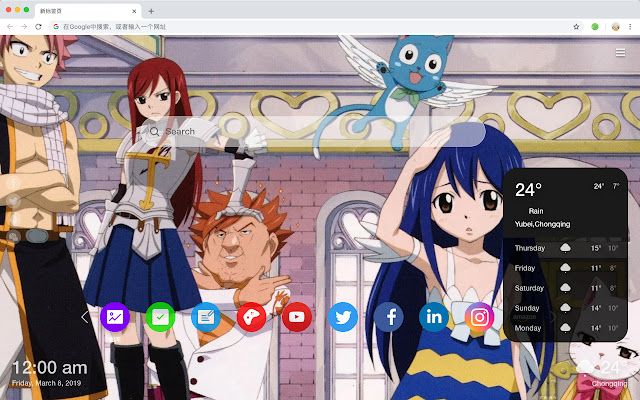
Download Fairy Tail HD Wallpapers Anime Popular Themes Extension CRX File
Download Fairy Tail HD Wallpapers Anime Popular Themes extension files in crx format, manually install Chrome extensions in the browser, or share the crx files with friends to easily install Chrome extensions.
Extension Usage Instructions
                        《妖精的尾巴》是日本漫画家真岛浩创作的少年漫画。该作品讲述了魔导士公会“妖精的尾巴”的成员露西、纳兹、哈比、格雷、艾露莎和他们的众多伙伴们在这个魔法世界中的一系列热血故事。

您获得的功能如下:
 - 每个新标签的高品质壁纸
 - 时钟,显示日期和时间
 - 天气小工具
 - 待办事项清单
 - 访问量最大的网站
 - 最近关闭的页面
 - 书签
Extension Basic Information
| Name |  Fairy Tail HD Wallpapers Anime Popular Themes Fairy Tail HD Wallpapers Anime Popular Themes |
| ID | lhanhoagonnkjpjlcghllildgdalgnof |
| Official URL | https://chrome.google.com/webstore/detail/fairy-tail-hd-wallpapers/lhanhoagonnkjpjlcghllildgdalgnof |
| Description | Every time you open a new tab, you will get a different HD wallpaper with a fairy tail. This new theme includes clock and more. |
| File Size | 37.23 KB |
| Installation Count | 31 |
| Current Version | 1.1.1.0 |
| Last Updated | 2019-07-04 |
| Publish Date | 2019-07-04 |
| Rating | 5.00/5 Total 1 Ratings |
| Developer | persistent HD |
| [email protected] | |
| Payment Type | free |
| Supported Languages | en,zh-CN,zh-TW |
| manifest.json | |
{
    "name": "__MSG_ext_name__",
    "manifest_version": 2,
    "description": "__MSG_ext_desc__",
    "browser_action": {
        "default_icon": {
            "48": "icons\/48.png"
        },
        "default_title": "__MSG_ext_name__"
    },
    "chrome_url_overrides": {
        "newtab": "pages\/newtab\/index.html"
    },
    "background": {
        "scripts": [
            "app.js",
            "pages\/background\/index.js"
        ],
        "persistent": false
    },
    "default_locale": "en",
    "icons": {
        "48": "icons\/48.png",
        "128": "icons\/128.png"
    },
    "minimum_chrome_version": "57",
    "offline_enabled": true,
    "update_url": "https:\/\/clients2.google.com\/service\/update2\/crx",
    "version": "1.1.1.0"
} | |