Logo remove and hide tool 1.0
Focus on what matters and hide logos with this easy tool
What is Logo remove and hide tool 1.0?
Logo remove and hide tool 1.0 is a Chrome extension developed by https://opticlus.com, and its main feature is "Focus on what matters and hide logos with this easy tool".
Extension Screenshots

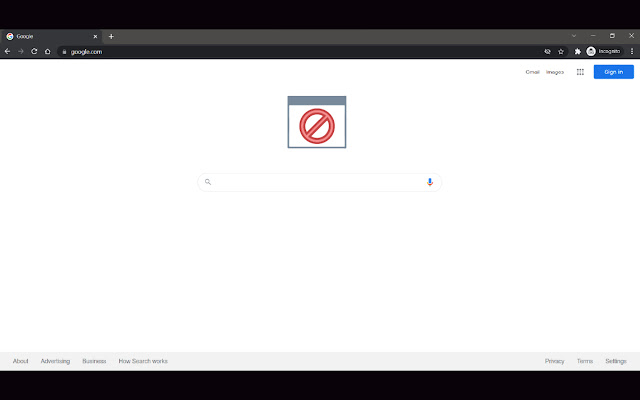
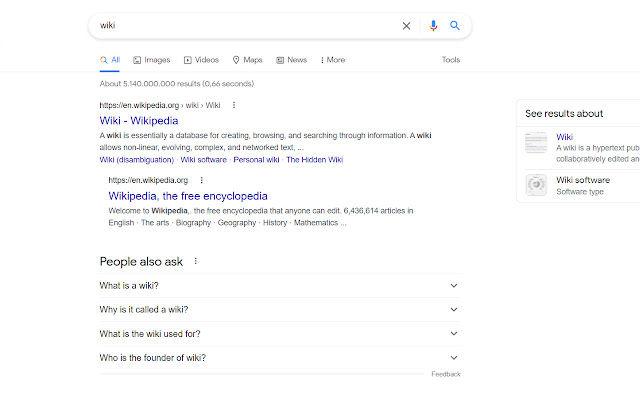
Download Logo remove and hide tool 1.0 Extension CRX File
Download Logo remove and hide tool 1.0 extension files in crx format, manually install Chrome extensions in the browser, or share the crx files with friends to easily install Chrome extensions.
Extension Usage Instructions
                        This extension ensures that the logos of popular websites such as Google, YouTube, LinkedIn, Instagram and many more. be kept hidden. There logos cause distraction in short, they are completely unnecessary and that is why you can disable them by just installing this small and simple extension. And last and perhaps most annoying thing, done with unnecessary Google doodles.

Questions? Suggestions? [email protected]
Extension Basic Information
| Name |  Logo remove and hide tool 1.0 Logo remove and hide tool 1.0 |
| ID | mbhbefgjlajiehdlchmobimgohkfalja |
| Official URL | https://chrome.google.com/webstore/detail/logo-remove-and-hide-tool/mbhbefgjlajiehdlchmobimgohkfalja |
| Description | Focus on what matters and hide logos with this easy tool |
| File Size | 381 KB |
| Installation Count | 59 |
| Current Version | 1.0 |
| Last Updated | 2022-01-12 |
| Publish Date | 2022-01-12 |
| Rating | 1.50/5 Total 2 Ratings |
| Developer | https://opticlus.com |
| [email protected] | |
| Payment Type | free |
| Extension Website | https://opticlus.com/ |
| Help Page URL | https://opticlus.com/contacts-creative/ |
| Supported Languages | en-US |
| manifest.json | |
{
"update_url": "https:\/\/clients2.google.com\/service\/update2\/crx",
"name": "Logo remove and hide tool 1.0",
"description": "Focus on what matters and hide logos with this easy tool",
"version": "1.0",
"manifest_version": 3,
"action": {
"default_popup": "index.html",
"default_icon": []
},
"content_scripts": [
{
"matches": [
" | |