History Burner
Historical revisionism at its finest.
What is History Burner?
History Burner is a Chrome extension developed by Jeffrey Chang, and its main feature is "Historical revisionism at its finest.".
Extension Screenshots
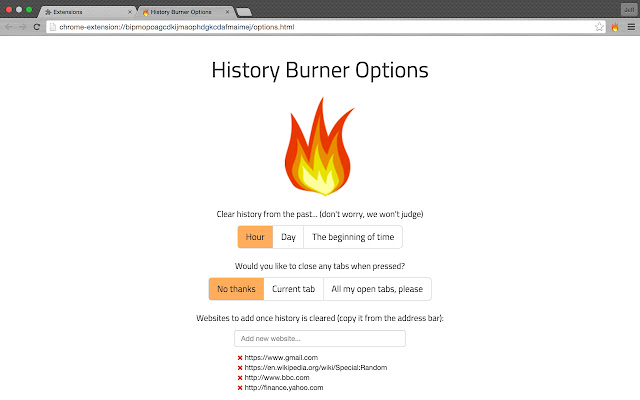
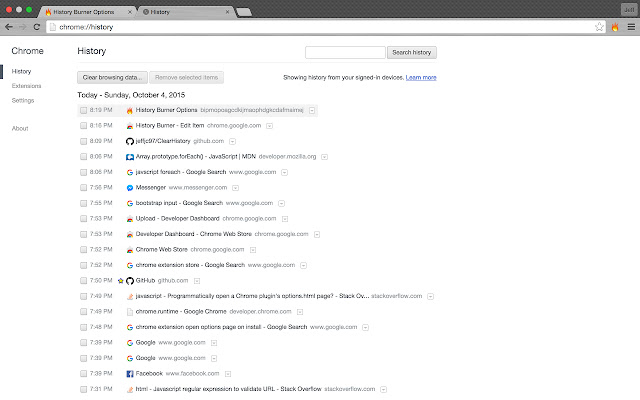
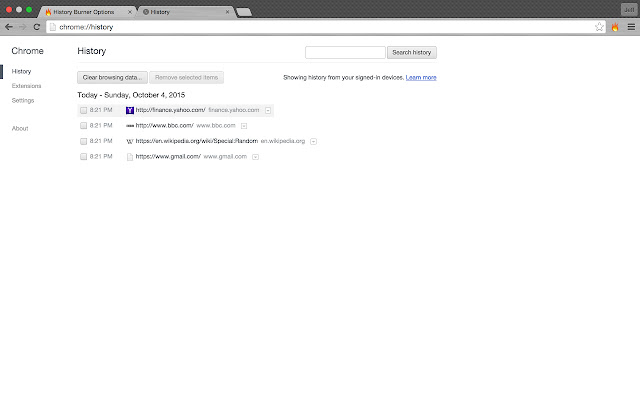
Download History Burner Extension CRX File
Download History Burner extension files in crx format, manually install Chrome extensions in the browser, or share the crx files with friends to easily install Chrome extensions.
Extension Usage Instructions
                        Feel free to use this easy, one-click solution to hide all the shady business you just finished doing.

This tool will clear your history and allow you to fill it with anything you desire. (For the lazier of us, it comes preset with an assortment of inconspicuous websites) It can also close your current tabs or entire window - just specify it in the options.

Don't want to clear your entire history? Easy, just select one of the choices on the options page!

Developed by: Jeffrey Chang and Roy Falik
Extension Basic Information
| Name |  History Burner History Burner |
| ID | mfmeheeibfpnkkobpeiclmihpipnnnlp |
| Official URL | https://chrome.google.com/webstore/detail/history-burner/mfmeheeibfpnkkobpeiclmihpipnnnlp |
| Description | Historical revisionism at its finest. |
| File Size | 57.61 KB |
| Installation Count | 41 |
| Current Version | 1.0.2 |
| Last Updated | 2015-10-04 |
| Publish Date | 2015-10-04 |
| Rating | 5.00/5 Total 3 Ratings |
| Developer | Jeffrey Chang |
| Payment Type | free |
| Supported Languages | en-US |
| manifest.json | |
{
    "update_url": "https:\/\/clients2.google.com\/service\/update2\/crx",
    "manifest_version": 2,
    "name": "History Burner",
    "description": "Historical revisionism at its finest.",
    "version": "1.0.2",
    "browser_action": {
        "default_icon": "icon16.png"
    },
    "background": {
        "scripts": [
            "background.js"
        ]
    },
    "options_page": "options.html",
    "icons": {
        "16": "icon16.png",
        "48": "icon48.png",
        "128": "icon128.png"
    },
    "permissions": [
        "browsingData",
        "history",
        "storage",
        "tabs",
        "activeTab",
        "https:\/\/ajax.googleapis.com\/"
    ]
} | |