ZarMoney Accounting Software
ZarMoney does it all... and does it better.
Qu'est-ce que ZarMoney Accounting Software ?
ZarMoney Accounting Software est une extension Chrome développée par http://zarmoney.com, et sa fonction principale est "ZarMoney does it all... and does it better.".
Captures d'Écran de l'Extension
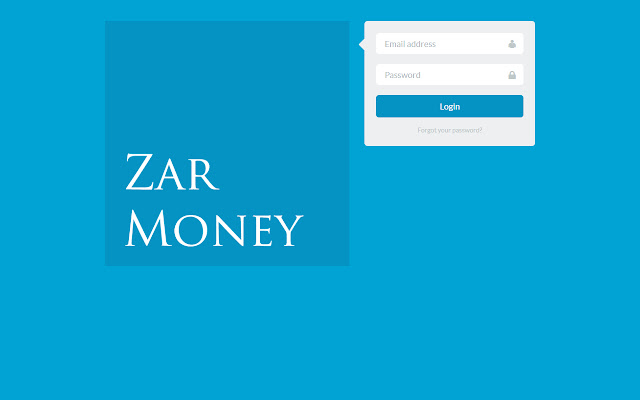
Télécharger le fichier CRX de l'extension ZarMoney Accounting Software
Téléchargez les fichiers d'extension ZarMoney Accounting Software au format crx, installez manuellement les extensions Chrome dans le navigateur ou partagez les fichiers crx avec des amis pour installer facilement les extensions Chrome.
Instructions d'Utilisation de l'Extension
Free online accounting software by ZarMoney. Full featured online accounting software: Advanced inventory management, invoicing, billing and reports. Informations de Base sur l'Extension
| Nom |  ZarMoney Accounting Software ZarMoney Accounting Software |
| ID | feohokffmmaakippjpanbidlehmabefm |
| URL Officiel | https://chrome.google.com/webstore/detail/zarmoney-accounting-softw/feohokffmmaakippjpanbidlehmabefm |
| Description | ZarMoney does it all... and does it better. |
| Taille du Fichier | 7.79 KB |
| Nombre d'Installations | 234 |
| Version Actuelle | 0.9 |
| Dernière Mise à Jour | 2018-04-09 |
| Date de Publication | 2018-04-09 |
| Évaluation | 3.90/5 Total 10 Évaluations |
| Développeur | http://zarmoney.com |
| [email protected] | |
| Type de Paiement | free |
| Site Web de l'Extension | https://www.zarmoney.com/ |
| URL de la Page d'Aide | https://help.ZarMoney.com |
| URL de la Page de Politique de Confidentialité | https://www.zarmoney.com/terms |
| Langues Prises en Charge | en-US |
| manifest.json | |
{
    "update_url": "https:\/\/clients2.google.com\/service\/update2\/crx",
    "manifest_version": 2,
    "name": "ZarMoney Accounting Software",
    "short_name": "ZarMoney",
    "description": "ZarMoney does it all... and does it better.",
    "version": "0.9",
    "browser_action": {
        "default_icon": "images\/icon16.png",
        "default_title": "ZarMoney Accounting Software"
    },
    "icons": {
        "16": "images\/icon16.png",
        "48": "images\/icon48.png",
        "128": "images\/icon128.png"
    },
    "background": {
        "scripts": [
            "background.js"
        ],
        "persistent": false
    },
    "permissions": [
        "tabs"
    ]
} | |