Rods&Cones
Rods&Cones for Remote Expert
Qu'est-ce que Rods&Cones ?
Rods&Cones est une extension Chrome développée par Rods&Cones, et sa fonction principale est "Rods&Cones for Remote Expert".
Captures d'Écran de l'Extension

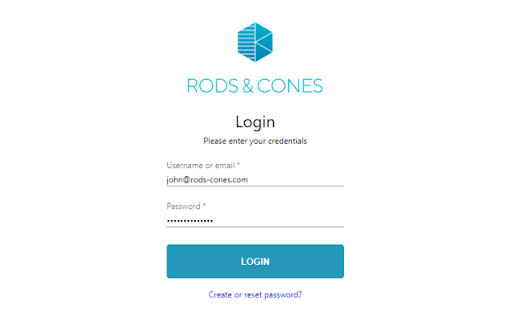
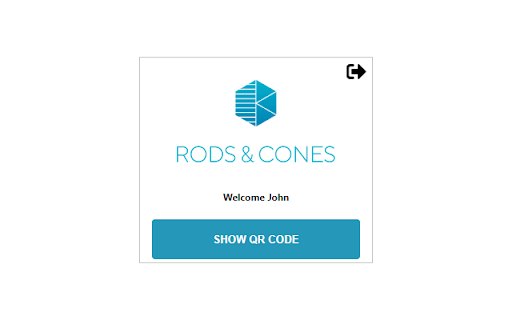
Télécharger le fichier CRX de l'extension Rods&Cones
Téléchargez les fichiers d'extension Rods&Cones au format crx, installez manuellement les extensions Chrome dans le navigateur ou partagez les fichiers crx avec des amis pour installer facilement les extensions Chrome.
Instructions d'Utilisation de l'Extension
                        The Rods&Cones browser extension is an indispensable tool for the Rods&Cones remote expert.
Install the extension for
1) NOTIFICATION OF INCOMING CALL
When the browser extension is installed, remote experts will receive notifications of incoming calls without being logged in to the Rods&Cones browser window.

2) RECORDING OF SESSION
During a session, press the record button to record the session to the hard drive of the remote expert: more information on this link: https://rods-cones.atlassian.net/servicedesk/customer/portal/1/article/91095339
Note: recording is only available when enabled by your community manager
Informations de Base sur l'Extension
| Nom |  Rods&Cones Rods&Cones |
| ID | jkaeafokijggfobfhnlbklencmbecjhp |
| URL Officiel | https://chromewebstore.google.com/detail/rodscones/jkaeafokijggfobfhnlbklencmbecjhp |
| Description | Rods&Cones for Remote Expert |
| Taille du Fichier | 587 KB |
| Nombre d'Installations | 1,080 |
| Version Actuelle | 3.0.2 |
| Dernière Mise à Jour | 2023-11-09 |
| Date de Publication | 2020-12-29 |
| Évaluation | 5.00/5 Total 3 Évaluations |
| Développeur | Rods&Cones |
| [email protected] | |
| Type de Paiement | free |
| Site Web de l'Extension | https://www.rods-cones.com |
| URL de la Page d'Aide | https://www.rods-cones.com/manual |
| URL de la Page de Politique de Confidentialité | https://www.rods-cones.com/re_terms |
| Langues Prises en Charge | en |
| manifest.json | |
{
    "update_url": "https:\/\/clients2.google.com\/service\/update2\/crx",
    "name": "Rods&Cones",
    "version": "3.0.2",
    "description": "Rods&Cones for Remote Expert",
    "manifest_version": 2,
    "permissions": [
        "storage",
        "tabCapture",
        "tabs",
        "https:\/\/api.rods-cones.com\/"
    ],
    "background": {
        "scripts": [
            "environment.js",
            "logging-levels.js",
            "logging-core.js",
            "ffmpeg.min.js",
            "signalr.min.js",
            "jwt-decode.js",
            "common.js",
            "background.js"
        ],
        "persistent": true
    },
    "content_security_policy": "script-src 'self' 'wasm-eval' https:\/\/unpkg.com https:\/\/expert.rods-cones.com https:\/\/js.monitor.azure.com; object-src 'self'",
    "content_scripts": [
        {
            "matches": [
                "https:\/\/expert.rods-cones.com\/session\/home",
                "https:\/\/expert.rods-cones.com\/session\/qrcode\/*"
            ],
            "run_at": "document_start",
            "js": [
                "credentials-injector.js"
            ]
        },
        {
            "matches": [
                "https:\/\/expert.rods-cones.com\/*"
            ],
            "run_at": "document_idle",
            "js": [
                "tab-warning.js"
            ]
        }
    ],
    "web_accessible_resources": [
        "authcallback.html"
    ],
    "browser_action": {
        "default_popup": "popup.html",
        "default_icon": {
            "16": "images\/rodscones_icon16.png",
            "32": "images\/rodscones_icon32.png",
            "48": "images\/rodscones_icon48.png",
            "128": "images\/rodscones_icon128.png"
        }
    },
    "icons": {
        "16": "images\/rodscones_icon16.png",
        "32": "images\/rodscones_icon32.png",
        "48": "images\/rodscones_icon48.png",
        "128": "images\/rodscones_icon128.png"
    },
    "options_page": "options.html"
} | |