Picture Downloader
Picture Downloader. Browse and save - image downloader on webpages.
Qu'est-ce que Picture Downloader ?
Picture Downloader est une extension Chrome développée par Picture Downloader, et sa fonction principale est "Picture Downloader. Browse and save - image downloader on webpages.".
Captures d'Écran de l'Extension
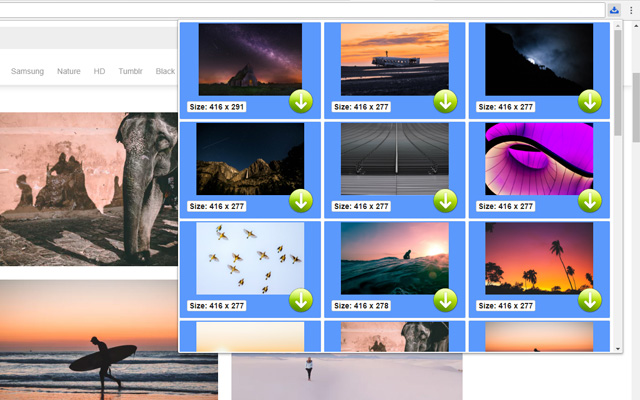
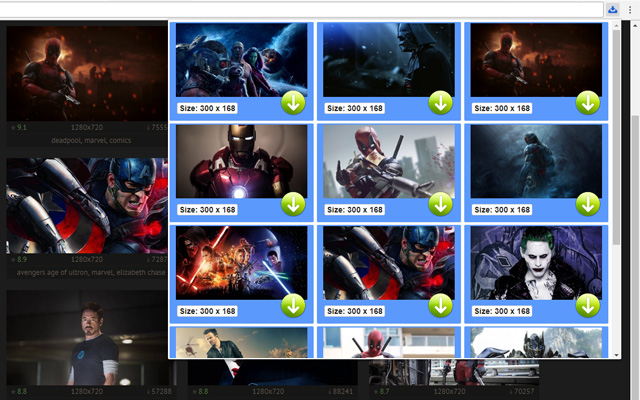

Télécharger le fichier CRX de l'extension Picture Downloader
Téléchargez les fichiers d'extension Picture Downloader au format crx, installez manuellement les extensions Chrome dans le navigateur ou partagez les fichiers crx avec des amis pour installer facilement les extensions Chrome.
Instructions d'Utilisation de l'Extension
                        Picture Downloader is useful tool for displaying, browsing and downloading photos from any webpages.

* Finds pictures on any websites.
* The size of each image is displayed.
* Image download to your hard disk.

How it works
************
* Click to the icon on current webpage.
* Here you can start downloading.

Fast and professional Picture Downloader for all users.
Informations de Base sur l'Extension
| Nom |  Picture Downloader Picture Downloader |
| ID | kokbcpaapofnbifgdlmokekjphgdlphp |
| URL Officiel | https://chrome.google.com/webstore/detail/picture-downloader/kokbcpaapofnbifgdlmokekjphgdlphp |
| Description | Picture Downloader. Browse and save - image downloader on webpages. |
| Taille du Fichier | 91.22 KB |
| Nombre d'Installations | 8,193 |
| Version Actuelle | 1.2.2 |
| Dernière Mise à Jour | 2022-11-27 |
| Date de Publication | 2020-03-11 |
| Évaluation | 2.79/5 Total 29 Évaluations |
| Développeur | Picture Downloader |
| [email protected] | |
| Type de Paiement | free |
| Langues Prises en Charge | en |
| manifest.json | |
{
"update_url": "https:\/\/clients2.google.com\/service\/update2\/crx",
"version": "1.2.2",
"name": "Picture Downloader",
"description": "Picture Downloader. Browse and save - image downloader on webpages.",
"background": {
"scripts": [
"jquery.js",
"background.js"
]
},
"browser_action": {
"default_icon": "img\/ico_19.png",
"default_popup": "popup.html"
},
"content_security_policy": "script-src 'self'; object-src 'self'",
"icons": {
"128": "img\/ico_128.png",
"16": "img\/ico_16.png",
"48": "img\/ico_48.png"
},
"manifest_version": 2,
"permissions": [
"activeTab",
" | |