Villanova University New Tab
A better new tab experience with Villanova University
Villanova University New Tab क्या है?
Villanova University New Tab http://brandthunder.com द्वारा विकसित एक क्रोम एक्सटेंशन है, और इसकी मुख्य विशेषता है "A better new tab experience with Villanova University"।
एक्सटेंशन स्क्रीनशॉट्स
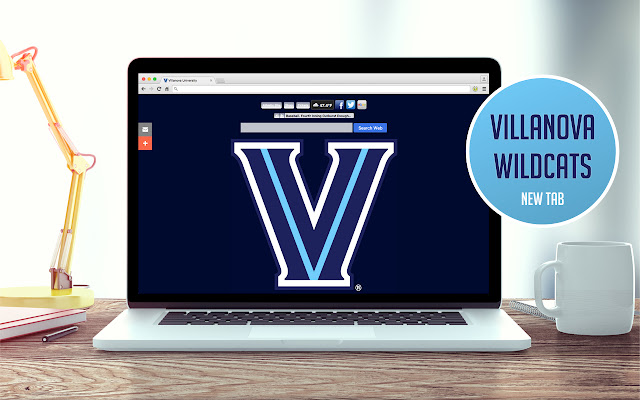


एक्सएक्स एक्सटेंशन CRX फ़ाइल डाउनलोड करें
crx प्रारूप में Villanova University New Tab एक्सटेंशन फ़ाइलें डाउनलोड करें, ब्राउज़र में क्रोम एक्सटेंशन को मैन्युअल रूप से स्थापित करें या दोस्तों के साथ crx फ़ाइलों को साझा करें ताकि क्रोम एक्सटेंशन को आसानी से स्थापित किया जा सके।
एक्सटेंशन उपयोग निर्देश
                        Install this extension to get different VILLANOVA images on each tab page!

QUESTIONS? ->  [email protected]

With our extension, you get a high-res new tab experience. We change the new tab search box to BING along with some banner advertising and quick-links to great brand partners!

Thanks for your support!
एक्सटेंशन की मूल जानकारी
| नाम |  Villanova University New Tab Villanova University New Tab |
| ID | kniggohaongbgcojabmngpdlhaemknob |
| आधिकारिक URL | https://chrome.google.com/webstore/detail/villanova-university-new/kniggohaongbgcojabmngpdlhaemknob |
| विवरण | A better new tab experience with Villanova University |
| फ़ाइल का आकार | 22.47 KB |
| स्थापना संख्या | 43 |
| वर्तमान संस्करण | 4.0.9 |
| अंतिम अपडेट | 2021-10-22 |
| प्रकाशन तिथि | 2018-03-23 |
| रेटिंग | 3.67/5 कुल 3 रेटिंग्स |
| डेवलपर | http://brandthunder.com |
| ईमेल | [email protected] |
| भुगतान के प्रकार | free |
| सहायता पृष्ठ URL | http://support.brandthunder.com |
| गोपनीयता नीति पृष्ठ URL | http://brandthunder.com/privacy |
| समर्थित भाषाएँ | en-US |
| manifest.json | |
{
    "update_url": "https:\/\/clients2.google.com\/service\/update2\/crx",
    "manifest_version": 2,
    "name": "Villanova University New Tab",
    "version": "4.0.9",
    "description": "A better new tab experience with Villanova University",
    "icons": {
        "16": "icon16.png",
        "32": "icon32.png",
        "48": "icon48.png",
        "128": "icon128.png"
    },
    "background": {
        "page": "background.html"
    },
    "browser_action": {
        "default_title": "Villanova University New Tab",
        "default_icon": {
            "16": "icon16.png",
            "32": "icon32.png"
        }
    },
    "chrome_url_overrides": {
        "newtab": "newtab.html"
    },
    "content_security_policy": "script-src 'self' https:\/\/ssl.google-analytics.com; object-src 'self'"
} | |