Sparrow DAST Event Clipboard
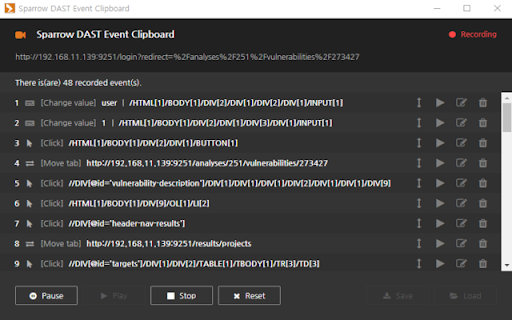
You can proactively record specific event-taking behaviors for use in Sparrow DAST.
Cos'è Sparrow DAST Event Clipboard?
Sparrow DAST Event Clipboard è un'estensione di Chrome sviluppata da http://sparrowfasoo.com/, e la sua funzione principale è "You can proactively record specific event-taking behaviors for use in Sparrow DAST.".
Screenshot dell'Estensione


Scarica il file CRX dell'estensione Sparrow DAST Event Clipboard
Scarica i file di estensione Sparrow DAST Event Clipboard in formato crx, installa manualmente le estensioni di Chrome nel browser o condividi i file crx con gli amici per installare facilmente le estensioni di Chrome.
Istruzioni per l'Uso dell'Estensione
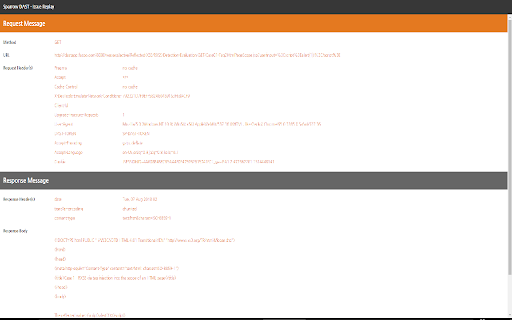
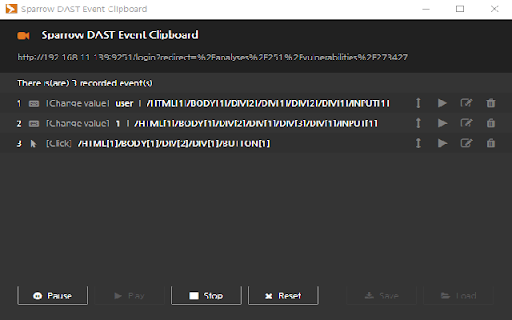
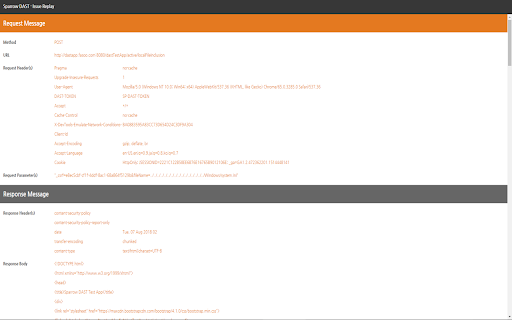
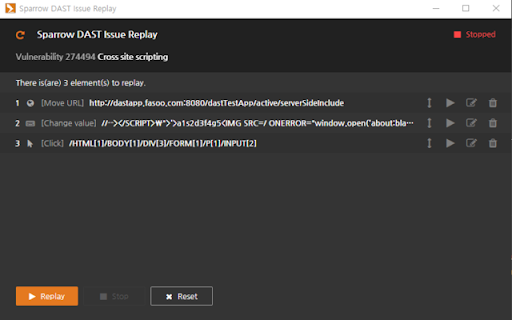
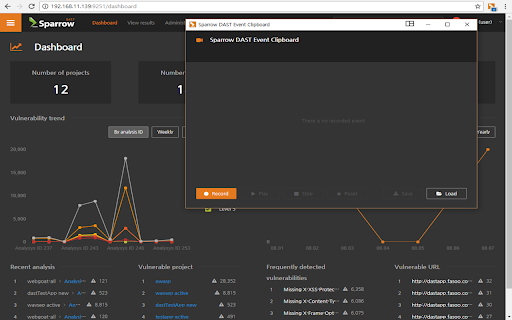
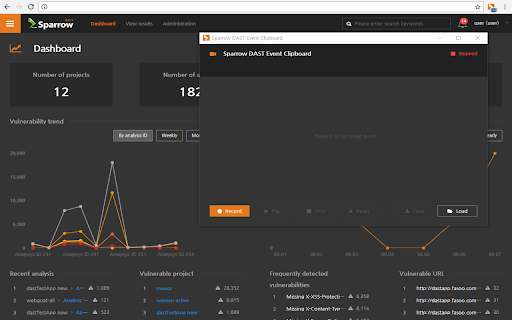
                        The Sparrow DAST event clipboard records specific events, such as sign-in to web pages, is used for vulnerability analysis and replay the identified security vulnerabilities.
If you do not use Sparrow DAST, it will not work properly.
functions:
  • Record events on web pages
  • Replay detected security vulnerabilities
Informazioni di Base sull'Estensione
| Nome |  Sparrow DAST Event Clipboard Sparrow DAST Event Clipboard |
| ID | ikebmfjkmpkaacjablfdfdkonamgijdg |
| URL Ufficiale | https://chromewebstore.google.com/detail/sparrow-dast-event-clipbo/ikebmfjkmpkaacjablfdfdkonamgijdg |
| Descrizione | You can proactively record specific event-taking behaviors for use in Sparrow DAST. |
| Dimensione del File | 18.51 MB |
| Conteggio Installazioni | 194 |
| Versione Corrente | 1.9.2 |
| Ultimo Aggiornamento | 2020-12-15 |
| Data di Pubblicazione | 2020-06-29 |
| Valutazione | 5.00/5 Totale 2 Valutazioni |
| Sviluppatore | http://sparrowfasoo.com/ |
| [email protected] | |
| Tipo di Pagamento | free |
| URL della Pagina della Politica sulla Privacy | https://www.sparrowfasoo.com/ko/privacy |
| Lingue Supportate | en,ja,ko |
| manifest.json | |
{
"update_url": "https:\/\/clients2.google.com\/service\/update2\/crx",
"manifest_version": 2,
"name": "__MSG_appName__",
"description": "__MSG_appDesc__",
"version": "1.9.2",
"default_locale": "en",
"icons": {
"16": "image\/icon16.png",
"48": "image\/icon48.png",
"128": "image\/icon128.png"
},
"content_scripts": [
{
"matches": [
" | |