Lightshot (screenshot tool)
Simple and convenient screenshot tool. Select an area, edit your screenshot and upload it to the server.
Cos'è Lightshot (screenshot tool)?
Lightshot (screenshot tool) è un'estensione di Chrome sviluppata da https://app.prntscr.com, e la sua funzione principale è "Simple and convenient screenshot tool. Select an area, edit your screenshot and upload it to the server.".
Screenshot dell'Estensione
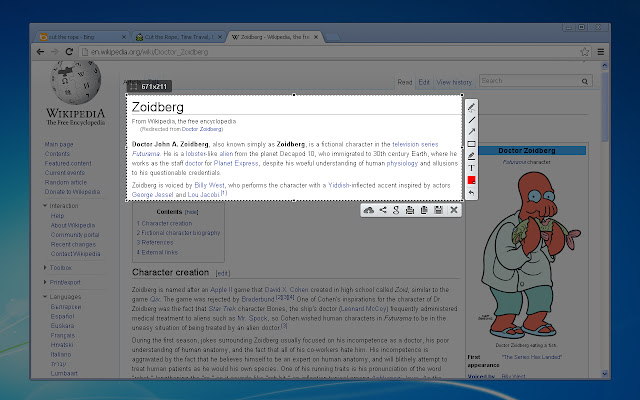
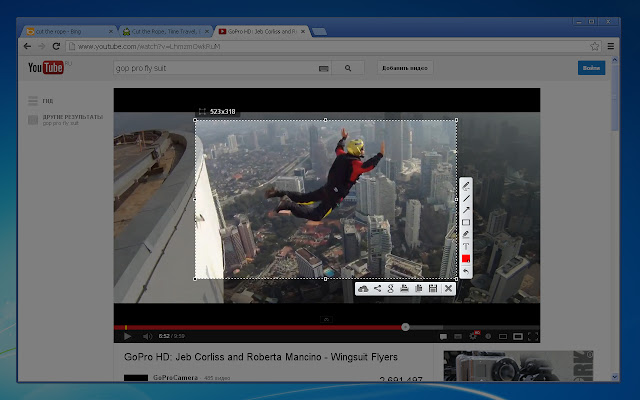
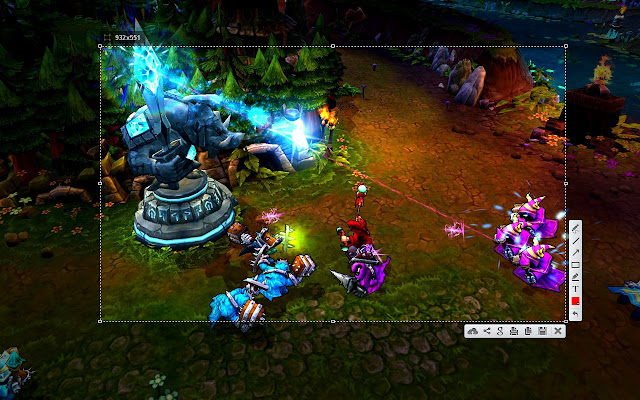
Scarica il file CRX dell'estensione Lightshot (screenshot tool)
Scarica i file di estensione Lightshot (screenshot tool) in formato crx, installa manualmente le estensioni di Chrome nel browser o condividi i file crx con gli amici per installare facilmente le estensioni di Chrome.
Istruzioni per l'Uso dell'Estensione
                        Lightshot is the fastest way to take a customizable screenshot. Simple interface, nothing useless and light weight.

Features:
* take screenshot and share it in few clicks
* select any part of the page
* edit screenshot in place
* save on a disk or upload to the cloud
* search for similar screenshots
* copy screenshot in clipboard

More information here: http://app.prntscr.com/
Privacy policy: https://app.prntscr.com/en/privacy.html?privacy

Clarification of the extension permissions:
* Read your browsing history - Chrome adds this line when we request tabs manipulation permission. Lightshot opens screenshot in a new tab, that is why we need it.
* Display notifications - Lightshot displays notification every time you upload screenshot
* Modify data you copy and paste - Lightshot allows you to copy screenshot into your Clipboard
* Manage your downloads - Lightshot allows you to save screenshot as a new file (works using download functions)

Contact e-mail: [email protected] Send your requests and bug reports here. We appreciate your contribution!
Informazioni di Base sull'Estensione
| Nome |  Lightshot (screenshot tool) Lightshot (screenshot tool) |
| ID | mbniclmhobmnbdlbpiphghaielnnpgdp |
| URL Ufficiale | https://chrome.google.com/webstore/detail/mbniclmhobmnbdlbpiphghaielnnpgdp |
| Descrizione | Simple and convenient screenshot tool. Select an area, edit your screenshot and upload it to the server. |
| Dimensione del File | 669 KB |
| Conteggio Installazioni | 3,248,647 |
| Versione Corrente | 6.3.0 |
| Ultimo Aggiornamento | 2020-01-27 |
| Data di Pubblicazione | 2020-01-22 |
| Valutazione | 4.41/5 Totale 6794 Valutazioni |
| Sviluppatore | https://app.prntscr.com |
| [email protected] | |
| Tipo di Pagamento | free |
| Sito Web dell'Estensione | https://app.prntscr.com/ |
| URL della Pagina di Aiuto | https://app.prntscr.com/help.html |
| URL della Pagina della Politica sulla Privacy | https://app.prntscr.com/en/privacy.html?privacy |
| Lingue Supportate | id,de,en,fr,nl,no,vi,tr,ca,da,et,es,hr,it,lv,lt,hu,pl,pt-BR,pt-PT,ro,sk,sl,fi,sv,cs,el,sr,bg,ru,uk,bn,th,zh-CN,zh-TW,ja,ko |
| manifest.json | |
{
"update_url": "https:\/\/clients2.google.com\/service\/update2\/crx",
"name": "__MSG_screenshotplugin_name__",
"default_locale": "en",
"icons": {
"24": "img\/icon24.png",
"38": "img\/icon38.png",
"19": "img\/icon19.png",
"32": "img\/icon32.png",
"128": "img\/icon128.png",
"256": "img\/icon256.png"
},
"author": "http:\/\/app.prntscr.com\/",
"background": {
"persistent": false,
"scripts": [
"libs\/jquery-3.2.1.min.js",
"event.js"
]
},
"version": "6.3.0",
"manifest_version": 2,
"permissions": [
" | |