now - new tab
now - simple new tab
Cos'è now - new tab?
now - new tab è un'estensione di Chrome sviluppata da http://sumel.me, e la sua funzione principale è "now - simple new tab".
Screenshot dell'Estensione
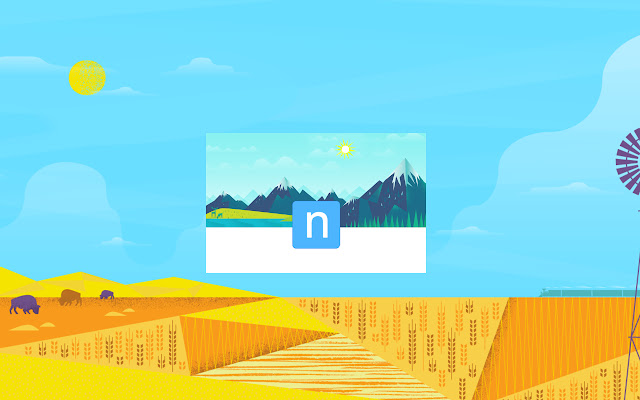


Scarica il file CRX dell'estensione now - new tab
Scarica i file di estensione now - new tab in formato crx, installa manualmente le estensioni di Chrome nel browser o condividi i file crx con gli amici per installare facilmente le estensioni di Chrome.
Istruzioni per l'Uso dell'Estensione
                        now - new tab.

Replace your new-tab with something fresh,You'll Love to open new tab!

try it!

New Version 1.30!

Thanks & Share it with your friends !
---

features:
★beautiful design !
★Gmail & Calendar checker (without login)
★Weather By your current location
★Your top sites
★Your recently closed
★Your Apps
★Easy access to settings and downloads
★Background notifications

coming soon:
★Alarms

(permission for location is for getting your current weather)

Looking For Your reviews and ideas to make chrome now better..
Informazioni di Base sull'Estensione
| Nome |  now - new tab now - new tab |
| ID | nhjnlikmjhhohgonfieanonglomklgmg |
| URL Ufficiale | https://chrome.google.com/webstore/detail/now-new-tab/nhjnlikmjhhohgonfieanonglomklgmg |
| Descrizione | now - simple new tab |
| Dimensione del File | 1.18 MB |
| Conteggio Installazioni | 2,000 |
| Versione Corrente | 1.31 |
| Ultimo Aggiornamento | 2014-11-11 |
| Data di Pubblicazione | 2014-11-11 |
| Valutazione | 3.65/5 Totale 108 Valutazioni |
| Sviluppatore | http://sumel.me |
| Tipo di Pagamento | free |
| Sito Web dell'Estensione | http://sumel.me/now |
| URL della Pagina di Aiuto | http://sumel.me/now |
| Lingue Supportate | en |
| manifest.json | |
{
    "update_url": "https:\/\/clients2.google.com\/service\/update2\/crx",
    "manifest_version": 2,
    "name": "now - new tab",
    "short_name": "now - new tab",
    "author": "Yaron Sumel",
    "version": "1.31",
    "description": "now -  simple new tab ",
    "chrome_url_overrides": {
        "newtab": "index.html"
    },
    "content_security_policy": "script-src  'self' https:\/\/ssl.google-analytics.com ; object-src 'self'",
    "permissions": [
        "https:\/\/*.google.com\/",
        "http:\/\/*.google.com\/",
        "topSites",
        "history",
        "chrome:\/\/favicon\/",
        "notifications",
        "management",
        "geolocation"
    ],
    "icons": {
        "128": "css\/icons\/icon-128.png",
        "48": "css\/icons\/icon-48.png",
        "16": "css\/icons\/icon-16.png"
    }
} | |