Browser Lock | Lock Your Browser
Take control of your web browser privacy!
Cos'è Browser Lock | Lock Your Browser?
Browser Lock | Lock Your Browser è un'estensione di Chrome sviluppata da humbldump, e la sua funzione principale è "Take control of your web browser privacy!".
Screenshot dell'Estensione

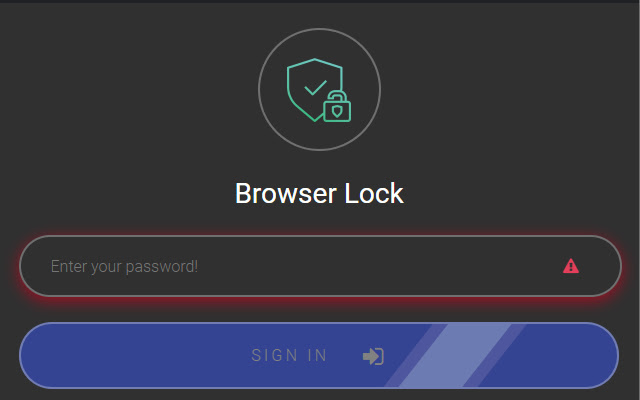


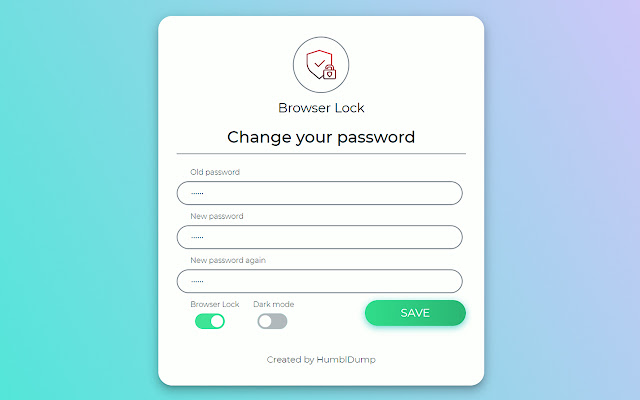
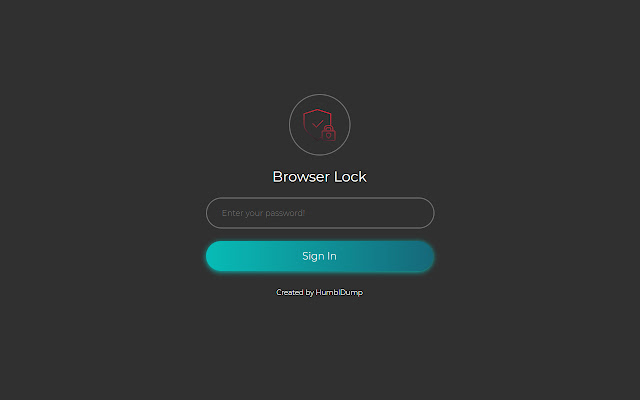
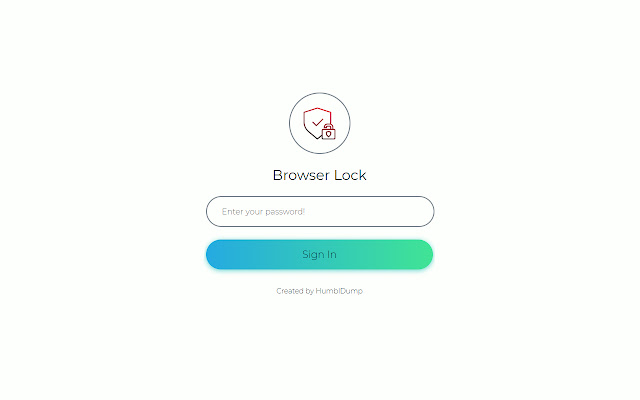

Scarica il file CRX dell'estensione Browser Lock | Lock Your Browser
Scarica i file di estensione Browser Lock | Lock Your Browser in formato crx, installa manualmente le estensioni di Chrome nel browser o condividi i file crx con gli amici per installare facilmente le estensioni di Chrome.
Istruzioni per l'Uso dell'Estensione
                        Browser Lock is a password protection for your Browser.
Browser Lock, gonna protect your browser against unauthorized users.

* Lock browser on startup
* Lock browser with using context menu
* Lock simple
* Change your password simple
* Dark mode theme
* Password recovery with your email
* Clear browser history after wrong login attempt
* Multi language
* MD5 encryption

If you want to help me with translation, you can contact with me at my mail address. [email protected]
Informazioni di Base sull'Estensione
| Nome |  Browser Lock | Lock Your Browser Browser Lock | Lock Your Browser |
| ID | nldijlfmoepgjkjhmdiiainkjgmpdnmj |
| URL Ufficiale | https://chrome.google.com/webstore/detail/browser-lock-lock-your-br/nldijlfmoepgjkjhmdiiainkjgmpdnmj |
| Descrizione | Take control of your web browser privacy! |
| Dimensione del File | 736 KB |
| Conteggio Installazioni | 45,061 |
| Versione Corrente | 1.0.7 |
| Ultimo Aggiornamento | 2021-04-13 |
| Data di Pubblicazione | 2020-07-24 |
| Valutazione | 4.09/5 Totale 109 Valutazioni |
| Sviluppatore | humbldump |
| [email protected] | |
| Tipo di Pagamento | free |
| URL della Pagina della Politica sulla Privacy | https://humbldump.com/browserlock/privacy |
| Lingue Supportate | en,tr,ru |
| manifest.json | |
{
    "update_url": "https:\/\/clients2.google.com\/service\/update2\/crx",
    "author": "HumblDump",
    "background": {
        "scripts": [
            "js\/util.js",
            "js\/notification.js",
            "js\/bg.js",
            "js\/start.js"
        ]
    },
    "content_security_policy": "script-src 'self' https:\/\/*.google.com https:\/\/*.gstatic.com https:\/\/*.google-analytics.com; object-src 'self'",
    "default_locale": "en",
    "description": "__MSG_uygulama_aciklama__",
    "icons": {
        "128": "logos\/128-logo.png",
        "16": "logos\/16-logo.png",
        "24": "logos\/24-logo.png",
        "48": "logos\/48-logo.png",
        "64": "logos\/64-logo.png"
    },
    "manifest_version": 2,
    "minimum_chrome_version": "49",
    "name": "__MSG_uygulama_baslik__",
    "options_page": "html\/options.html",
    "commands": {
        "lock-the-browser": {
            "suggested_key": {
                "default": "Ctrl+Shift+Y",
                "mac": "Command+Shift+Y"
            },
            "description": "Press to lock your browser"
        }
    },
    "permissions": [
        "tabs",
        "notifications",
        "contextMenus",
        "storage",
        "unlimitedStorage",
        "history",
        "*:\/\/worker.indiryo.com\/",
        "*:\/\/google.com\/*"
    ],
    "short_name": "__MSG_uygulama_kisa_baslik__",
    "version": "1.0.7"
} | |