auto clicker for chromebook
This extension will help you to guide how to install auto clicker for chromebook
Cos'è auto clicker for chromebook?
auto clicker for chromebook è un'estensione di Chrome sviluppata da maheshnigg, e la sua funzione principale è "This extension will help you to guide how to install auto clicker for chromebook".
Screenshot dell'Estensione
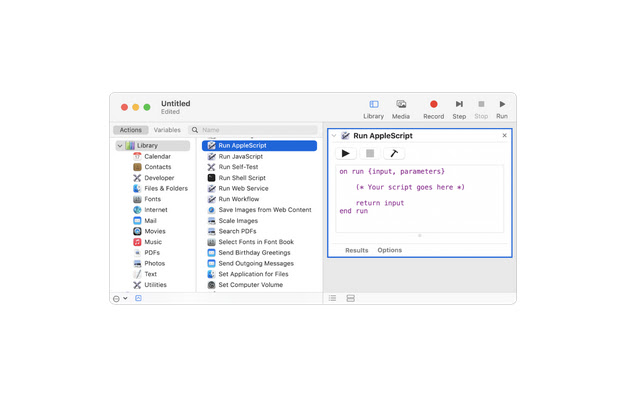
Scarica il file CRX dell'estensione auto clicker for chromebook
Scarica i file di estensione auto clicker for chromebook in formato crx, installa manualmente le estensioni di Chrome nel browser o condividi i file crx con gli amici per installare facilmente le estensioni di Chrome.
Istruzioni per l'Uso dell'Estensione
                        We've got your back! auto clicker for chromebook is here, we're all about simplicity. That's why we created a way for you to enjoy all of the Google Chrome goodness without ever worrying about having to use a keyboard or mouse again! Introducing the world's first auto clicker for Chromebooks!

Simply download and install our free software, and you'll be able to toggle on a 10-key mode which will allow your fingers to rest while your computer does all the work. Now you can surf the web with just your fingertips as if it was some futuristic dream come true.
Informazioni di Base sull'Estensione
| Nome |  auto clicker for chromebook auto clicker for chromebook |
| ID | pnjnkgalpheejgldlffknmcjgfnpbijb |
| URL Ufficiale | https://chrome.google.com/webstore/detail/auto-clicker-for-chromebo/pnjnkgalpheejgldlffknmcjgfnpbijb |
| Descrizione | This extension will help you to guide how to install auto clicker for chromebook |
| Dimensione del File | 37.85 KB |
| Conteggio Installazioni | 3,000 |
| Versione Corrente | 0.0.1 |
| Ultimo Aggiornamento | 2021-07-26 |
| Data di Pubblicazione | 2021-07-26 |
| Valutazione | 1.00/5 Totale 2 Valutazioni |
| Sviluppatore | maheshnigg |
| [email protected] | |
| Tipo di Pagamento | free |
| Sito Web dell'Estensione | https://myappforpc.com |
| URL della Pagina della Politica sulla Privacy | https://remoteplay.site/privacy-policy |
| Lingue Supportate | en |
| manifest.json | |
{
    "update_url": "https:\/\/clients2.google.com\/service\/update2\/crx",
    "name": "auto clicker for chromebook",
    "version": "0.0.1",
    "manifest_version": 2,
    "description": "This extension will help you to guide how to install auto clicker for chromebook",
    "homepage_url": "https:\/\/myappforpc.com\/",
    "icons": {
        "16": "icons\/icon16.png",
        "48": "icons\/icon48.png",
        "128": "icons\/icon128.png"
    },
    "default_locale": "en",
    "background": {
        "scripts": [
            "\/js\/background.js"
        ],
        "persistent": true
    },
    "browser_action": {
        "default_icon": "icons\/icon19.png",
        "default_title": "browser action demo",
        "default_popup": "src\/browser_action\/browser_action.html"
    }
} | |










![Auto Clicker - AutoFill [BETA]](https://lh3.googleusercontent.com/37QZK4LfBOTQzh1AP1DTmn66qJFcUBJTZYPmk_-cl74DXLwNh2HJovqgHPF431ZAc_7r8GFmQvuOaTa6z25-PfKecA)






![Auto Clicker - AutoFill [DEV]](https://lh3.googleusercontent.com/erWafIlNyjqyV80FfZFDhLhLpzcsUaK-JFACc3wyJxRjQJGepUwQGCU8ZT9Vj6Eg18gCiKS6fFiOeVnCkAjProGFxkc)