La Casa De Papel Wallpaper New Tab
Chrome New Tab Wallpaper Background Designed For La Casa De Papel Fans. Make a Difference With Chrome Custom Design.
La Casa De Papel Wallpaper New Tabとは何ですか?
La Casa De Papel Wallpaper New Tabはhttps://gameograf.comによって開発されたChromeの拡張機能で、その主な機能は「Chrome New Tab Wallpaper Background Designed For La Casa De Papel Fans. Make a Difference With Chrome Custom Design.」です。
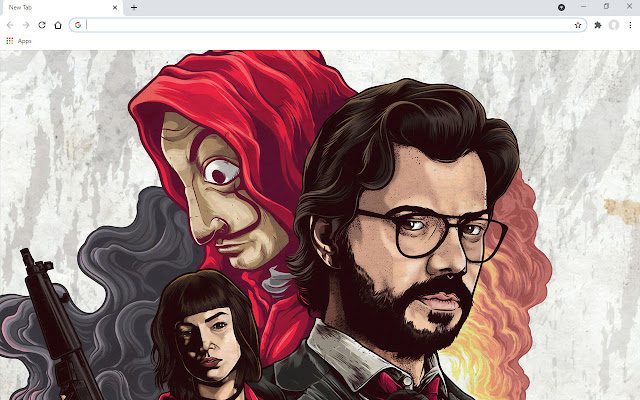
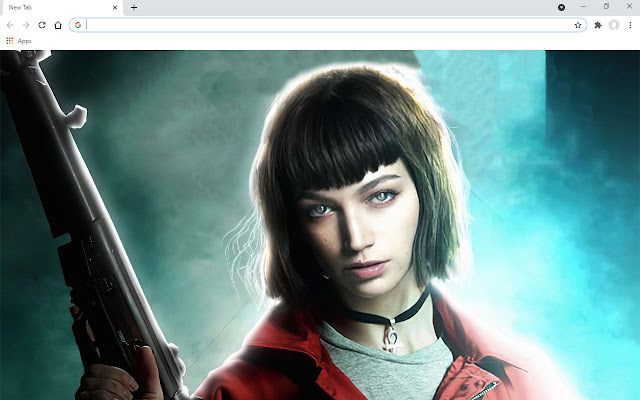
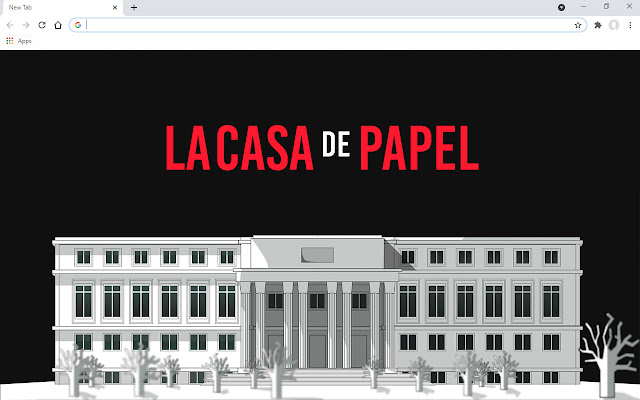
拡張機能のスクリーンショット

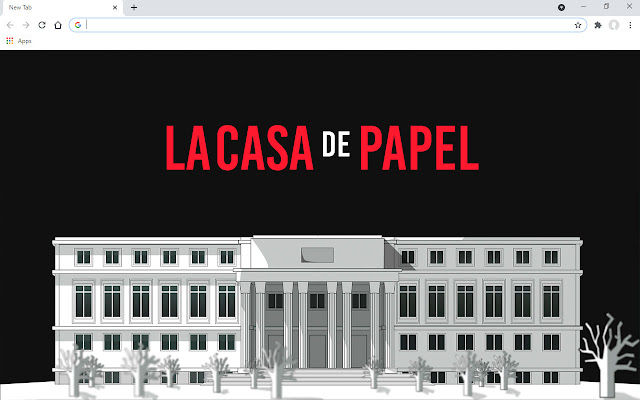
La Casa De Papel Wallpaper New Tab拡張機能のCRXファイルをダウンロード
La Casa De Papel Wallpaper New Tab拡張子のファイルをcrx形式でダウンロードし、ブラウザにChrome拡張機能を手動でインストールするか、crxファイルを友達と共有して簡単にChrome拡張機能をインストールします。
拡張機能の使用方法
                        Chrome New Tab Wallpaper Background Designed For La Casa De Papel Fans. Make a Difference With Chrome Custom Design.

Install the Chrome extension specially designed for La Casa De Papel fans. Greet you with a new La Casa De Papel wallpaper every time you open a new tab. If you wish, you can fix the wallpaper you like. Enjoy La Casa De Papel New Tab for Google Chrome. After installing the La Casa De Papel Chrome extension, you will now have a special design.

La Casa De Papel New Tab Features:
* It does NOT contain content that could endanger your security.
* Hey new tab wallpaper changes
* You can pin any of the wallpaper options
* Quick access with shortcut icons of the most visited websites on the left.
* Easy and fast Google Search
* Time and date
* Active / passive option from settings
拡張機能の基本情報
| 名前 |  La Casa De Papel Wallpaper New Tab La Casa De Papel Wallpaper New Tab |
| ID | ameflckolabcpelciaodfobhockfhbpj |
| 公式URL | https://chrome.google.com/webstore/detail/la-casa-de-papel-wallpape/ameflckolabcpelciaodfobhockfhbpj |
| 説明 | Chrome New Tab Wallpaper Background Designed For La Casa De Papel Fans. Make a Difference With Chrome Custom Design. |
| ファイルサイズ | 39.66 MB |
| インストール数 | 77 |
| 現在のバージョン | 2 |
| 最終更新日 | 2022-09-13 |
| 公開日 | 2022-09-13 |
| 開発者 | https://gameograf.com |
| Eメール | [email protected] |
| 支払い方法 | free |
| 対応言語 | en |
| manifest.json | |
{
    "author": "gameograf",
    "name": "__MSG_appName__",
    "description": "__MSG_appDesc__",
    "manifest_version": 3,
    "default_locale": "en",
    "version": "2",
    "offline_enabled": true,
    "chrome_url_overrides": {
        "newtab": "index.html"
    },
    "action": {
        "default_icon": {
            "128": "images\/128.png"
        }
    },
    "background": {
        "service_worker": "background.js"
    },
    "permissions": [
        "bookmarks",
        "topSites"
    ],
    "icons": {
        "128": "images\/128.png"
    },
    "update_url": "https:\/\/clients2.google.com\/service\/update2\/crx"
} | |