Quorator
Smart Quora Feed Display
Quoratorとは何ですか?
QuoratorはVarunAgrawalによって開発されたChromeの拡張機能で、その主な機能は「Smart Quora Feed Display」です。
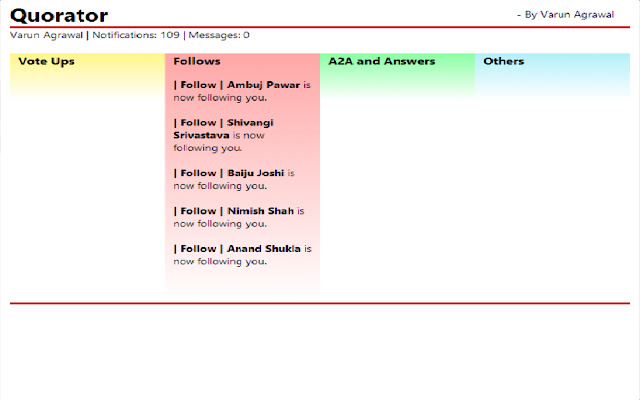
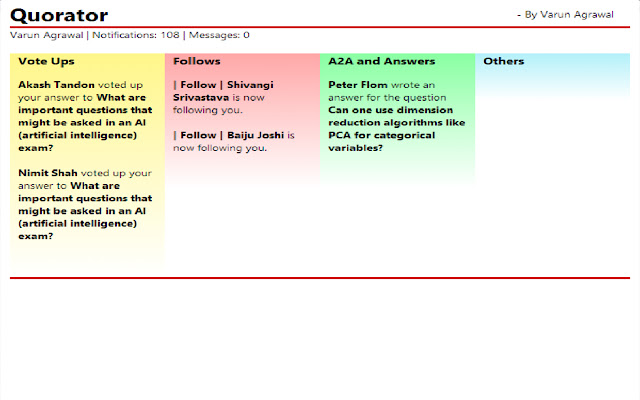
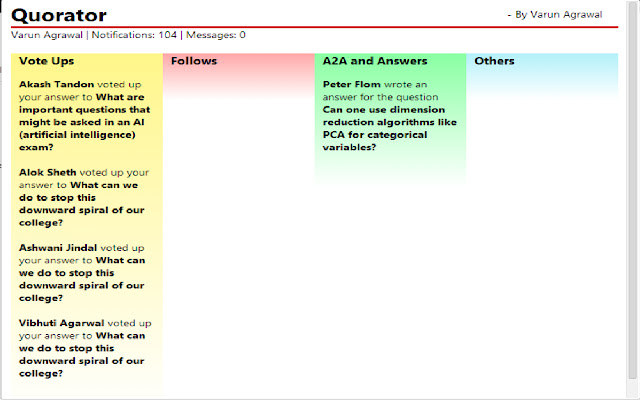
拡張機能のスクリーンショット
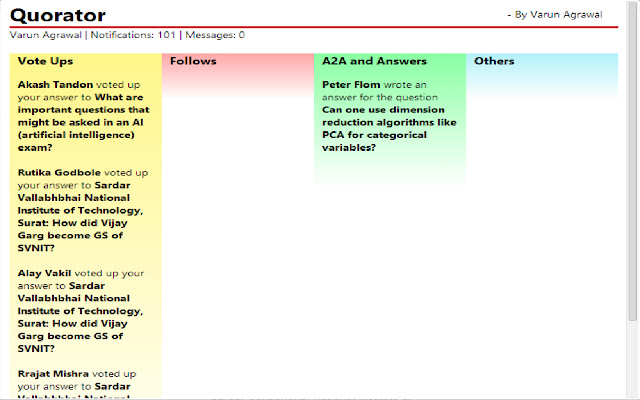
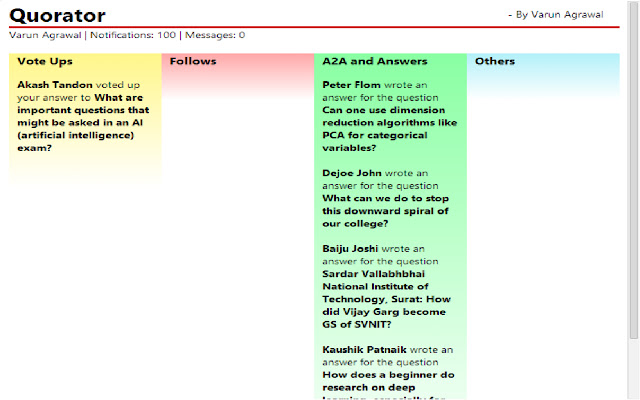
Quorator拡張機能のCRXファイルをダウンロード
Quorator拡張子のファイルをcrx形式でダウンロードし、ブラウザにChrome拡張機能を手動でインストールするか、crxファイルを友達と共有して簡単にChrome拡張機能をインストールします。
拡張機能の使用方法
Annoyed with the cluttered, messy way Quora displays your notifications to you? Use Quorator. An easy to use, lightweight Chrome Extension that classifies and color-coordinates your Quora notifications into 4 relevant categories. Click on the links displayed in Quorator to open the Quora page and enjoy using Quora without the clutter of notifications. 拡張機能の基本情報
| 名前 |  Quorator Quorator |
| ID | kppbolnligjjnokjhainblhdpbobcbgb |
| 公式URL | https://chrome.google.com/webstore/detail/quorator/kppbolnligjjnokjhainblhdpbobcbgb |
| 説明 | Smart Quora Feed Display |
| ファイルサイズ | 63.19 KB |
| インストール数 | 10 |
| 現在のバージョン | 1.7.5 |
| 最終更新日 | 2015-11-25 |
| 公開日 | 2015-11-25 |
| 評価 | 4.83/5 合計 6 レビュー |
| 開発者 | VarunAgrawal |
| 支払い方法 | free |
| 拡張機能のウェブサイト | http://varunagrawal.github.io/ |
| ヘルプページのURL | http://varunagrawal.github.io/ |
| 対応言語 | en-US |
| manifest.json | |
{
    "update_url": "https:\/\/clients2.google.com\/service\/update2\/crx",
    "manifest_version": 2,
    "name": "Quorator",
    "short_name": "Quorator",
    "description": "Smart Quora Feed Display",
    "version": "1.7.5",
    "icons": {
        "16": "images\/icon16.png",
        "48": "images\/icon48.png",
        "128": "images\/icon128.png",
        "256": "images\/icon256.png"
    },
    "permissions": [
        "activeTab",
        "https:\/\/www.quora.com\/api\/",
        "notifications"
    ],
    "browser_action": {
        "default_icon": "images\/icon.png",
        "default_title": "Quorator",
        "default_popup": "popup.html"
    },
    "background": {
        "scripts": [
            "js\/background.js"
        ]
    },
    "author": "varunagrawal"
} | |