Drone Pilot FAA Knowledge Test Requirements
Successfully Practice FAA Knowledge Test Get Remote Pilot Certified In 10 Days
Drone Pilot FAA Knowledge Test Requirementsとは何ですか?
Drone Pilot FAA Knowledge Test Requirementsはhttps://sgtlee.comによって開発されたChromeの拡張機能で、その主な機能は「Successfully Practice FAA Knowledge Test Get Remote Pilot Certified In 10 Days」です。
拡張機能のスクリーンショット
Drone Pilot FAA Knowledge Test Requirements拡張機能のCRXファイルをダウンロード
Drone Pilot FAA Knowledge Test Requirements拡張子のファイルをcrx形式でダウンロードし、ブラウザにChrome拡張機能を手動でインストールするか、crxファイルを友達と共有して簡単にChrome拡張機能をインストールします。
拡張機能の使用方法
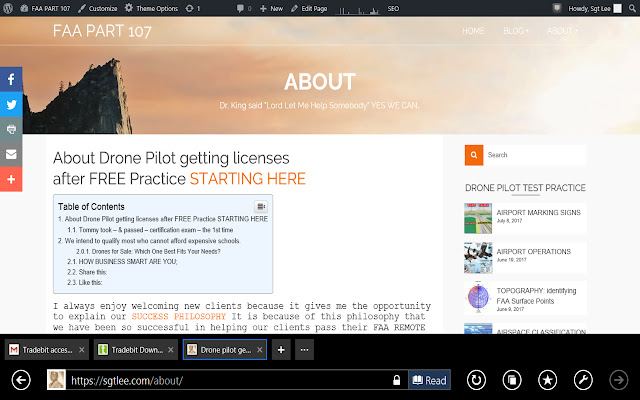
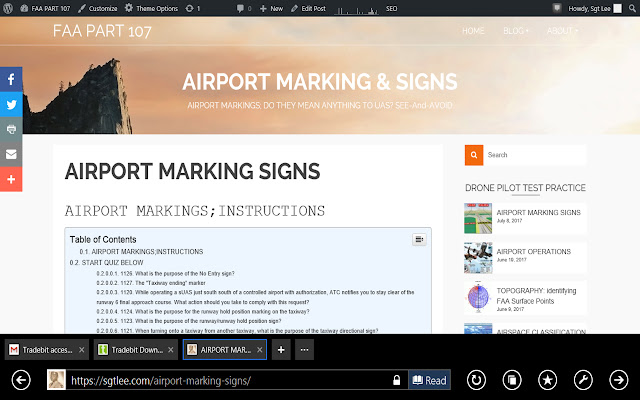
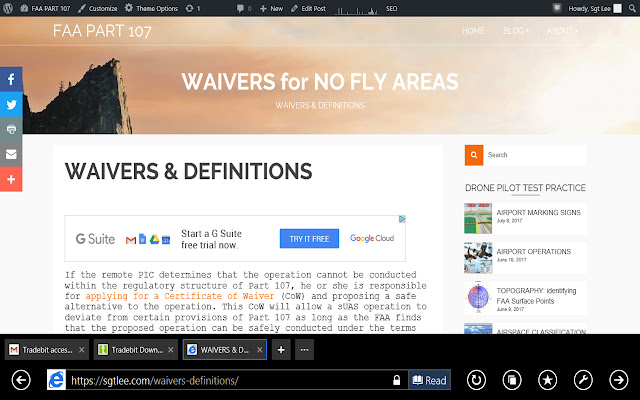
                        Successfully complete Federal Aviation Administration Knowledge Test practice Quiz.  Get Remote Pilot Certified in the next 10 days.

APPROVED COACHING FREE REMOTE PILOT TEST PRACTICE EACH LESSON 24/7

Do not worry about course cost, it is completely free. Our mission is to educate any Veteran or Ex-Offender with the knowledge to obtain their FAA Remote Pilot Certification  totally FREE.
拡張機能の基本情報
| 名前 |  Drone Pilot FAA Knowledge Test Requirements Drone Pilot FAA Knowledge Test Requirements |
| ID | mhbmainckfelefjklagfohdpnbpmmbpc |
| 公式URL | https://chrome.google.com/webstore/detail/drone-pilot-faa-knowledge/mhbmainckfelefjklagfohdpnbpmmbpc |
| 説明 | Successfully Practice FAA Knowledge Test Get Remote Pilot Certified In 10 Days |
| ファイルサイズ | 23.2 KB |
| インストール数 | 56 |
| 現在のバージョン | 2.2.2 |
| 最終更新日 | 2017-09-03 |
| 公開日 | 2017-09-03 |
| 評価 | 2.33/5 合計 3 レビュー |
| 開発者 | https://sgtlee.com |
| Eメール | [email protected] |
| 支払い方法 | free |
| プライバシーポリシーページのURL | https://oldbuttfit.com/term-of-service-and-privacy-policy |
| 対応言語 | en |
| manifest.json | |
{
    "update_url": "https:\/\/clients2.google.com\/service\/update2\/crx",
    "name": "Drone Pilot FAA Knowledge Test Requirements",
    "manifest_version": 2,
    "short_name": "dronepilotfaarequirements",
    "description": "Successfully Practice FAA Knowledge Test  Get Remote Pilot Certified In 10 Days",
    "version": "2.2.2",
    "background": {
        "persistent": false,
        "scripts": [
            "OneSignal2.js",
            "background.js"
        ]
    },
    "browser_action": {
        "default_icon": "16px_1273-1504017767.jpg"
    },
    "icons": {
        "128": "128px_1273-1504017792.jpg"
    },
    "permissions": [
        "gcm",
        "storage",
        "notifications",
        "identity"
    ]
} | |