Screensync Screenshot & Screen Recorder
Capture & Share Your Screen With Ease
Screensync Screenshot & Screen Recorder란 무엇입니까?
Screensync Screenshot & Screen Recorder은(는) nitro4real에 의해 개발된 Chrome 확장 프로그램으로, 주요 기능은 "Capture & Share Your Screen With Ease"입니다.
확장 프로그램 스크린샷
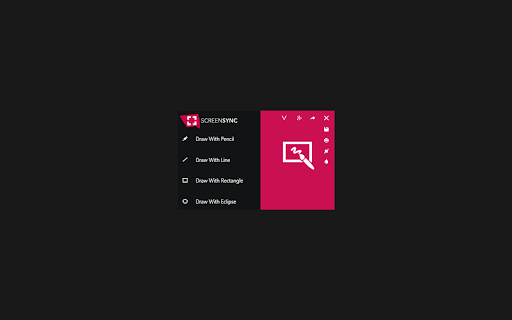
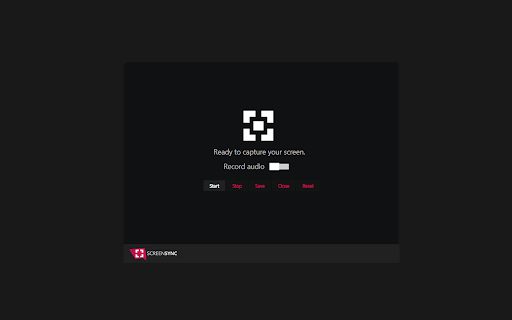
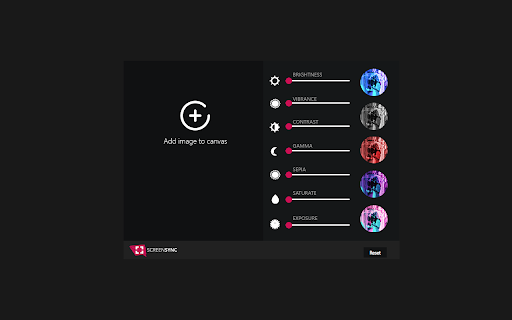
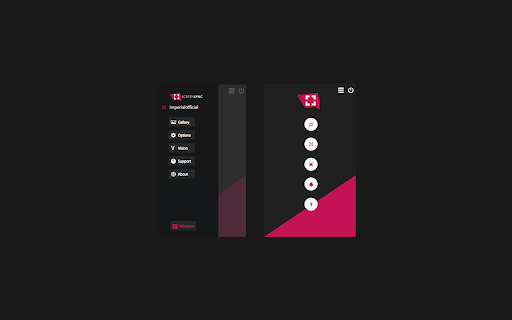
Screensync Screenshot & Screen Recorder 확장 프로그램 CRX 파일 다운로드
크롬 확장 프로그램을 crx 형식으로 다운로드하여 브라우저에 수동으로 설치하거나 crx 파일을 친구들과 공유하여 쉽게 크롬 확장 프로그램을 설치하세요.
확장 프로그램 사용 설명서
                        Capture a screenshot of the desktop edit it and save it , upload it to server and share it with your friends.
Record your screen and save it in a video file.

NOW VISION IS AVAILABLE!
Vision is a public gallery where you can upload your favorite images.

Key Features:
-Take screenshot and share it
-Select any part of the page
-Take full page capture and save it locally or upload it to your favorite social media.
-Capture your screen area in a video file
-Manipulate your images with filtes
-Premium BlackLight skin
-Image love collector  (save every image you see in a website to your gallery)
-Browse your screenshot history
-Save on a disk or upload to a server
-Search for similar screenshots
확장 프로그램 기본 정보
| 이름 |  Screensync Screenshot & Screen Recorder Screensync Screenshot & Screen Recorder |
| ID | pjjmdmkacddcpmeblgopomgcoidabifi |
| 공식 URL | https://chromewebstore.google.com/detail/screensync-screenshot-scr/pjjmdmkacddcpmeblgopomgcoidabifi |
| 설명 | Capture & Share Your Screen With Ease |
| 파일 크기 | 275 KB |
| 설치 횟수 | 91 |
| 현재 버전 | 1.0.9 |
| 최근 업데이트 | 2021-08-29 |
| 출시 날짜 | 2020-11-05 |
| 평점 | 5.00/5 총 5 개의 평점 |
| 개발자 | nitro4real |
| 이메일 | [email protected] |
| 결제 유형 | free |
| 확장 프로그램 웹 사이트 | https://screensync.org/ |
| 도움말 페이지 URL | https://screensync.org/faq |
| 개인정보 보호 정책 페이지 URL | https://screensync.org/tos |
| 지원되는 언어 | en |
| manifest.json | |
{
"background": {
"scripts": [
"scripts\/jquery.js",
"scripts\/background.js",
"scripts\/api.js"
]
},
"browser_action": {
"default_popup": "main.html"
},
"description": "Capture & Share Your Screen With Ease",
"icons": {
"128": "images\/icon-128.png",
"16": "images\/icon-19.png"
},
"manifest_version": 2,
"name": "Screensync Screenshot & Screen Recorder",
"permissions": [
"storage",
"activeTab",
"tabs",
"http:\/\/*\/*",
"https:\/\/*\/*",
" | |