LinkedIn Profile Downloader
Download Linkedin Profile easily and quickly in Doc formats Grab all the details in just few clicks.
Wat is LinkedIn Profile Downloader?
LinkedIn Profile Downloader is een Chrome-extensie ontwikkeld door sharma, en de belangrijkste functie is "Download Linkedin Profile easily and quickly in Doc formats Grab all the details in just few clicks.".
Extensie Screenshots

Download het CRX-bestand van de extensie LinkedIn Profile Downloader
Download LinkedIn Profile Downloader-extensiebestanden in crx-indeling, installeer Chrome-extensies handmatig in de browser of deel de crx-bestanden met vrienden om Chrome-extensies eenvoudig te installeren.
Instructies voor het Gebruik van de Extensie
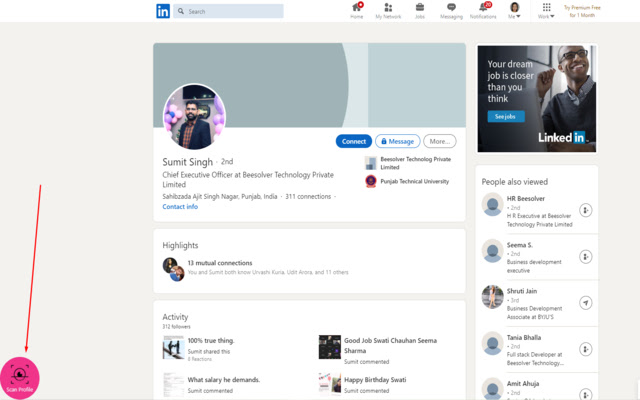
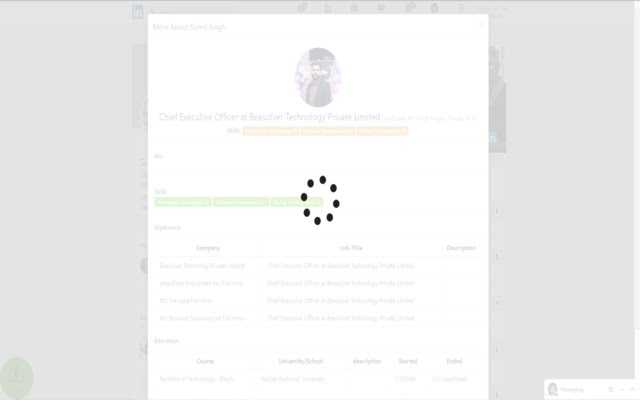
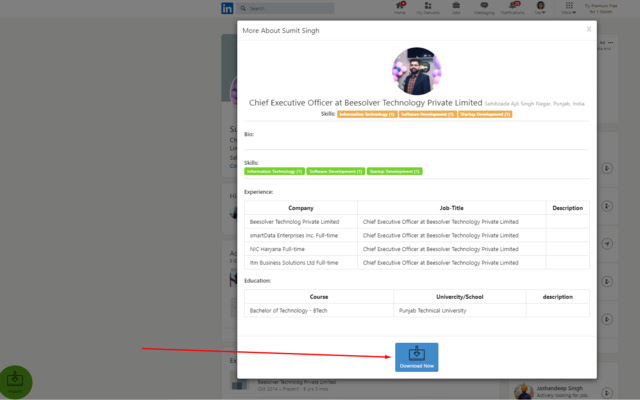
                        This chrome extension helps you download a LinkedIn profile in a .doc format, which includes the profile's picture, educational background, employment experience, job title, etc., in a beautiful and organized file.
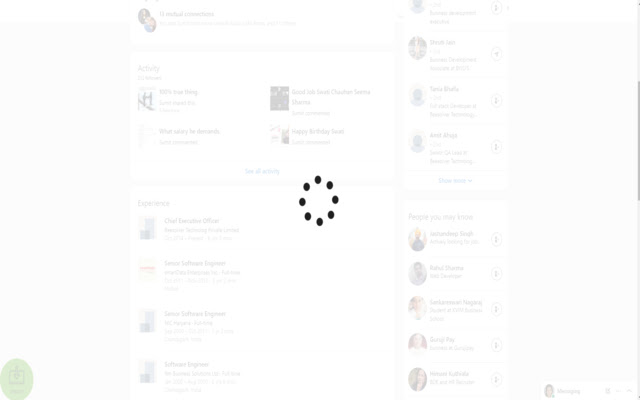
In just a few clicks, you can import and download the profile directly to your PC's local storage. The downloaded file can then be edited, shared, or used as you deem fit.
Use this extension to scrape data from a page for later use.
Basisinformatie over de Extensie
| Naam |  LinkedIn Profile Downloader LinkedIn Profile Downloader |
| ID | pjpclgmpflbefdbmlokmdgcdibmhkeeo |
| Officiële URL | https://chrome.google.com/webstore/detail/linkedin-profile-download/pjpclgmpflbefdbmlokmdgcdibmhkeeo |
| Beschrijving | Download Linkedin Profile easily and quickly in Doc formats Grab all the details in just few clicks. |
| Bestandsgrootte | 130 KB |
| Aantal Installaties | 100 |
| Huidige Versie | 1.1 |
| Laatst Bijgewerkt | 2020-12-20 |
| Publicatiedatum | 2020-12-15 |
| Beoordeling | 5.00/5 Totaal 2 Beoordelingen |
| Ontwikkelaar | sharma |
| [email protected] | |
| Betalingswijze | free |
| Ondersteunde Talen | en-US |
| manifest.json | |
{
    "update_url": "https:\/\/clients2.google.com\/service\/update2\/crx",
    "manifest_version": 2,
    "name": "LinkedIn Profile Downloader",
    "description": "Download Linkedin Profile easily and quickly in Doc formats Grab all the details in just few clicks. ",
    "version": "1.1",
    "browser_action": {
        "default_icon": "icon.png",
        "default_popup": "popup.html",
        "default_title": "Thanks"
    },
    "permissions": [
        "activeTab"
    ],
    "background": {
        "page": "background.html",
        "persistent": true
    },
    "icons": {
        "16": "icon.png",
        "48": "icon.png",
        "128": "icon.png"
    },
    "web_accessible_resources": [
        "jquery.js"
    ],
    "content_security_policy": "script-src 'self' 'unsafe-eval' https:\/\/code.jquery.com https:\/\/unpkg.com https:\/\/cdnjs.cloudflare.com https:\/\/maxcdn.bootstrapcdn.com https:\/\/ajax.googleapis.com https:\/\/cdnjs.cloudflare.com; object-src 'self'"
} | |