Coupon Shark New Tab
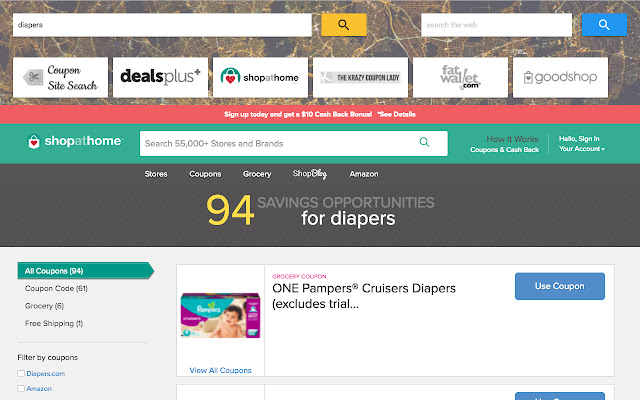
Discover the best coupons and deals. Search simultaneously across the top coupon and deal sites.
Co to jest Coupon Shark New Tab?
Coupon Shark New Tab to rozszerzenie Chrome opracowane przez http://couponshark.io, a jego główną funkcją jest „Discover the best coupons and deals. Search simultaneously across the top coupon and deal sites.”.
Zrzuty ekranu rozszerzenia


Pobierz plik CRX rozszerzenia Coupon Shark New Tab
Pobierz pliki rozszerzeń Coupon Shark New Tab w formacie crx, zainstaluj ręcznie rozszerzenia Chrome w przeglądarce lub udostępnij pliki crx znajomym, aby łatwo zainstalować rozszerzenia Chrome.
Instrukcja Użytkowania Rozszerzenia
                        Make your new tab page a Coupon Search powerhouse!  Let the Coupon Shark work for you!

Search simultaneously across the top coupon and deal sites, including:
- The Krazy Coupon Lady
- GoodShop
- Fat Wallet
- Dealsplus
- ShopAtHome

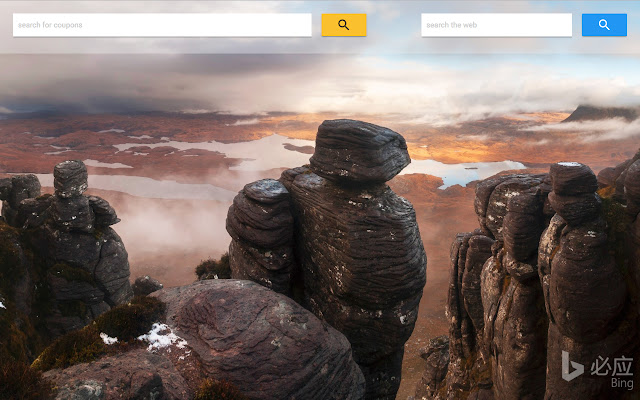
If you want to save money before every purchase, give it a try. Since it overrides your new tab page, before every coupon search, we show by default a beautiful background picture.
Podstawowe informacje o rozszerzeniu
| Nazwa |  Coupon Shark New Tab Coupon Shark New Tab |
| ID | dhbpoeieaapenancncoojemnojbiegak |
| Oficjalny URL | https://chrome.google.com/webstore/detail/coupon-shark-new-tab/dhbpoeieaapenancncoojemnojbiegak |
| Opis | Discover the best coupons and deals. Search simultaneously across the top coupon and deal sites. |
| Rozmiar pliku | 18.4 KB |
| Liczba instalacji | 140 |
| Aktualna Wersja | 0.1 |
| Ostatnia Aktualizacja | 2017-01-02 |
| Data Publikacji | 2017-01-02 |
| Ocena | 5.00/5 Łącznie 1 Oceny |
| Deweloper | http://couponshark.io |
| Typ Płatności | free |
| Obsługiwane Języki | en-US |
| manifest.json | |
{
    "update_url": "https:\/\/clients2.google.com\/service\/update2\/crx",
    "name": "Coupon Shark New Tab",
    "description": "Discover the best coupons and deals. Search simultaneously across the top coupon and deal sites.",
    "content_security_policy": "script-src 'self' https:\/\/ssl.google-analytics.com; object-src 'self'",
    "version": "0.1",
    "manifest_version": 2,
    "permissions": [
        "management"
    ],
    "chrome_url_overrides": {
        "newtab": "tab.html"
    },
    "icons": {
        "128": "images\/128x128.png",
        "16": "images\/16x16.png",
        "48": "images\/48x48.png"
    }
} | |