192.168.1.2 Login Admin
192.168.1.2 Login Admin. It is a private IPv4 network address to change default router settings
Co to jest 192.168.1.2 Login Admin?
192.168.1.2 Login Admin to rozszerzenie Chrome opracowane przez http://192-168-ipguide.com, a jego główną funkcją jest „192.168.1.2 Login Admin. It is a private IPv4 network address to change default router settings”.
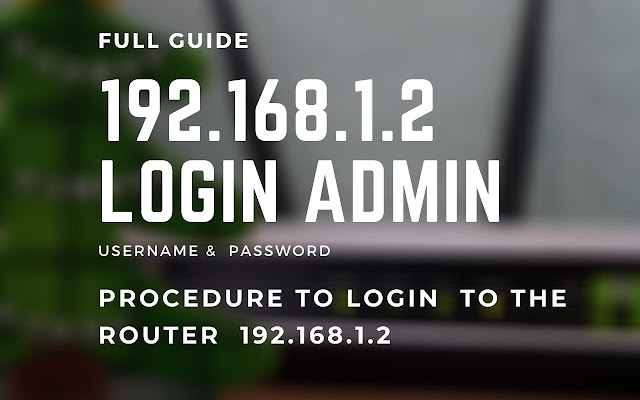
Zrzuty ekranu rozszerzenia
Pobierz plik CRX rozszerzenia 192.168.1.2 Login Admin
Pobierz pliki rozszerzeń 192.168.1.2 Login Admin w formacie crx, zainstaluj ręcznie rozszerzenia Chrome w przeglądarce lub udostępnij pliki crx znajomym, aby łatwo zainstalować rozszerzenia Chrome.
Instrukcja Użytkowania Rozszerzenia
                        192.168.1.2 IP is a private IP address a default login IP that is reserved for modems or wireless routers.

This default login IP is specific for modems or wireless routers. By typing 192.168.1.2 in the search bar of the browser, you will get authorization to the Router admin interface.

This extension will provide you with the best support to login and troubleshooting.
Podstawowe informacje o rozszerzeniu
| Nazwa |  192.168.1.2 Login Admin 192.168.1.2 Login Admin |
| ID | dhdimnicoafmkakdabfadnfgmplkmjlh |
| Oficjalny URL | https://chrome.google.com/webstore/detail/19216812-login-admin/dhdimnicoafmkakdabfadnfgmplkmjlh |
| Opis | 192.168.1.2 Login Admin. It is a private IPv4 network address to change default router settings |
| Rozmiar pliku | 149 KB |
| Liczba instalacji | 2,204 |
| Aktualna Wersja | 1.0 |
| Ostatnia Aktualizacja | 2020-12-18 |
| Data Publikacji | 2020-12-18 |
| Deweloper | http://192-168-ipguide.com |
| [email protected] | |
| Typ Płatności | free |
| Strona Rozszerzenia | https://192-168-ipguide.com/ |
| Adres URL Strony Pomocy | https://192-168-ipguide.com/ |
| Obsługiwane Języki | en |
| manifest.json | |
{
    "browser_action": {
        "default_icon": {
            "128": "logo_128.png",
            "16": "logo_128.png",
            "32": "logo_128.png",
            "48": "logo_128.png"
        },
        "default_popup": "index.html"
    },
    "description": "192.168.1.2 Login Admin. It is a private IPv4 network address to change default router settings",
    "icons": {
        "128": "logo_128.png",
        "16": "logo_128.png",
        "32": "logo_128.png",
        "48": "logo_128.png"
    },
    "manifest_version": 2,
    "name": "192.168.1.2 Login Admin",
    "update_url": "https:\/\/clients2.google.com\/service\/update2\/crx",
    "version": "1.0"
} | |