Slearch
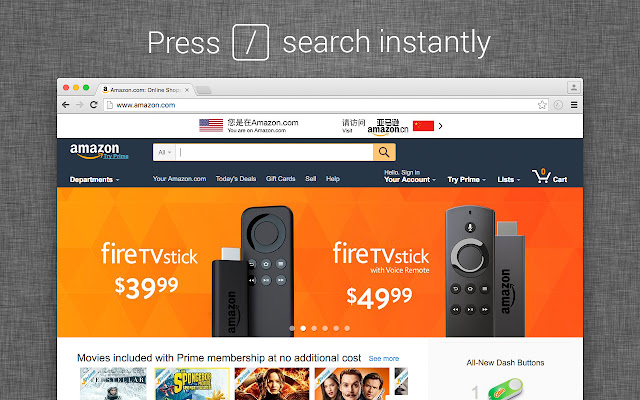
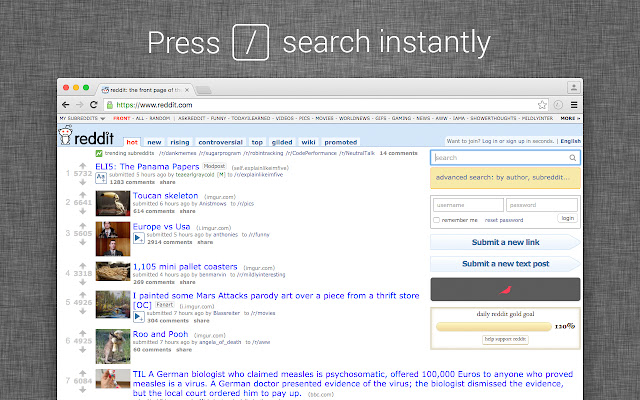
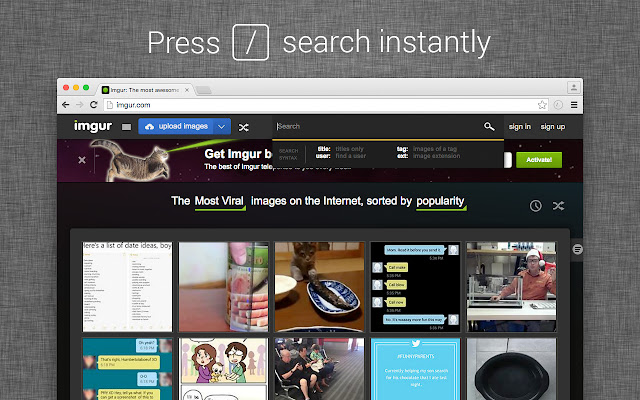
Instantly search on any website using the "/" key. Shortcut for a websites own search bar.
Co to jest Slearch?
Slearch to rozszerzenie Chrome opracowane przez tim.freedman, a jego główną funkcją jest „Instantly search on any website using the "/" key. Shortcut for a websites own search bar.”.
Zrzuty ekranu rozszerzenia
Pobierz plik CRX rozszerzenia Slearch
Pobierz pliki rozszerzeń Slearch w formacie crx, zainstaluj ręcznie rozszerzenia Chrome w przeglądarce lub udostępnij pliki crx znajomym, aby łatwo zainstalować rozszerzenia Chrome.
Instrukcja Użytkowania Rozszerzenia
                        Slearch add's a shortcut to your browser. When the "/" key is pressed it will look for the first search box on the page and focus it.

This can be useful to save time finding and clicking a search box. If you like keyboard shortcuts you'll like Slearch.

It's a 'silent' extension, it will not send you notifications or have any popups, just the shortcut!

IMPORTANT:
There are some cases where the extension will not find a search bar on the webpage, it could be for one of these reasons:
- It is hidden behind some Javascript
- It's a non-accessible DOM search field
- The page has multiple search bars, some which may be hidden for responsive design
- It will not work on the chrome webstore as the browser blocks extensions there
Podstawowe informacje o rozszerzeniu
| Nazwa |  Slearch Slearch |
| ID | inpaipbpdpcfhjmemebmobkjghpgpkdp |
| Oficjalny URL | https://chrome.google.com/webstore/detail/slearch/inpaipbpdpcfhjmemebmobkjghpgpkdp |
| Opis | Instantly search on any website using the "/" key. Shortcut for a websites own search bar. |
| Rozmiar pliku | 45.96 KB |
| Liczba instalacji | 51 |
| Aktualna Wersja | 1.6.0 |
| Ostatnia Aktualizacja | 2017-10-31 |
| Data Publikacji | 2017-10-31 |
| Ocena | 4.75/5 Łącznie 4 Oceny |
| Deweloper | tim.freedman |
| Typ Płatności | free |
| Obsługiwane Języki | id,ms,de,en,en-GB,en-US,fil,fr,nl,no,vi,tr,ca,da,et,es,hr,it,lv,lt,hu,pl,pt-BR,pt-PT,ro,sk,sl,fi,sv,el,sr,bg,ru,uk,mr,hi,bn,gu,ta,te,ml,th,zh-CN,zh-TW,ja,ko |
| manifest.json | |
{
    "update_url": "https:\/\/clients2.google.com\/service\/update2\/crx",
    "name": "__MSG_name__",
    "description": "__MSG_description__",
    "version": "1.6.0",
    "manifest_version": 2,
    "default_locale": "en",
    "icons": {
        "16": "slearch16.png",
        "48": "slearch48.png",
        "128": "slearch128.png"
    },
    "permissions": [
        "activeTab"
    ],
    "content_scripts": [
        {
            "matches": [
                "*:\/\/*\/*"
            ],
            "match_about_blank": true,
            "all_frames": true,
            "js": [
                "slearch.js"
            ]
        }
    ]
} | |