Bypass Blocker
A tool to help users bypass word blocking when posting on forums.
Co to jest Bypass Blocker?
Bypass Blocker to rozszerzenie Chrome opracowane przez makefeics, a jego główną funkcją jest „A tool to help users bypass word blocking when posting on forums.”.
Zrzuty ekranu rozszerzenia
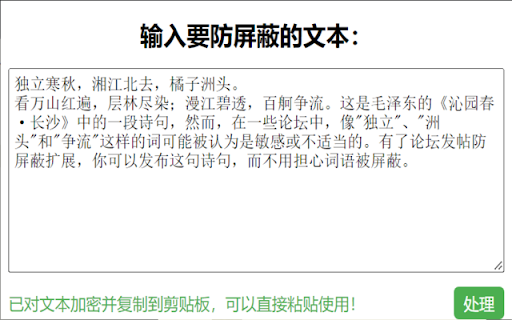
Pobierz plik CRX rozszerzenia Bypass Blocker
Pobierz pliki rozszerzeń Bypass Blocker w formacie crx, zainstaluj ręcznie rozszerzenia Chrome w przeglądarce lub udostępnij pliki crx znajomym, aby łatwo zainstalować rozszerzenia Chrome.
Instrukcja Użytkowania Rozszerzenia
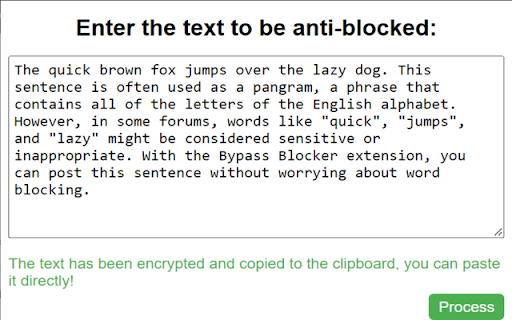
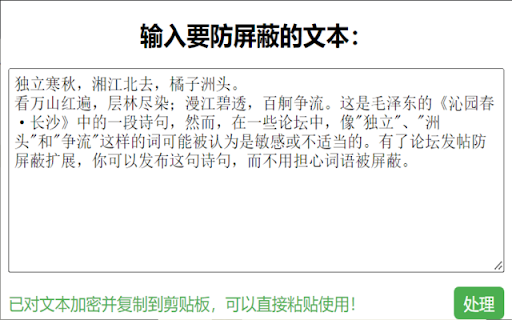
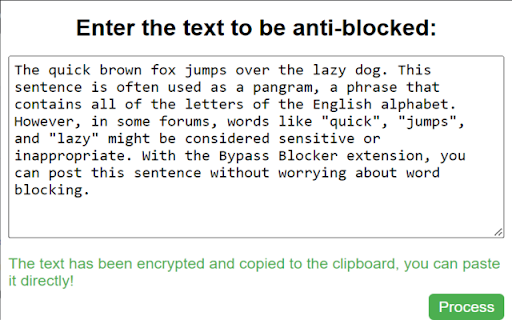
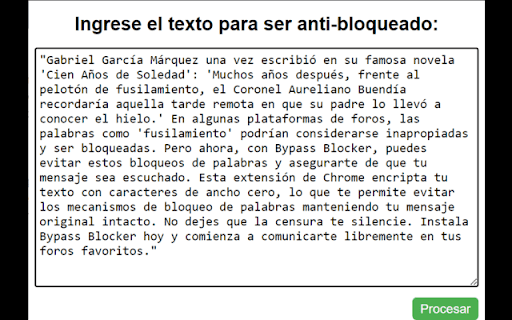
                        Bypass Blocker is a Chrome extension designed to help users freely express their thoughts and ideas on forums without being hindered by word blocking or censorship. It works by encrypting your text with zero-width characters, making it possible to bypass word blocking mechanisms while keeping your original message intact.

Whether you're participating in a heated debate, sharing controversial ideas, or simply want to ensure your voice is heard, Bypass Blocker is the tool for you. It's easy to use - just type your message into the extension, click "Process", and your encrypted message will be ready to paste directly into your forum post.

With Bypass Blocker, you can:

Bypass word blocking on forums
Protect your freedom of speech
Express your thoughts without censorship
Install Bypass Blocker today and start communicating freely on your favorite forums.
Podstawowe informacje o rozszerzeniu
| Nazwa |  Bypass Blocker Bypass Blocker |
| ID | kfkbdplglbpcpdngnedejhdclgaiiffn |
| Oficjalny URL | https://chromewebstore.google.com/detail/bypass-blocker/kfkbdplglbpcpdngnedejhdclgaiiffn |
| Opis | A tool to help users bypass word blocking when posting on forums. |
| Rozmiar pliku | 12.38 KB |
| Liczba instalacji | 393 |
| Aktualna Wersja | 1.0 |
| Ostatnia Aktualizacja | 2023-06-07 |
| Data Publikacji | 2023-05-29 |
| Ocena | 3.00/5 Łącznie 1 Oceny |
| Deweloper | makefeics |
| [email protected] | |
| Typ Płatności | free |
| Obsługiwane Języki | en,es,ar |
| manifest.json | |
{
    "update_url": "https:\/\/clients2.google.com\/service\/update2\/crx",
    "manifest_version": 3,
    "name": "__MSG_extName__",
    "version": "1.0",
    "description": "__MSG_extDescription__",
    "default_locale": "en",
    "permissions": [
        "clipboardWrite"
    ],
    "action": {
        "default_title": "__MSG_extName__",
        "default_popup": "popup.html"
    },
    "icons": {
        "16": "icon16.png",
        "48": "icon48.png",
        "128": "icon128.png"
    }
} | |