New Tab Chrome Experiments
A new Chrome Experiment each time you open a new tab
Co to jest New Tab Chrome Experiments?
New Tab Chrome Experiments to rozszerzenie Chrome opracowane przez http://mikecann.co.uk, a jego główną funkcją jest „A new Chrome Experiment each time you open a new tab”.
Zrzuty ekranu rozszerzenia
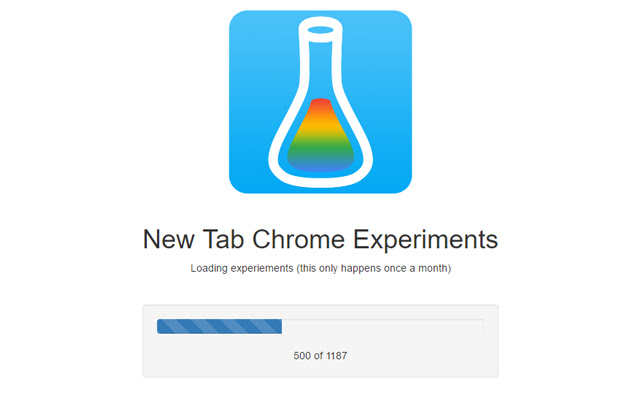
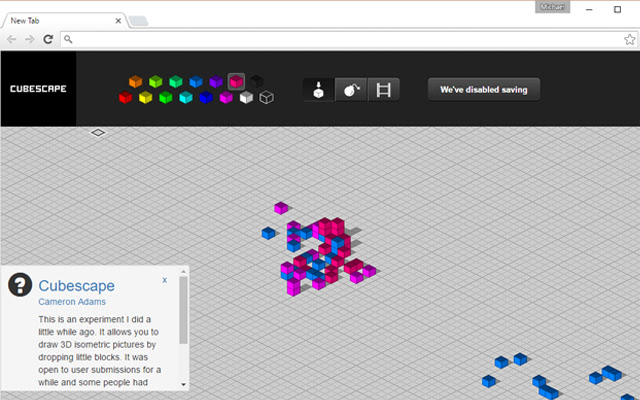

Pobierz plik CRX rozszerzenia New Tab Chrome Experiments
Pobierz pliki rozszerzeń New Tab Chrome Experiments w formacie crx, zainstaluj ręcznie rozszerzenia Chrome w przeglądarce lub udostępnij pliki crx znajomym, aby łatwo zainstalować rozszerzenia Chrome.
Instrukcja Użytkowania Rozszerzenia
                        New Tab Chrome Experiments
--------------------------

ChromeExperiments.com has so many cool experiments, using this extension you get to see a new one each time you open a new tab!

If you like this extension then tell others and leave a nice review!

This extension is free and open-source: https://github.com/mikecann/new-tab-chrome-experiments

Release History
---------------

v1.2
- Removed unnecessary permission

v1.1
- Changed shortname

v1.0
- Initial Release!
Podstawowe informacje o rozszerzeniu
| Nazwa |  New Tab Chrome Experiments New Tab Chrome Experiments |
| ID | ooopblodejpcihjoaepffbkkhfeeofhp |
| Oficjalny URL | https://chrome.google.com/webstore/detail/new-tab-chrome-experiment/ooopblodejpcihjoaepffbkkhfeeofhp |
| Opis | A new Chrome Experiment each time you open a new tab |
| Rozmiar pliku | 709 KB |
| Liczba instalacji | 74 |
| Aktualna Wersja | 1.2 |
| Ostatnia Aktualizacja | 2016-06-27 |
| Data Publikacji | 2016-06-27 |
| Ocena | 1.00/5 Łącznie 1 Oceny |
| Deweloper | http://mikecann.co.uk |
| [email protected] | |
| Typ Płatności | free |
| Strona Rozszerzenia | http://mikecann.co.uk |
| Obsługiwane Języki | en-GB |
| manifest.json | |
{
    "update_url": "https:\/\/clients2.google.com\/service\/update2\/crx",
    "name": "New Tab Chrome Experiments",
    "short_name": "NTCE",
    "manifest_version": 2,
    "description": "A new Chrome Experiment each time you open a new tab",
    "version": "1.2",
    "permissions": [
        "storage",
        "unlimitedStorage"
    ],
    "background": {
        "page": "background.html"
    },
    "options_ui": {
        "page": "options.html",
        "chrome_style": true
    },
    "minimum_chrome_version": "29",
    "icons": {
        "16": "images\/icon16.png",
        "32": "images\/icon32.png",
        "48": "images\/icon48.png",
        "128": "images\/icon128.png"
    },
    "chrome_url_overrides": {
        "newtab": "newtab.html"
    },
    "web_accessible_resources": [
        "images\/*",
        "*.html"
    ]
} | |