Encode-Decode
Encode and decode text to and from HTML, base64, hexadecimal, and more! Or generate hashes using MD5, SHA-1, and SHA-3.
Co to jest Encode-Decode?
Encode-Decode to rozszerzenie Chrome opracowane przez https://tylucaskelley.com, a jego główną funkcją jest „Encode and decode text to and from HTML, base64, hexadecimal, and more! Or generate hashes using MD5, SHA-1, and SHA-3.”.
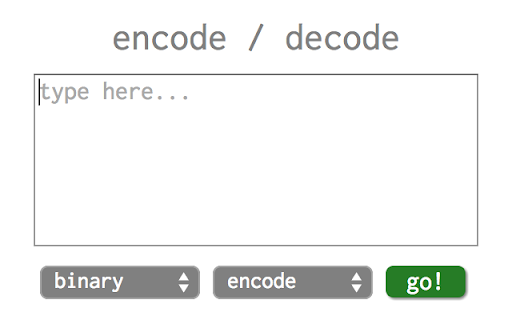
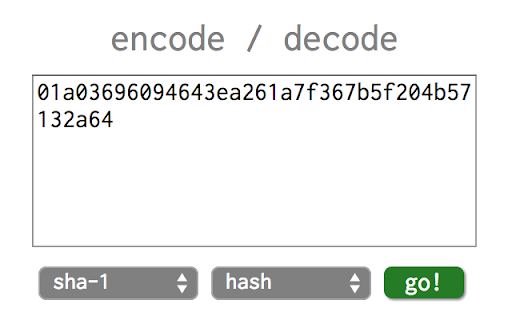
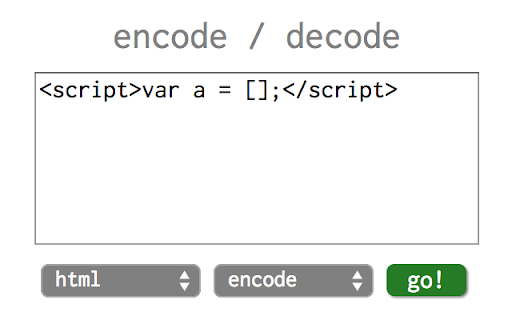
Zrzuty ekranu rozszerzenia

Pobierz plik CRX rozszerzenia Encode-Decode
Pobierz pliki rozszerzeń Encode-Decode w formacie crx, zainstaluj ręcznie rozszerzenia Chrome w przeglądarce lub udostępnij pliki crx znajomym, aby łatwo zainstalować rozszerzenia Chrome.
Instrukcja Użytkowania Rozszerzenia
                        Great for web developers! Features include:

1. Encoding and decoding to/from: binary, octal, hexadecimal, base64, HTML, and URLs.
2. Hashing: MD5, SHA-1, SHA-3 (256 and 512 bit).
3. Error checking, so you don't try to combine "HTML" and "hash" by accident!

Check out the source code on GitHub as well!
Podstawowe informacje o rozszerzeniu
| Nazwa |  Encode-Decode Encode-Decode |
| ID | peemgjdnpckhfcppmdgijnbfoohpjafp |
| Oficjalny URL | https://chromewebstore.google.com/detail/encode-decode/peemgjdnpckhfcppmdgijnbfoohpjafp |
| Opis | Encode and decode text to and from HTML, base64, hexadecimal, and more! Or generate hashes using MD5, SHA-1, and SHA-3. |
| Rozmiar pliku | 164 KB |
| Liczba instalacji | 979 |
| Aktualna Wersja | 5.1 |
| Ostatnia Aktualizacja | 2014-11-13 |
| Data Publikacji | 2014-11-13 |
| Ocena | 4.38/5 Łącznie 8 Oceny |
| Deweloper | https://tylucaskelley.com |
| Typ Płatności | free |
| Strona Rozszerzenia | https://github.com/tylucaskelley/encode-decode |
| Adres URL Strony Pomocy | https://github.com/tylucaskelley/encode-decode |
| Obsługiwane Języki | en-US |
| manifest.json | |
{
    "update_url": "https:\/\/clients2.google.com\/service\/update2\/crx",
    "manifest_version": 2,
    "name": "Encode-Decode",
    "description": "Encode and decode text to and from HTML, base64, hexadecimal, and more! Or generate hashes using MD5, SHA-1, and SHA-3.",
    "version": "5.1",
    "icons": {
        "128": "img\/icon.png"
    },
    "browser_action": {
        "default_icon": "img\/icon.png",
        "default_title": "Encode-Decode",
        "default_popup": "index.html"
    }
} | |