User-Agent Smart Switcher
Switch easily between platforms and browsers
Что такое User-Agent Smart Switcher?
User-Agent Smart Switcher - это расширение Chrome, разработанное Sergei L, и его основная функция - "Switch easily between platforms and browsers".
Снимки экрана расширения
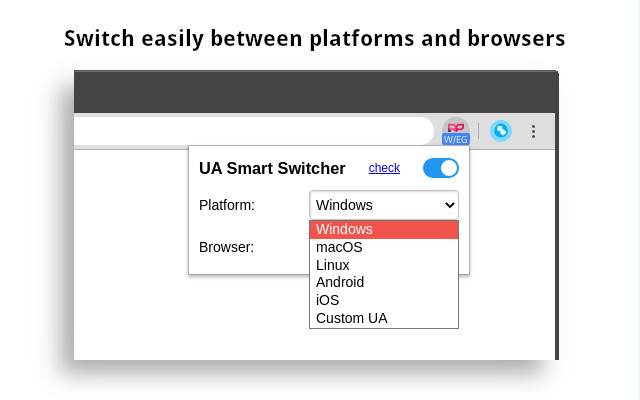

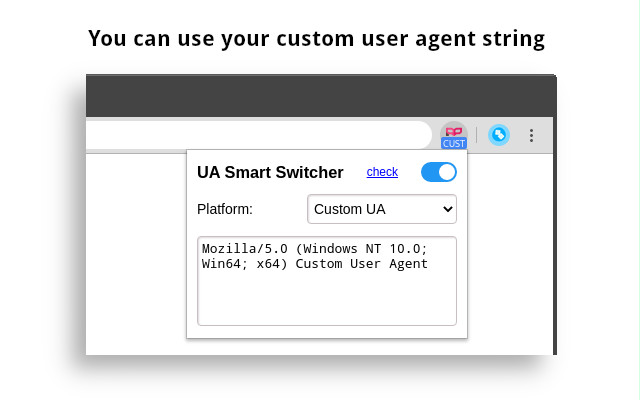
Скачать файл CRX расширения User-Agent Smart Switcher
Скачайте файлы расширений User-Agent Smart Switcher в формате crx, установите расширения Chrome вручную в браузере или поделитесь файлами crx с друзьями, чтобы легко установить расширения Chrome.
Инструкции по использованию расширения
                        Support desktop and mobile browsers.
Daily user agent strings updates, no need to update them manually.

Source code: https://github.com/srgl/ua-smart-switcher

Icons made by Freepik from www.flaticon.com is licensed by CC 3.0 BY.
Основная информация о расширении
| Название |  User-Agent Smart Switcher User-Agent Smart Switcher |
| ID | dgdmfclijcondkaobmpgbmibaaocfdpj |
| Официальный URL | https://chrome.google.com/webstore/detail/user-agent-smart-switcher/dgdmfclijcondkaobmpgbmibaaocfdpj |
| Описание | Switch easily between platforms and browsers |
| Размер файла | 16.19 KB |
| Количество установок | 10,000 |
| Текущая Версия | 1.4.1 |
| Последнее Обновление | 2021-05-21 |
| Дата публикации | 2020-03-16 |
| Рейтинг | 4.86/5 Всего 57 оценок |
| Разработчик | Sergei L |
| Электронная почта | [email protected] |
| Тип оплаты | free |
| Официальный сайт расширения | https://github.com/srgl/ua-smart-switcher |
| URL страницы помощи | https://github.com/srgl/ua-smart-switcher |
| Поддерживаемые языки | en |
| manifest.json | |
{
"update_url": "https:\/\/clients2.google.com\/service\/update2\/crx",
"name": "User-Agent Smart Switcher",
"description": "Switch easily between platforms and browsers",
"version": "1.4.1",
"author": "Sergei L",
"icons": {
"128": "icon-128.png"
},
"background": {
"scripts": [
"background.js"
]
},
"content_scripts": [
{
"matches": [
"http:\/\/*\/*",
"https:\/\/*\/*"
],
"js": [
"client.js"
],
"run_at": "document_start",
"all_frames": true
}
],
"browser_action": {
"default_popup": "popup.html",
"default_icon": "icon-128.png"
},
"manifest_version": 2,
"permissions": [
"webRequest",
"webRequestBlocking",
"storage",
" | |