Stacker
Share links, videos, photos and content from anywhere on the web with the Stacker Browser Plugin.
Vad är Stacker?
Stacker är en Chrome-tillägg utvecklad av http://getstacker.com, och dess huvudfunktion är "Share links, videos, photos and content from anywhere on the web with the Stacker Browser Plugin.".
Tilläggsskärmbilder
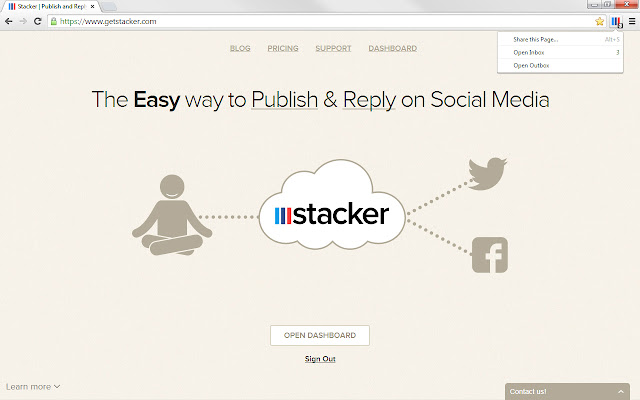

Ladda ner Stacker-förlängningens CRX-fil
Ladda ner Stacker-filändelser i crx-format, installera Chrome-tillägg manuellt i webbläsaren eller dela crx-filerna med vänner för att enkelt installera Chrome-tillägg.
Användarmanual för Tillägg
The Stacker Chrome plugin makes it easy to share interesting Links,Videos & Photos you find on the web with your fans and followers across all your Social Media accounts. Grundläggande Information om Tillägg
| Namn |  Stacker Stacker |
| ID | bgckommphflbikdkkpheadpnjbmmkceb |
| Officiell webbadress | https://chrome.google.com/webstore/detail/stacker/bgckommphflbikdkkpheadpnjbmmkceb |
| Beskrivning | Share links, videos, photos and content from anywhere on the web with the Stacker Browser Plugin. |
| Filstorlek | 141 KB |
| Antal Installationer | 275 |
| Aktuell Version | 1.29 |
| Senast Uppdaterad | 2016-02-09 |
| Publiceringsdatum | 2016-02-09 |
| Betyg | 4.33/5 Totalt 9 Betyg |
| Utvecklare | http://getstacker.com |
| Betalningssätt | free |
| Tilläggswebbplats | https://www.getstacker.com |
| Hjälpsida URL | https://www.getstacker.com/help |
| Stödda Språk | en |
| manifest.json | |
{
"update_url": "https:\/\/clients2.google.com\/service\/update2\/crx",
"name": "Stacker",
"version": "1.29",
"manifest_version": 2,
"commands": {
"toggle-feature-foo": {
"suggested_key": {
"default": "Alt+S",
"mac": "Alt+S"
},
"description": "Toggle feature foo"
}
},
"description": "Share links, videos, photos and content from anywhere on the web with the Stacker Browser Plugin.",
"background": {
"scripts": [
"jquery.min.js",
"checker.js",
"background.js",
"popup.js"
]
},
"browser_action": {
"default_icon": "apple-touch-icon.png",
"default_title": "Stacker",
"default_popup": "background.html"
},
"permissions": [
"webRequest",
"webRequestBlocking",
"contextMenus",
"activeTab",
"tabs",
"http:\/\/*\/*",
"https:\/\/*\/*",
"webNavigation",
"background",
"management"
],
"icons": {
"128": "apple-touch-icon.png"
},
"externally_connectable": {
"matches": [
"*:\/\/www.getstacker.com\/*",
"*:\/\/www.strikebooks.com\/*"
]
},
"content_scripts": [
{
"matches": [
" | |