Beep Link
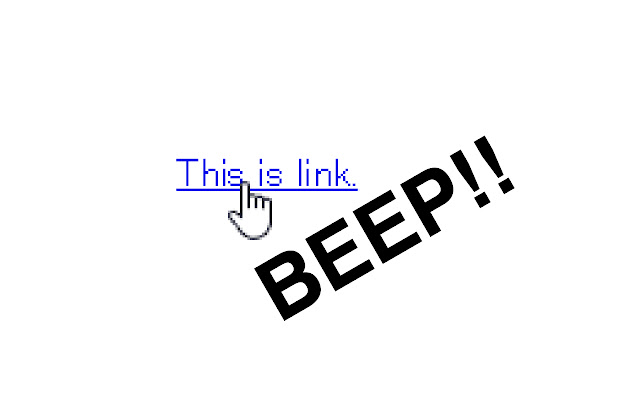
Sound beep when your mouse is on link.
Vad är Beep Link?
Beep Link är en Chrome-tillägg utvecklad av dadadadone, och dess huvudfunktion är "Sound beep when your mouse is on link.".
Tilläggsskärmbilder
Ladda ner Beep Link-förlängningens CRX-fil
Ladda ner Beep Link-filändelser i crx-format, installera Chrome-tillägg manuellt i webbläsaren eller dela crx-filerna med vänner för att enkelt installera Chrome-tillägg.
Användarmanual för Tillägg
                        This is a Chrome extension to assist you with weak eyesight.
You can hear beep sound when your mouse is on link and can choose various tone color and sound frequency from 440Hz, 880Hz, 1320Hz, 1760Hz.

There are links that does not react.
(ex. in iframe or non-a tag link)

I assumed the use of person with weak eyesight and made it.
I don't have no idea whether you become convenient or not.
Please try it and send me a feedback.
I may be able to functional improvement.


I want to know what type of people use this chrome extension for what purpose.
Student? or something else? for joke software?
Please contact and teach me.

changelog

ver 1.2
- Supported same domain iframe

ver 1.1
- Added various tone colors
- Added a volume control
- Added a mute button


You can find me here:
Web: http://dadadadone.com
Grundläggande Information om Tillägg
| Namn |  Beep Link Beep Link |
| ID | hmjhgcpmnlaepgajgbigleickdhiofgf |
| Officiell webbadress | https://chrome.google.com/webstore/detail/beep-link/hmjhgcpmnlaepgajgbigleickdhiofgf |
| Beskrivning | Sound beep when your mouse is on link. |
| Filstorlek | 207 KB |
| Antal Installationer | 88 |
| Aktuell Version | 1.2 |
| Senast Uppdaterad | 2019-01-05 |
| Publiceringsdatum | 2019-01-05 |
| Utvecklare | dadadadone |
| E-post | [email protected] |
| Betalningssätt | free |
| Tilläggswebbplats | https://dadadadone.com |
| Stödda Språk | en,ja |
| manifest.json | |
{
    "update_url": "https:\/\/clients2.google.com\/service\/update2\/crx",
    "name": "__MSG_extName__",
    "version": "1.2",
    "manifest_version": 2,
    "description": "__MSG_extDescription__",
    "default_locale": "en",
    "permissions": [
        "storage",
        "tabs",
        "http:\/\/*\/*",
        "https:\/\/*\/*"
    ],
    "icons": {
        "16": "icon\/icon_16.png",
        "48": "icon\/icon_48.png",
        "128": "icon\/icon_128.png"
    },
    "content_scripts": [
        {
            "matches": [
                "http:\/\/*\/*",
                "https:\/\/*\/*"
            ],
            "run_at:": [
                "document_end"
            ],
            "js": [
                "js\/lib\/jquery-2.1.4.min.js",
                "js\/content.js"
            ]
        }
    ],
    "background": {
        "scripts": [
            "js\/lib\/jquery-2.1.4.min.js",
            "js\/background.js"
        ]
    },
    "options_ui": {
        "page": "options.html",
        "chrome_style": true
    },
    "browser_action": {
        "default_icon": "icon\/icon_16.png",
        "default_title": "Option",
        "default_popup": "popup.html"
    },
    "web_accessible_resources": [
        "sound\/*.mp3"
    ],
    "commands": {
        "command_volumeup": {
            "suggested_key": {
                "default": "Ctrl+Shift+1",
                "mac": "MacCtrl+Shift+1"
            },
            "description": "Send 'myCommand1' event to the extension"
        },
        "command_volumedown": {
            "suggested_key": {
                "default": "Ctrl+Shift+2",
                "mac": "MacCtrl+Shift+2"
            },
            "description": "Send 'myCommand2' event to the extension"
        },
        "command_mute": {
            "suggested_key": {
                "default": "Ctrl+Shift+3",
                "mac": "MacCtrl+Shift+3"
            },
            "description": "Send 'myCommand2' event to the extension"
        }
    }
} | |