GSuite Custom Toolbar
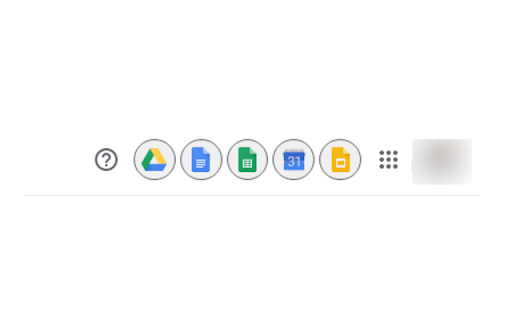
This extension being used to easily access Google (GSuite Products) tools with single click.
Vad är GSuite Custom Toolbar?
GSuite Custom Toolbar är en Chrome-tillägg utvecklad av Ghanshyam Katriya, och dess huvudfunktion är "This extension being used to easily access Google (GSuite Products) tools with single click.".
Tilläggsskärmbilder

Ladda ner GSuite Custom Toolbar-förlängningens CRX-fil
Ladda ner GSuite Custom Toolbar-filändelser i crx-format, installera Chrome-tillägg manuellt i webbläsaren eller dela crx-filerna med vänner för att enkelt installera Chrome-tillägg.
Användarmanual för Tillägg
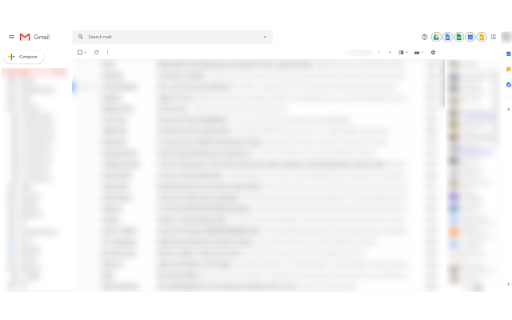
                        GSuite Custom Toolbar is an extension being used to easily access Google tools (GSuite Products) tools with single click from Gmail.

Changelog:
[v0.2.0]
- Fix issue of search not working in Gmail
- Added Google Meet

How to use :
- Install this extension
- Enable/Disable options for links
- Use it

GSuite is an registered trademark of Google. We are not affiliated with Google.
Grundläggande Information om Tillägg
| Namn |  GSuite Custom Toolbar GSuite Custom Toolbar |
| ID | mjcajbgmgplmelmnafihhbfhiecioaic |
| Officiell webbadress | https://chromewebstore.google.com/detail/gsuite-custom-toolbar/mjcajbgmgplmelmnafihhbfhiecioaic |
| Beskrivning | This extension being used to easily access Google (GSuite Products) tools with single click. |
| Filstorlek | 81.85 KB |
| Antal Installationer | 3,000 |
| Aktuell Version | 0.2.0 |
| Senast Uppdaterad | 2020-05-05 |
| Publiceringsdatum | 2020-05-04 |
| Utvecklare | Ghanshyam Katriya |
| E-post | [email protected] |
| Betalningssätt | free |
| Stödda Språk | en |
| manifest.json | |
{
    "update_url": "https:\/\/clients2.google.com\/service\/update2\/crx",
    "manifest_version": 2,
    "name": "GSuite Custom Toolbar",
    "description": "This extension being used to easily access Google (GSuite Products) tools with single click.",
    "version": "0.2.0",
    "options_page": "options.html",
    "browser_action": {
        "default_icon": "icon.png",
        "default_popup": "options.html",
        "default_title": "GSuite Custom Toolbar"
    },
    "icons": {
        "16": "icon_16.png",
        "48": "icon_48.png",
        "128": "icon_128.png"
    },
    "options_ui": {
        "page": "options.html",
        "chrome_style": true
    },
    "background": {
        "scripts": [
            "jquery.min.js",
            "actions.js"
        ]
    },
    "content_scripts": [
        {
            "matches": [
                "https:\/\/mail.google.com\/*"
            ],
            "js": [
                "jquery.min.js",
                "actions.js"
            ],
            "run_at": "document_end"
        }
    ],
    "permissions": [
        "storage",
        "tabs",
        "https:\/\/mail.google.com\/*"
    ],
    "web_accessible_resources": [
        "*"
    ]
} | |