PDF Plus
The all-in-one PDF productivity extension.
PDF Plusคืออะไร?
PDF Plus เป็นส่วนขยายของ Chrome ที่พัฒนาโดย BG Wallet Ltd. และคุณลักษณะหลักของมันคือ "The all-in-one PDF productivity extension."
ภาพหน้าจอของส่วนขยาย
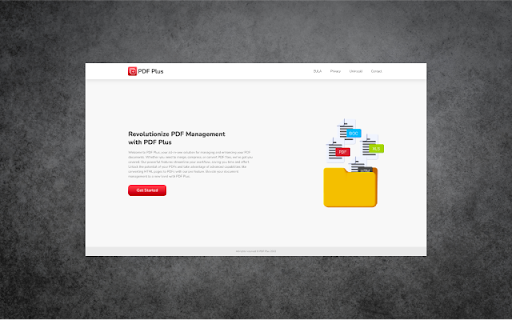
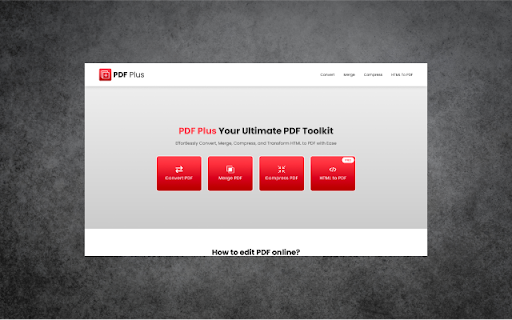
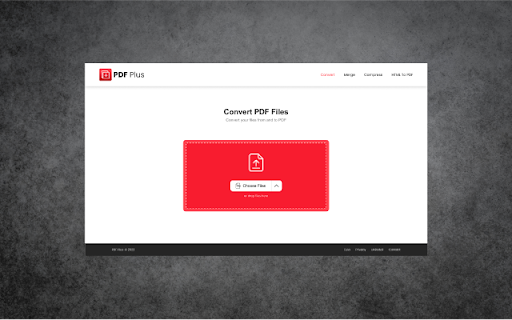
ดาวน์โหลดไฟล์ CRX ของส่วนขยาย PDF Plus
ดาวน์โหลดไฟล์ส่วนขยาย PDF Plus ในรูปแบบ crx และติดตั้งส่วนขยาย Chrome ด้วยตนเองในเบราว์เซอร์หรือแชร์ไฟล์ crx กับเพื่อนๆ เพื่อติดตั้งส่วนขยาย Chrome อย่างง่ายดาย
คำแนะนำในการใช้ส่วนขยาย
                        Whether you're a student, professional, or just someone who deals with PDFs regularly, PDF MasterPro empowers you to effortlessly manage and enhance your PDF experience.

Key Features:

Convert to Doc: Instantly transform your PDFs into editable Word documents without compromising formatting.

Compress & Merge: Say goodbye to large, unwieldy PDF files. Our intuitive compression and merging tools allow you to reduce file sizes and combine multiple documents into a single, organized PDF.

Convert HTML to PDF (Pro Feature): Take your PDF capabilities to the next level with the Pro version. Convert HTML web pages into professional-looking PDFs, preserving the layout, images, and links. Perfect for archiving web content, creating reports, and more.
ข้อมูลพื้นฐานของส่วนขยาย
| ชื่อ |  PDF Plus PDF Plus |
| ID | cilkgipdfbcooodeecjeldeibadomaff |
| URL อย่างเป็นทางการ | https://chromewebstore.google.com/detail/pdf-plus/cilkgipdfbcooodeecjeldeibadomaff |
| คำอธิบาย | The all-in-one PDF productivity extension. |
| ขนาดไฟล์ | 573 KB |
| จำนวนการติดตั้ง | 127 |
| เวอร์ชันปัจจุบัน | 1.0.1 |
| อัปเดตครั้งล่าสุด | 2023-08-24 |
| วันที่เผยแพร่ | 2023-08-22 |
| ผู้พัฒนา | BG Wallet Ltd. |
| อีเมล | [email protected] |
| ประเภทการชำระเงิน | free |
| URL หน้านโยบายความเป็นส่วนตัว | https://freepdfplus.com/privacy |
| ภาษาที่รองรับ | en |
| manifest.json | |
{
    "update_url": "https:\/\/clients2.google.com\/service\/update2\/crx",
    "manifest_version": 3,
    "name": "PDF Plus",
    "author": "VANILLA FORCE LTD",
    "description": "The all-in-one PDF productivity extension.",
    "version": "1.0.1",
    "version_name": "1.0.1",
    "action": {
        "default_icon": {
            "16": "icons\/16x16.png",
            "96": "icons\/96x96.png",
            "128": "icons\/128x128.png"
        },
        "default_title": "PDF Plus",
        "default_popup": "index.html"
    },
    "icons": {
        "16": "icons\/16x16.png",
        "96": "icons\/96x96.png",
        "128": "icons\/128x128.png"
    }
} | |