Vor
Vor Board
Vorคืออะไร?
Vor เป็นส่วนขยายของ Chrome ที่พัฒนาโดย http://vorboard.com และคุณลักษณะหลักของมันคือ "Vor Board"
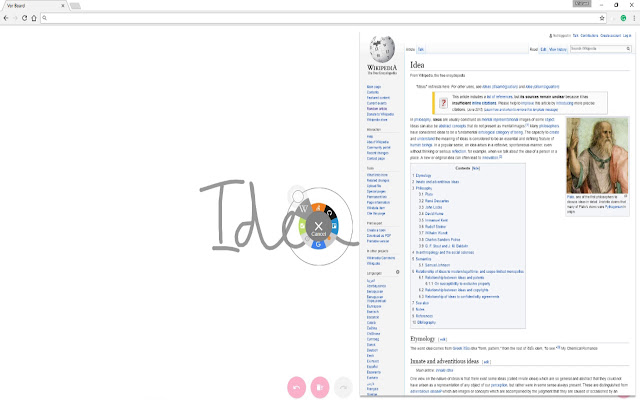
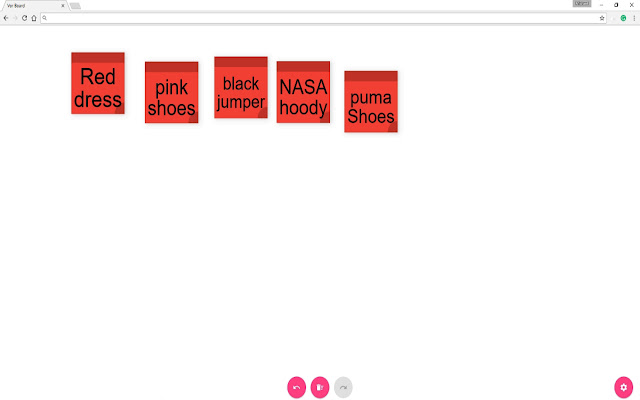
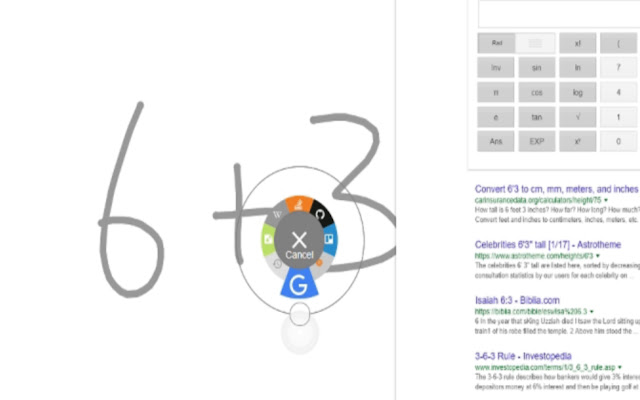
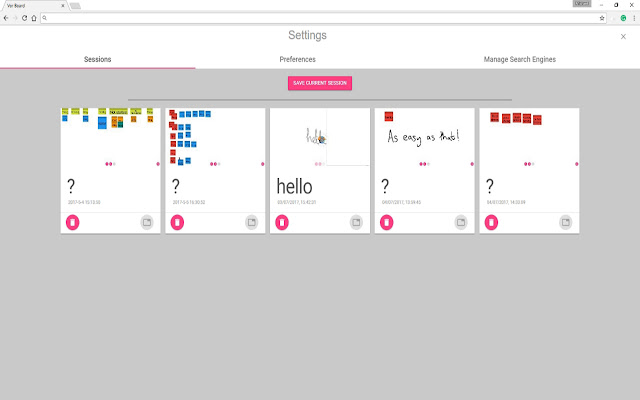
ภาพหน้าจอของส่วนขยาย
ดาวน์โหลดไฟล์ CRX ของส่วนขยาย Vor
ดาวน์โหลดไฟล์ส่วนขยาย Vor ในรูปแบบ crx และติดตั้งส่วนขยาย Chrome ด้วยตนเองในเบราว์เซอร์หรือแชร์ไฟล์ crx กับเพื่อนๆ เพื่อติดตั้งส่วนขยาย Chrome อย่างง่ายดาย
คำแนะนำในการใช้ส่วนขยาย
                        Vor Board makes searching on touch screens easier.

Have you worked with a large interactive screen and thought how awkward the onscreen keyboard is? How about the pain of trying to type on a wireless keyboard whilst standing?

If your team use a good old fashioned whiteboard – how many times have you taken a photo and emailed the picture? Have you ever asked the question ‘Can I rub this out now’?

Wouldn’t it be nice if you could get more out of the whiteboard in your huddlespace or the interactive whiteboard that is gathering dust in your classroom?

Vor Board is a collaboration tool that lets you seamlessly search the internet, intuitively explore ideas, save your progress and share the fruits of your labour.

Try Vor Board now!
ข้อมูลพื้นฐานของส่วนขยาย
| ชื่อ |  Vor Vor |
| ID | daoijgfamgfjfebpkegdhlmbpccppmgj |
| URL อย่างเป็นทางการ | https://chrome.google.com/webstore/detail/vor/daoijgfamgfjfebpkegdhlmbpccppmgj |
| คำอธิบาย | Vor Board |
| ขนาดไฟล์ | 432 KB |
| จำนวนการติดตั้ง | 30 |
| เวอร์ชันปัจจุบัน | 117.10906.3 |
| อัปเดตครั้งล่าสุด | 2017-09-22 |
| วันที่เผยแพร่ | 2017-09-22 |
| คะแนน | 5.00/5 รวมทั้งหมด 2 คะแนน |
| ผู้พัฒนา | http://vorboard.com |
| อีเมล | [email protected] |
| ประเภทการชำระเงิน | free |
| เว็บไซต์ส่วนขยาย | http://vorboard.com |
| URL หน้าช่วยเหลือ | http://vorboard.com/questions/ |
| URL หน้านโยบายความเป็นส่วนตัว | http://vorboard.com/terms-of-use |
| ภาษาที่รองรับ | en-GB |
| manifest.json | |
{
"update_url": "https:\/\/clients2.google.com\/service\/update2\/crx",
"manifest_version": 2,
"name": "Vor",
"description": "Vor Board",
"version": "117.10906.3",
"chrome_url_overrides": {
"newtab": "window.html"
},
"background": {
"scripts": [
"background.js"
]
},
"sandbox": {
"pages": [
"sandbox.html"
]
},
"icons": {
"16": "images\/icon16.png",
"48": "images\/icon48.png",
"128": "images\/icon128.png"
},
"web_accessible_resources": [
"favicon.ico"
],
"permissions": [
"activeTab",
"storage",
"webRequest",
"webRequestBlocking",
" | |