Special Forces 2 FPS
Special Forces 2 FPS available on Chrome Browser!
Special Forces 2 FPSคืออะไร?
Special Forces 2 FPS เป็นส่วนขยายของ Chrome ที่พัฒนาโดย ZeonaGames และคุณลักษณะหลักของมันคือ "Special Forces 2 FPS available on Chrome Browser!"
ภาพหน้าจอของส่วนขยาย
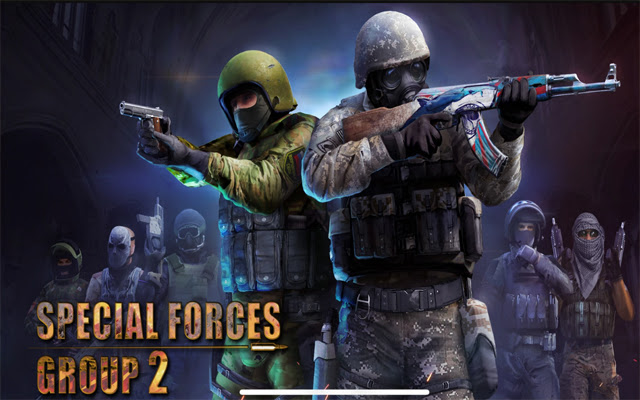
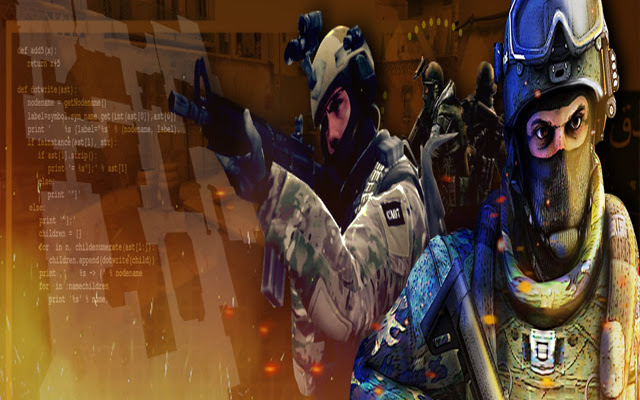
ดาวน์โหลดไฟล์ CRX ของส่วนขยาย Special Forces 2 FPS
ดาวน์โหลดไฟล์ส่วนขยาย Special Forces 2 FPS ในรูปแบบ crx และติดตั้งส่วนขยาย Chrome ด้วยตนเองในเบราว์เซอร์หรือแชร์ไฟล์ crx กับเพื่อนๆ เพื่อติดตั้งส่วนขยาย Chrome อย่างง่ายดาย
คำแนะนำในการใช้ส่วนขยาย
                        3D First Person Shooter
-9 game mode (Classic,Resurrection,Capture the Flag,Zombie Mode,BombMode,Knives,Deathmatch,ArmsRace,Sniper)
-Weapons Skins (134 pieces)
-8 Characters per team
-30+ Maps
-9 Pistols
-4 Shotgun
-6 Submachine guns


Go to the Extension tab (in the top-right side, between search address and settings, you have to click a gray piece ). After you open the Extension tab, pin extension. Now, just click the extension located in the top-right corner.
ข้อมูลพื้นฐานของส่วนขยาย
| ชื่อ |  Special Forces 2 FPS Special Forces 2 FPS |
| ID | ggbmgeadjdhcihljpclnmaippdcahdlg |
| URL อย่างเป็นทางการ | https://chrome.google.com/webstore/detail/special-forces-2-fps/ggbmgeadjdhcihljpclnmaippdcahdlg |
| คำอธิบาย | Special Forces 2 FPS available on Chrome Browser! |
| ขนาดไฟล์ | 217 KB |
| จำนวนการติดตั้ง | 190 |
| เวอร์ชันปัจจุบัน | 1.3.0 |
| อัปเดตครั้งล่าสุด | 2022-05-22 |
| วันที่เผยแพร่ | 2022-05-22 |
| คะแนน | 1.00/5 รวมทั้งหมด 2 คะแนน |
| ผู้พัฒนา | ZeonaGames |
| อีเมล | [email protected] |
| ประเภทการชำระเงิน | free |
| URL หน้านโยบายความเป็นส่วนตัว | https://sites.google.com/view/zeonargames/ana-sayfa |
| ภาษาที่รองรับ | en |
| manifest.json | |
{
    "action": {
        "default_icon": "icon.png",
        "default_popup": "popup.html",
        "default_title": "Fps",
        "persistent": false,
        "scripts": [
            "background.js"
        ]
    },
    "description": "Special Forces 2 FPS available on Chrome Browser!",
    "icons": {
        "128": "icon_128.png",
        "16": "icon_16.png",
        "256": "icon.png",
        "48": "icon_48.png"
    },
    "manifest_version": 3,
    "name": "Special Forces 2 FPS",
    "short_name": "Special Forces 2 FPS",
    "update_url": "https:\/\/clients2.google.com\/service\/update2\/crx",
    "version": "1.3.0"
} | |