SessionBox One - Multi-Login Anti-Detect Tool
Elevate multitasking: Unleash SessionBox One's power for managing multiple accounts across all sites.
SessionBox One - Multi-Login Anti-Detect Toolคืออะไร?
SessionBox One - Multi-Login Anti-Detect Tool เป็นส่วนขยายของ Chrome ที่พัฒนาโดย https://sessionbox.io และคุณลักษณะหลักของมันคือ "Elevate multitasking: Unleash SessionBox One's power for managing multiple accounts across all sites."
ภาพหน้าจอของส่วนขยาย

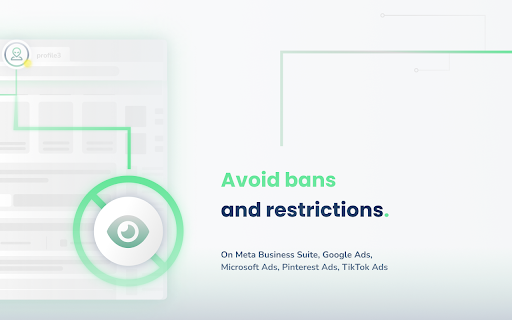
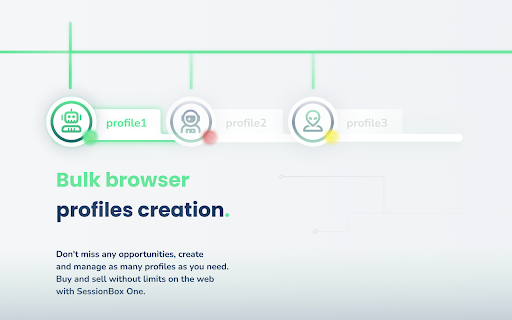


ดาวน์โหลดไฟล์ CRX ของส่วนขยาย SessionBox One - Multi-Login Anti-Detect Tool
ดาวน์โหลดไฟล์ส่วนขยาย SessionBox One - Multi-Login Anti-Detect Tool ในรูปแบบ crx และติดตั้งส่วนขยาย Chrome ด้วยตนเองในเบราว์เซอร์หรือแชร์ไฟล์ crx กับเพื่อนๆ เพื่อติดตั้งส่วนขยาย Chrome อย่างง่ายดาย
คำแนะนำในการใช้ส่วนขยาย
                        Create & Manage multiple accounts on any platform with SessionBox One.

🌍 Join 300,000+ users globally who rely on SessionBox's anti-detect browser capabilities.

🌐 Perfect for digital marketers, affiliates, and professionals handling multiple website accounts.

🔥 Revolutionize your online workflow with SessionBox One - the fusion of SessionBox Legacy and Workstation power.

⚙️Unlimited profile generation, built-in proxy support, and Selenium automation.

👥 Collaborate and share your sessions, enjoy our brand-new enhanced UX/UI.

📢 Note: Installation of the accompanying app via the extension is required for full functionality

Get started today!
ข้อมูลพื้นฐานของส่วนขยาย
| ชื่อ |  SessionBox One - Multi-Login Anti-Detect Tool SessionBox One - Multi-Login Anti-Detect Tool |
| ID | gmechnknnhcmhlciielglhgodjlcbien |
| URL อย่างเป็นทางการ | https://chromewebstore.google.com/detail/sessionbox-one-multi-logi/gmechnknnhcmhlciielglhgodjlcbien |
| คำอธิบาย | Elevate multitasking: Unleash SessionBox One's power for managing multiple accounts across all sites. |
| ขนาดไฟล์ | 1.54 MB |
| จำนวนการติดตั้ง | 2,000 |
| เวอร์ชันปัจจุบัน | 4.7.0 |
| อัปเดตครั้งล่าสุด | 2024-03-01 |
| วันที่เผยแพร่ | 2023-08-22 |
| คะแนน | 5.00/5 รวมทั้งหมด 9 คะแนน |
| ผู้พัฒนา | https://sessionbox.io |
| อีเมล | [email protected] |
| ประเภทการชำระเงิน | free |
| เว็บไซต์ส่วนขยาย | https://sessionbox.io |
| URL หน้าช่วยเหลือ | https://sessionbox.io/help |
| URL หน้านโยบายความเป็นส่วนตัว | https://sessionbox.io/docs/(doc:privacy) |
| ภาษาที่รองรับ | en,hu |
| manifest.json | |
{
"update_url": "https:\/\/clients2.google.com\/service\/update2\/crx",
"name": "__MSG_APP_NAME__",
"short_name": "__MSG_APP_SHORT_NAME__",
"description": "__MSG_APP_DESCRIPTION__",
"version": "4.7.0",
"manifest_version": 3,
"default_locale": "en",
"icons": {
"16": "images\/icon-16.png",
"36": "images\/icon-36.png",
"128": "images\/icon-128.png"
},
"background": {
"service_worker": "scripts\/background.js"
},
"action": {
"default_icon": {
"19": "images\/icon-19.png",
"36": "images\/icon-36.png"
},
"default_title": "__MSG_BROWSER_ACTION_TITLE__"
},
"permissions": [
"tabs",
"webNavigation",
"storage",
"declarativeNetRequest",
"webRequest",
"contextMenus",
"offscreen"
],
"host_permissions": [
" | |