Poet - New Tab Daily Poem Reads
Displays short and classic daily poems upon new tab launches.
Poet - New Tab Daily Poem Readsคืออะไร?
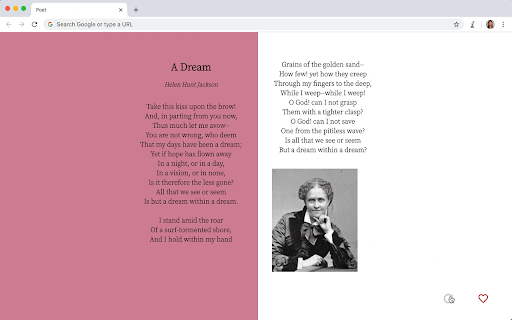
Poet - New Tab Daily Poem Reads เป็นส่วนขยายของ Chrome ที่พัฒนาโดย Chuyun Shen และคุณลักษณะหลักของมันคือ "Displays short and classic daily poems upon new tab launches."
ภาพหน้าจอของส่วนขยาย
ดาวน์โหลดไฟล์ CRX ของส่วนขยาย Poet - New Tab Daily Poem Reads
ดาวน์โหลดไฟล์ส่วนขยาย Poet - New Tab Daily Poem Reads ในรูปแบบ crx และติดตั้งส่วนขยาย Chrome ด้วยตนเองในเบราว์เซอร์หรือแชร์ไฟล์ crx กับเพื่อนๆ เพื่อติดตั้งส่วนขยาย Chrome อย่างง่ายดาย
คำแนะนำในการใช้ส่วนขยาย
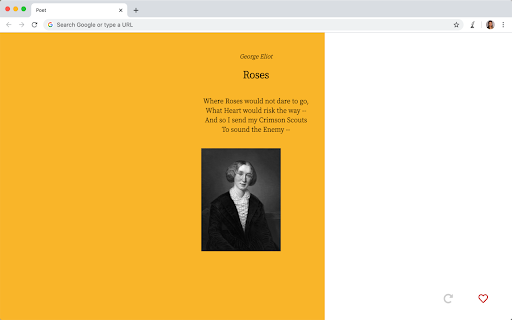
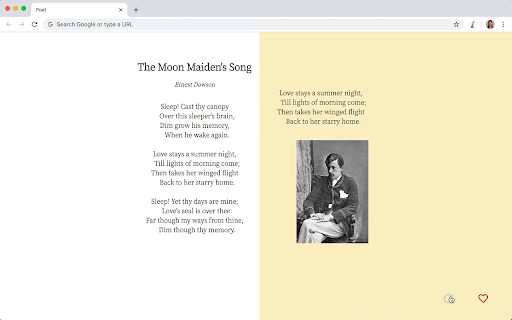
                        Poet displays a new poem every day.
Try it out by launching a new tab.

At the bottom right corner of the new tab, there are two buttons. You can use the heart button to save a poem to your favourites, and the grey refresh button to fetch a new poem.
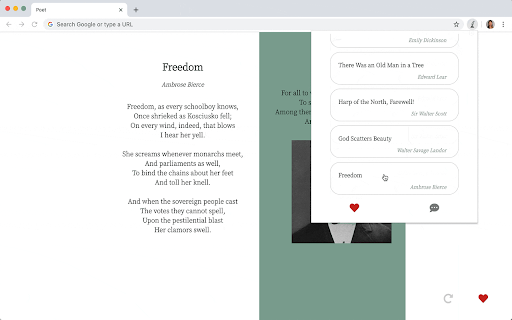
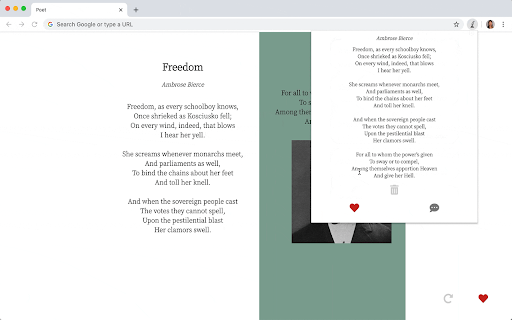
If you click on the Poet icon (the quill pen), you can view and manage your poems.
ข้อมูลพื้นฐานของส่วนขยาย
| ชื่อ |  Poet - New Tab Daily Poem Reads Poet - New Tab Daily Poem Reads |
| ID | hkjjflfleaejocakemkheofjcmkepbcm |
| URL อย่างเป็นทางการ | https://chromewebstore.google.com/detail/poet-new-tab-daily-poem-r/hkjjflfleaejocakemkheofjcmkepbcm |
| คำอธิบาย | Displays short and classic daily poems upon new tab launches. |
| ขนาดไฟล์ | 47.24 KB |
| จำนวนการติดตั้ง | 73 |
| เวอร์ชันปัจจุบัน | 1.0.5 |
| อัปเดตครั้งล่าสุด | 2021-04-11 |
| วันที่เผยแพร่ | 2020-05-21 |
| คะแนน | 5.00/5 รวมทั้งหมด 3 คะแนน |
| ผู้พัฒนา | Chuyun Shen |
| อีเมล | [email protected] |
| ประเภทการชำระเงิน | free |
| ภาษาที่รองรับ | en |
| manifest.json | |
{
    "update_url": "https:\/\/clients2.google.com\/service\/update2\/crx",
    "name": "Poet - New Tab Daily Poem Reads",
    "version": "1.0.5",
    "author": "Chuyun Shen",
    "description": "Displays short and classic daily poems upon new tab launches.",
    "manifest_version": 2,
    "chrome_url_overrides": {
        "newtab": "index.html"
    },
    "permissions": [
        "storage",
        "*:\/\/poetrydb.org\/*",
        "*:\/\/en.wikipedia.org\/*"
    ],
    "browser_action": {
        "default_popup": "popup.html",
        "default_icon": {
            "16": "images\/poet16.png",
            "32": "images\/poet32.png",
            "48": "images\/poet48.png",
            "128": "images\/poet128.png"
        }
    },
    "icons": {
        "16": "images\/poet16.png",
        "32": "images\/poet32.png",
        "48": "images\/poet48.png",
        "128": "images\/poet128.png"
    },
    "background": {
        "service_worker": "background.js"
    },
    "content_security_policy": "script-src 'self' https:\/\/kit.fontawesome.com; object-src 'self'"
} | |