Quizizz Rocks
Automatically gets the answers for Quizizz games and opens them in a new tab
Quizizz Rocksคืออะไร?
Quizizz Rocks เป็นส่วนขยายของ Chrome ที่พัฒนาโดย http://quizizz.rocks และคุณลักษณะหลักของมันคือ "Automatically gets the answers for Quizizz games and opens them in a new tab"
ภาพหน้าจอของส่วนขยาย
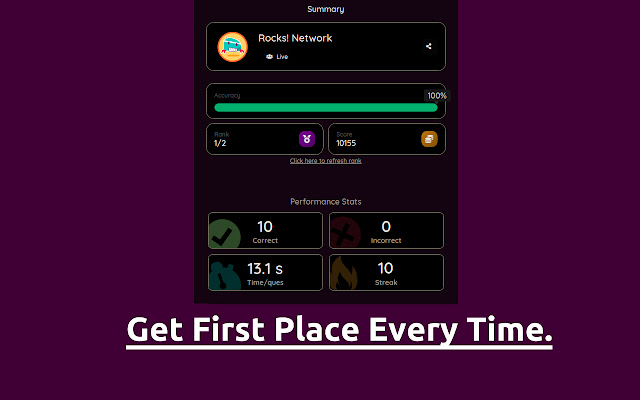
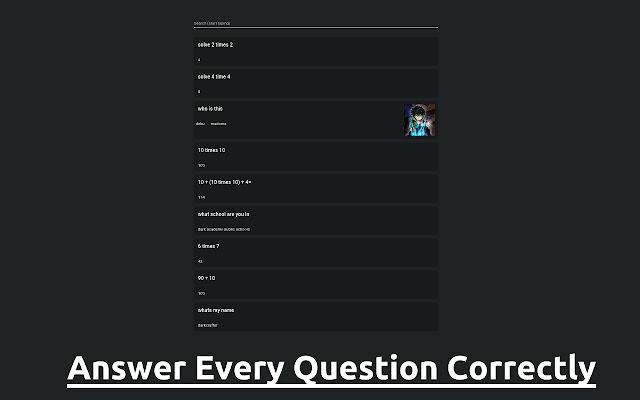
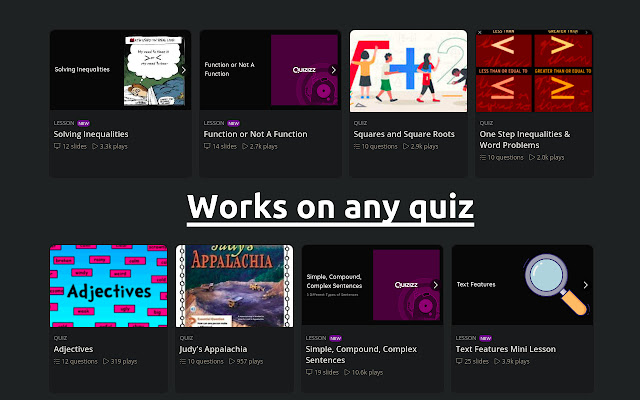
ดาวน์โหลดไฟล์ CRX ของส่วนขยาย Quizizz Rocks
ดาวน์โหลดไฟล์ส่วนขยาย Quizizz Rocks ในรูปแบบ crx และติดตั้งส่วนขยาย Chrome ด้วยตนเองในเบราว์เซอร์หรือแชร์ไฟล์ crx กับเพื่อนๆ เพื่อติดตั้งส่วนขยาย Chrome อย่างง่ายดาย
คำแนะนำในการใช้ส่วนขยาย
                        Rocks Network presents: The official Quizizz Rocks answer explorer. Just have this chrome extension installed, and when you join a quiz, just click the icon to get the answers in a nicely formatted UI. It works for any Quizizz game, whether that be a Quiz/Homework/Test. If any problems arise you can contact our very active support team at https://rocks.network/discord or through email at [email protected]. Similar cheat also accessible via game pin at https://quizizz.rocks/.

Quizizz is a creativity software company used in class, group works, pre-test review, exams, unit test, and impromptu tests. It allows students and teachers to be online at the same time. It uses a quiz-style teaching and learning method where a user answers questions in a series independently, and contends with other users on the same quiz.
ข้อมูลพื้นฐานของส่วนขยาย
| ชื่อ |  Quizizz Rocks Quizizz Rocks |
| ID | kmmibboliipddkiknfpkfnhblinocgog |
| URL อย่างเป็นทางการ | https://chrome.google.com/webstore/detail/quizizz-rocks/kmmibboliipddkiknfpkfnhblinocgog |
| คำอธิบาย | Automatically gets the answers for Quizizz games and opens them in a new tab |
| ขนาดไฟล์ | 13.53 KB |
| จำนวนการติดตั้ง | 100,000 |
| เวอร์ชันปัจจุบัน | 2.0.0 |
| อัปเดตครั้งล่าสุด | 2021-05-23 |
| วันที่เผยแพร่ | 2021-02-19 |
| คะแนน | 3.33/5 รวมทั้งหมด 169 คะแนน |
| ผู้พัฒนา | http://quizizz.rocks |
| อีเมล | [email protected] |
| ประเภทการชำระเงิน | free |
| URL หน้าช่วยเหลือ | https://rocks.network/discord |
| ภาษาที่รองรับ | en |
| manifest.json | |
{
    "update_url": "https:\/\/clients2.google.com\/service\/update2\/crx",
    "name": "Quizizz Rocks",
    "version": "2.0.0",
    "manifest_version": 2,
    "description": "Automatically gets the answers for Quizizz games and opens them in a new tab",
    "icons": {
        "16": "images\/16.png",
        "48": "images\/48.png",
        "128": "images\/128.png"
    },
    "background": {
        "scripts": [
            "background.js"
        ]
    },
    "permissions": [
        "activeTab"
    ],
    "browser_action": {
        "default_icon": "images\/16.png"
    }
} | |