Playlist
Create a playlist of webpages whether it is for music or videos or just to keep track of what you want to look at.
什麼是Playlist?
Playlist是由bluesh8dz開發的Chrome擴展程式,該擴展的主要功能是“Create a playlist of webpages whether it is for music or videos or just to keep track of what you want to look at.”。
擴展截圖
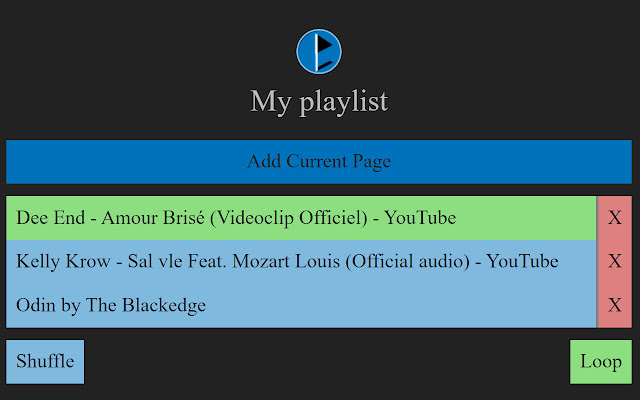

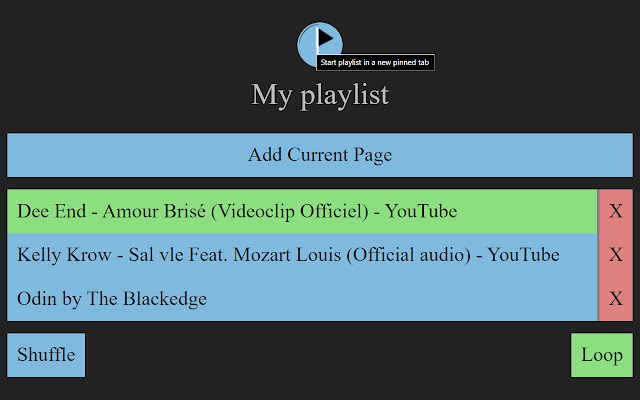
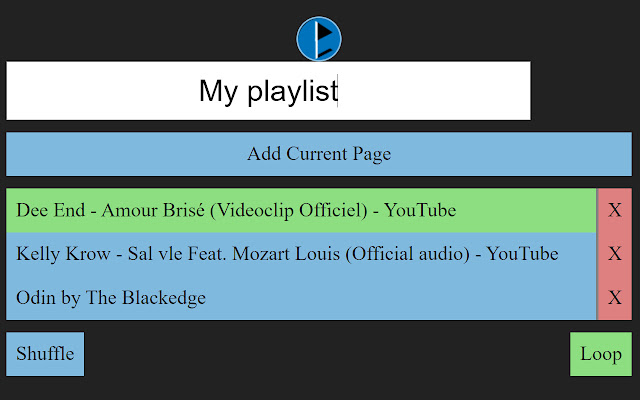
下載Playlist擴展crx文件
下載Playlist擴展crx格式的文件,手動將Chrome擴充功能安裝到瀏覽器中,也可以將crx文件分享給朋友,輕鬆安裝Chrome擴充功能。
擴展使用說明
                        This extension allows to create a playlist of pages. It will automatically go to the next page after a video or audio in the page has finished playing (working with Youtube™ and SoundCloud®).
It allows to do these following commands:

- Create a playlist of pages
- Add current active page to the playlist (Alt+A)
- Start playing the playlist in the current active tab by choosing a link in the list (Alt+S)
- Start playing the playlist in a new pinned tab by clicking on the logo (Alt+Shift+S)
- Choose to shuffle playlist play
- Choose to loop playlist play
- Reveal playlist in popup (Alt+R)
- Play/Pause the playlist (MediaPlayPause or Alt+S)
- Go to Next page (MediaNext)
- Go to previous page (MediaPrevious)

All these commands can be assigned to a custom shortcut.

Youtube™ is a trademark of Google Inc. Use of this trademark is subject to Google Permissions.
擴展基本資訊
| 名稱 |  Playlist Playlist |
| ID | cggmpffhgmghfncamcbijdgdplibbagn |
| 官方網址 | https://chrome.google.com/webstore/detail/cggmpffhgmghfncamcbijdgdplibbagn |
| 簡介 | Create a playlist of webpages whether it is for music or videos or just to keep track of what you want to look at. |
| 檔案大小 | 35.87 KB |
| 安裝次數 | 57 |
| 目前版本 | 0.0.8 |
| 更新時間 | 2020-03-18 |
| 上架時間 | 2020-03-17 |
| 開發者 | bluesh8dz |
| 電子郵箱 | [email protected] |
| 付費類型 | free |
| 支援的語言 | en |
| manifest.json | |
{
"update_url": "https:\/\/clients2.google.com\/service\/update2\/crx",
"name": "Playlist",
"short_name": "Playlist",
"version": "0.0.8",
"manifest_version": 2,
"description": "Create a playlist of webpages whether it is for music or videos or just to keep track of what you want to look at.",
"author": "Sh8dz",
"icons": {
"16": "icons\/PL16.png",
"48": "icons\/PL48.png",
"128": "icons\/PL128.png"
},
"browser_action": {
"default_title": "Playlist",
"default_popup": "popup\/index.html"
},
"background": {
"scripts": [
"src\/background.js"
]
},
"content_scripts": [
{
"matches": [
" | |