Yandex.Collections
Add images to your collections in just a couple of clicks and browse them wherever you want
什麼是Yandex.Collections?
Yandex.Collections是由https://yandex.ru開發的Chrome擴展程式,該擴展的主要功能是“Add images to your collections in just a couple of clicks and browse them wherever you want”。
擴展截圖
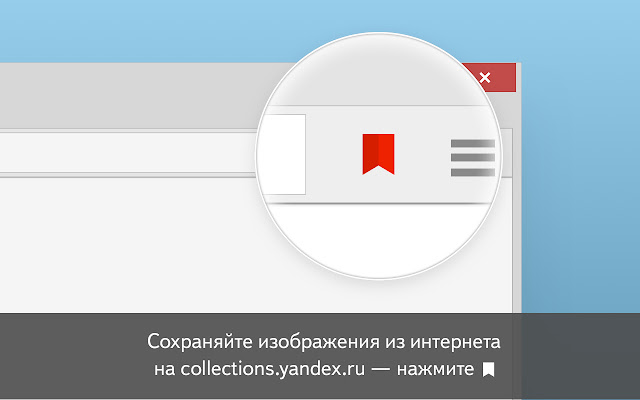


下載Yandex.Collections擴展crx文件
下載Yandex.Collections擴展crx格式的文件,手動將Chrome擴充功能安裝到瀏覽器中,也可以將crx文件分享給朋友,輕鬆安裝Chrome擴充功能。
擴展使用說明
Расширение поможет вам собирать свои находки в интернете — изображения, к которым хочется вернуться. Например, фотографии интерьеров и красивых мест, идеи для модных образов или просто красивые картинки. Добавляйте изображения в свои коллекции в два клика — они будут храниться на сайте collections.yandex.ru и никуда не пропадут. 擴展基本資訊
| 名稱 |  Yandex.Collections Yandex.Collections |
| ID | jioahohofgjigkjlbfggopegefbmfnma |
| 官方網址 | https://chrome.google.com/webstore/detail/%D1%8F%D0%BD%D0%B4%D0%B5%D0%BA%D1%81%D0%BA%D0%BE%D0%BB%D0%BB%D0%B5%D0%BA%D1%86%D0%B8%D0%B8/jioahohofgjigkjlbfggopegefbmfnma |
| 簡介 | Add images to your collections in just a couple of clicks and browse them wherever you want |
| 檔案大小 | 37.12 KB |
| 安裝次數 | 17,534 |
| 目前版本 | 2.0.0.1 |
| 更新時間 | 2021-01-25 |
| 上架時間 | 2019-08-03 |
| 評分 | 3.63/5 共 63 次評分 |
| 開發者 | https://yandex.ru |
| 電子郵箱 | [email protected] |
| 付費類型 | free |
| 擴展官網 | https://yandex.ru/collections |
| 說明頁面URL | https://yandex.ru/support/collections/ |
| 隱私政策頁面URL | https://yandex.ru/legal/confidential/index.html |
| 支援的語言 | en,ru |
| manifest.json | |
{
"update_url": "https:\/\/clients2.google.com\/service\/update2\/crx",
"name": "__MSG_name__",
"description": "__MSG_description__",
"version": "2.0.0.1",
"manifest_version": 2,
"default_locale": "ru",
"homepage_url": "https:\/\/yandex.ru\/collections\/",
"minimum_opera_version": "33.0",
"icons": {
"128": "images\/icon128.png",
"48": "images\/icon48.png",
"16": "images\/icon16.png"
},
"background": {
"scripts": [
"js\/background.js"
]
},
"browser_action": {
"default_icon": "images\/icon48-dark.png",
"default_title": "__MSG_button_add__"
},
"content_scripts": [
{
"matches": [
"http:\/\/*\/*",
"https:\/\/*\/*"
],
"js": [
"js\/content.js"
],
"all_frames": true
}
],
"options_ui": {
"page": "options\/options.html",
"chrome_style": true
},
"options_page": "options\/options.html",
"permissions": [
"contextMenus",
"storage",
" | |